
SUNMI D3 Pro GMS switch: Key takeaways
- SUNMI D3 Pro ships AOSP by default outside China. US and Canada deployments that need Play Store, Google Mobile Services, or Chrome-managed flows must run the GMS image switch on every unit.
- GMS switching is a 10-15 minute per-device flash. Rosper preflashes GMS at the warehouse for North American orders so operators do not need an in-house image flashing process – request GMS at order time.
- MDM stays vanilla on GMS. Once the GMS image is in place, Android Enterprise, Hexnode, Scalefusion, SOTI, and the SUNMI Partner Portal all manage D3 Pro fleets through the same APIs as a standard GMS device.
- AOSP is still the right choice for some integrators. If the deployment never touches Google services and runs only a custom POS app, AOSP gives faster boot, less background traffic, and zero Play Store update risk – decide before bulk procurement.
Table of contents
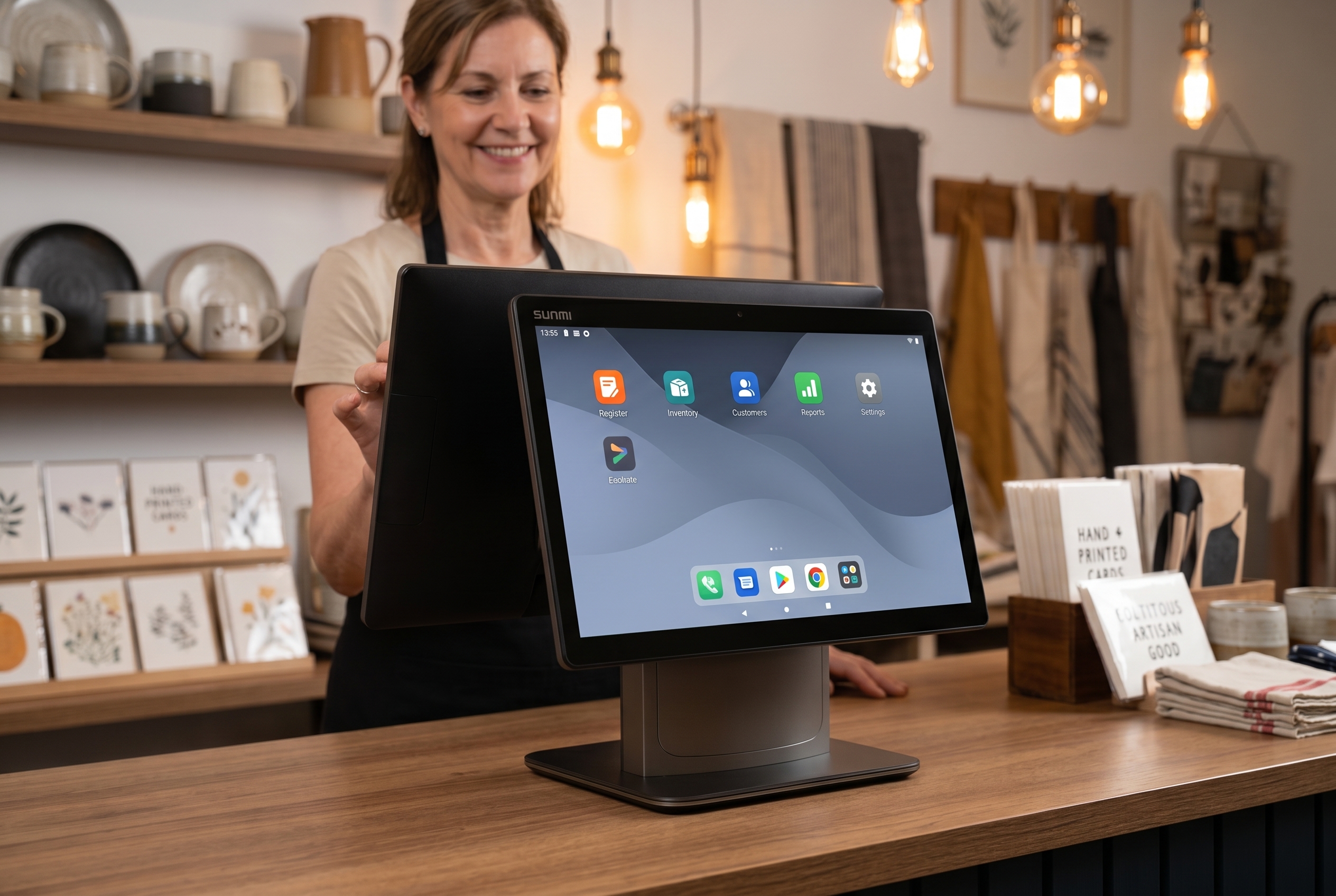
Short answer. The SUNMI D3 Pro AOSP-to-GMS switch is a 3-step process: request a GMS-built firmware image from Rosper (the authorized SUNMI distributor for the US and Canada), push it to the fleet through the SUNMI Partner Portal MDM or flash it locally via USB factory image, then complete an Android factory reset to activate Google Play services. Total time is 15-30 minutes per device when done over MDM, or about 10 minutes per device for a USB flash. Rosper also stocks pre-flashed GMS-ready D3 Pro units in its Maryland and Los Angeles warehouses for procurement teams who want zero-touch deployment.
The SUNMI D3 Pro GMS switch is the most important configuration step for any US or Canadian deployment. If you bought a SUNMI D3 Pro anywhere outside North America, there is a good chance it arrived running the AOSP build. That build works fine on a bench, but the moment you hand it to a merchant in Dallas or a franchise IT manager in Ontario and ask them to sign in to Google Play, you hit a wall. No Play Store. No Google Sign-In. No Firebase Cloud Messaging. For a North American deployment, AOSP is not a configuration choice, it is a blocker.
This guide walks through how to switch a SUNMI D3 Pro to the GMS build for US and Canadian deployment. It is written for ISVs, POS integrators, and IT managers who are running SUNMI D3 Pro fleets across the US and Canada border, and who need a clean, repeatable SOP rather than a forum thread. Rosper is the authorized SUNMI distributor for the US and Canada, and we stock GMS-flashed D3 Pro units in our Maryland and Los Angeles warehouses, so we see this conversion daily.
What the SUNMI D3 Pro GMS build is vs AOSP
AOSP is the Android Open Source Project, the bare Android operating system that Google publishes without any Google-branded services. GMS, Google Mobile Services, is the proprietary layer that Google licenses on top of AOSP. GMS is what turns a generic Android build into the Android that consumers in North America recognize: Google Play, Google Sign-In, Firebase, Google Maps, and the wider Play Services APIs.
SUNMI ships most international markets with an AOSP build because the SUNMI D3 Pro GMS version requires Google licensing because Google does not license GMS in every country, and because many SUNMI customers in Asia and the Middle East use the SUNMI App Store rather than Google Play. For North America, the opposite is true. Almost every production POS application, MDM agent, and consumer-facing app in the US and Canada depends on GMS components. Without GMS, your merchant cannot log in with a Google Workspace account, your app cannot receive push notifications through Firebase, and your maps integration falls back to a blank screen.
The practical rule: if you are deploying a SUNMI D3 Pro in the US or Canada, you want the GMS build. If the device arrived with AOSP, you need to switch it.
| Capability | SUNMI D3 Pro AOSP build | SUNMI D3 Pro GMS build |
|---|---|---|
| Google Play Store | Not available | Available |
| Google Mobile Services APIs | Not available | Available |
| Firebase Cloud Messaging push | Not available | Available |
| Google Sign-In and Workspace auth | Not available | Available |
| Android Enterprise (managed Google Play) | Not supported | Supported |
| Third-party app compatibility | Limited to APKs without GMS dependencies | Full compatibility with Play Store apps |
| MDM compatibility | SUNMI Partner Portal only | SUNMI Partner Portal + Android Enterprise EMM |
| Default in SUNMI shipping firmware | Default outside US and Canada | Optional; must request from Rosper for North America |
| Recommended for | Closed kiosk apps and single-purpose deployments | POS, retail, and any deployment that needs Google APIs |
Why D3 Pro GMS matters for North American businesses
The SUNMI D3 Pro GMS 15.6-inch desktop Android device with the horsepower to run a full-featured POS app alongside a customer display, loyalty, and a payment terminal SDK. Put it in a North American restaurant or retail store and the GMS layer unlocks several things your deployment almost certainly needs.
Google Play Store access lets merchants install the apps they already use for office productivity, payroll, inventory, or messaging. It also lets your POS app auto-update through Play if you publish there. Firebase Cloud Messaging and Google Push let your server push a price change, a menu update, or a new order to the device in real time, which is the backbone of most modern cloud POS architectures. Google Sign-In, OAuth, and Workspace authentication let a merchant or staff member sign in with the same Google account they use for email. Google Maps, Places, and Geocoding APIs let delivery and route planning apps function on the device. And Google Play Services is a hard dependency for many third-party SDKs, including several payment gateways and analytics libraries.
If any of those capabilities are in your roadmap, the SUNMI D3 Pro GMS build is the only viable path for your deployment.
Prerequisites before you switch
A clean GMS switch needs a handful of things ready before you start.
Check the firmware. The SUNMI D3 Pro GMS switching is supported on firmware versions that include the GMS package on firmware versions that include the GMS package. If your device is on an older AOSP-only firmware, you update the firmware first, then switch the build. Firmware version is visible in Settings, About device, Build number.
Check network access. The GMS package is large and downloads from SUNMI servers, and GMS itself validates against Google’s attestation endpoints after the switch. The device needs stable Wi-Fi, DNS that resolves Google domains, and outbound HTTPS to *.google.com, *.googleapis.com, and *.sunmi.com. If your site uses a captive portal or strict egress firewall, whitelist the relevant domains before starting.
Prepare tools. You need either the SUNMI MDM Partner Portal (the preferred path for fleet deployment) or the local Assistant tool on the device for one-off conversions. For MDM-driven switching, make sure the device is already bound to your Partner Portal account. If it is not, send the SN list via the Rosper contact form from your account-owner address so the Rosper team can coordinate binding before you run the switch.
Back up data. The GMS switch resets the device to factory state. Any locally stored POS data, cached credentials, or installed APKs are wiped. If the device is already in production, pull logs and export configuration. Re-image only during a scheduled maintenance window.
Step-by-step GMS switch guide
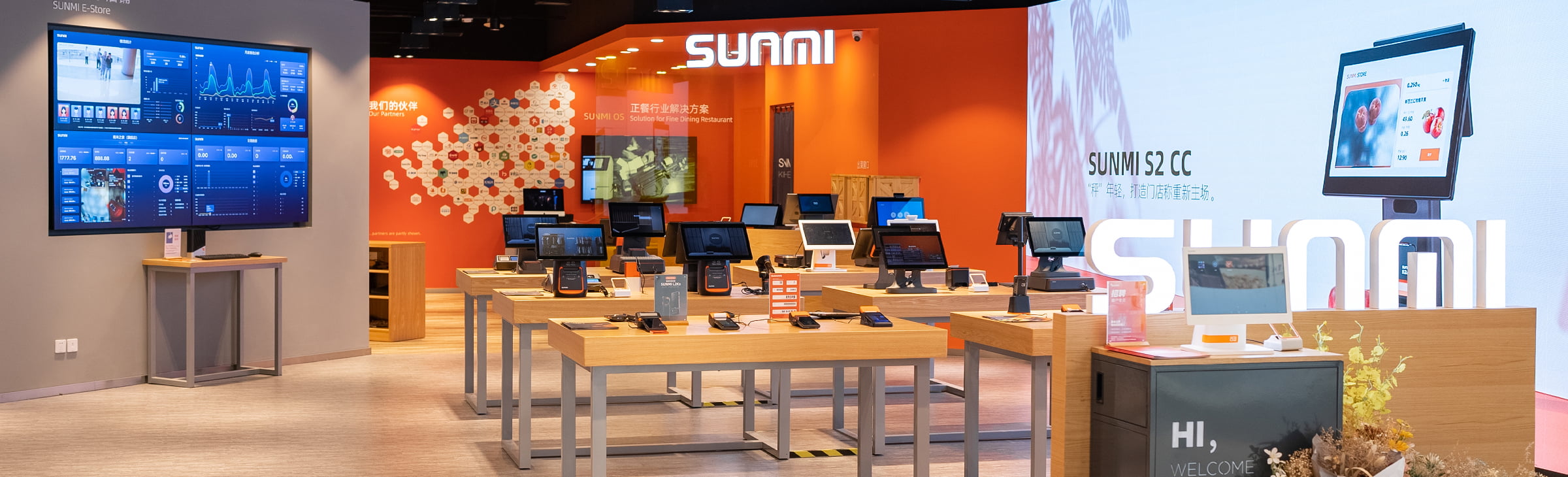
The path for most North American operators is to request the SUNMI D3 Pro GMS build from Rosper or SUNMI and apply it through the SUNMI MDM Partner Portal. Here is the sequence.
Bind the device to your Partner Portal account. Serial numbers bought through Rosper are bound to your account before shipment. If you received devices through another channel, initiate an inbound transfer so the D3 Pro units appear under your account.
Request the GMS firmware package. In the Partner Portal, navigate to ROM OTA, select the D3 Pro model, and check whether the GMS build is available. If it is not, contact Rosper support with the SN list. We will coordinate with SUNMI to publish the GMS build to your account. This step is the most common source of delay for first-time switches, so start it before your deployment window.
Create a ROM OTA task for the target devices. In the Partner Portal, select the D3 Pro units you want to switch, choose the GMS build, and schedule the upgrade. For a production fleet, schedule it during the merchant’s off hours using the Automatic Upgrade at Night setting. For a bench conversion, run it immediately.
Wait for the device to reboot and apply the build. The D3 Pro downloads the package, verifies the signature, writes the new partition, and reboots into GMS. Total time is typically 15 to 30 minutes per device depending on network speed.
Complete the GMS setup flow. After reboot, the SUNMI D3 Pro GMS boots into the standard Android setup wizard with Google account sign-in enabled. Connect to Wi-Fi, accept the Google terms, and either sign in with the merchant’s Google account or skip for later. At this point, the Play Store is available in the app drawer.
Reinstall production apps through the Partner Portal Auto Install flow or through Play. If you use SUNMI’s Gray Release to stage the rollout, target a single pilot device first, verify the Play Store opens, Firebase push works, and your POS app authenticates, then widen the rollout to the rest of the fleet.
Document the build version. Record the GMS firmware version you deployed for each site, because future ROM OTA releases from SUNMI may include security patches or Play Services updates that you want to track against a known baseline.
Common issues and troubleshooting
Play Store shows “Device not certified.” The SUNMI D3 Pro GMS is registered with Google’s device certification program, but a fresh GMS build sometimes takes several hours for the attestation to propagate. Wait up to 24 hours, reboot, and check again. If it persists, the device’s GMS package may have been interrupted during flashing, reapply the ROM OTA task.
Play Store signs in but apps fail to download. This is almost always a DNS or HTTPS egress issue. Verify the device can reach play.googleapis.com and android.clients.google.com. Corporate networks that MITM HTTPS traffic will block Play app downloads, whitelist the Google domains or use split tunneling for the POS network segment.
GMS switch fails midway and the device is stuck in recovery. This is rare but recoverable. Contact Rosper support with the SN, we coordinate with SUNMI to push a recovery package or, in the worst case, arrange a repair through the SUNMI US RMA flow.
Push notifications do not arrive after switching. Firebase Cloud Messaging requires the device to maintain an open HTTPS connection to mtalk.google.com on port 5228. Some enterprise networks block that port, which blocks all Firebase push on all Android devices, not just SUNMI. If your site’s network team blocks port 5228, push will not work regardless of the GMS build.
Kiosk mode stops working after the SUNMI D3 Pro GMS switch. GMS adds several background services and re-enables some OEM defaults. If your kiosk policy locked down a specific set of apps, re-apply the kiosk policy from the Partner Portal after the GMS switch so the allowed-app list is refreshed.
Cross-border considerations for US and Canada
Running a SUNMI D3 Pro GMS fleet across the US and Canada border surfaces a few operational differences that do not exist for a single-country deployment.
Network topology differs. US stores typically run on Verizon, AT&T, or Comcast Business Internet with straightforward egress. Canadian stores run on Bell, Rogers, Telus, or regional providers, and several Canadian ISPs use CGNAT by default, which can interfere with some Firebase persistent connections. If a Canadian site reports intermittent push delivery, the first diagnosis is whether the ISP uses CGNAT and whether port 5228 is reachable.
Google account policies differ for Workspace. A US Workspace domain and a Canadian Workspace domain are separate tenants, and cross-tenant Single Sign-On needs to be configured explicitly. If a single chain has stores in both countries, plan the Workspace identity model before you ship devices.
Firmware and Play Services versions should be kept aligned across both countries. We see operators accidentally deploy a slightly older GMS build in one country because the scheduling staggered the ROM OTA, and then spend a week chasing ghost bugs that were already fixed in the newer build. Stage the rollout, but do not let the build versions drift indefinitely between your US and Canadian fleet.
Shipping and RMA paths differ. Rosper ships from Maryland and Los Angeles to the US directly, and to Canadian customers through our Canada-friendly logistics. Most orders arrive in 2-7 business days across both countries. For RMA, the path differs by country, and we walk through that in a separate repair services guide.
How Rosper can help
Rosper is the authorized SUNMI distributor for the US and Canada. For the D3 Pro specifically, we stock SUNMI D3 Pro GMS units in our Maryland and Los Angeles warehouses, so if your deployment needs GMS devices on day one, you can order from us and skip the switch entirely. If your fleet is already deployed on AOSP and you need to convert in place, our support team coordinates the ROM OTA with SUNMI on your behalf, sets up your Partner Portal account if you do not have one, and walks through the Gray Release plan for a multi-store rollout.
We also hold GMS-specific stock for ISVs who need test devices pre-flashed to the same build their customers will see in production. Most orders arrive in 2-7 business days. Our support team is in the US, speaks fluent operator-English, and has walked through hundreds of D3 Pro deployments across the US and Canada. If your deployment is tight on time, contact our sales team or visit rospertech.com to get a quote on GMS-ready D3 Pro stock, MDM onboarding, and fleet GMS switch management.
FAQ
Can I switch a SUNMI D3 Pro from AOSP to GMS myself without Rosper or SUNMI support?
Yes, if the GMS build is already available for your Partner Portal account, you can schedule a ROM OTA task yourself. If the GMS build is not visible for your account, you need Rosper or SUNMI to publish it before you can deploy.
Does the GMS switch wipe the device?
Yes. The ROM OTA installs a new system partition and the device boots into the factory setup wizard. Back up any local data or configuration before you start.
Is the D3 Pro GMS build Play Protect certified?
Yes. The SUNMI D3 Pro GMS build is certified through Google’s device certification program, which means Play Store recognizes the device as a certified Android device and allows normal app installation.
How long does the GMS switch take per device?
Typically 15 to 30 minutes including download, flashing, and reboot into the setup wizard. Plan longer windows for slower store Wi-Fi or for multiple devices on the same upstream.
Can Rosper ship D3 Pro units that are already GMS-flashed?
Yes. Rosper stocks pre-flashed GMS D3 Pro units in Maryland and Los Angeles for US and Canadian deployment. Most orders arrive in 2-7 business days.