
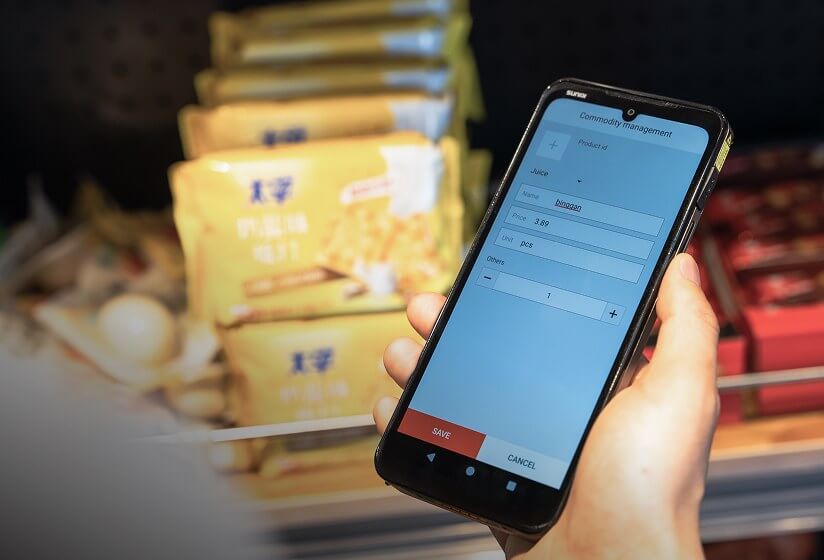
POS integration starts with the right hardware. Planning a SUNMI ISV integration for your POS software? If you develop POS software and want to run your platform on commercial-grade Android hardware, SUNMI devices are among the most widely deployed terminals globally. This guide walks ISV partners through the integration process, from initial SDK setup to production deployment in the US market.
Why ISVs choose SUNMI hardware for POS integration
Independent software vendors (ISVs) building POS, payment, or enterprise mobility applications need reliable hardware that their software can depend on across thousands of deployments. SUNMI has become a preferred hardware platform for ISVs for several practical reasons:
- Consistent Android platform. SUNMI OS is based on stock Android (currently Android 14) with Google Mobile Services. If your app runs on Android, it runs on SUNMI with minimal or no modification.
- Built-in peripheral access. Printers, scanners, NFC readers, and customer displays are integrated into the device. SUNMI provides a unified SDK to control all peripherals through a single API.
- Device management at scale. SUNMI’s cloud-based MDM (Mobile Device Management) platform lets you push app updates, configure settings, and monitor device health across your entire fleet remotely.
- Global deployment with local support. SUNMI devices are deployed in over 200 countries. In the US, authorized distributors like Rosper provide local inventory, warranty service, and deployment support.
SUNMI POS integration: step by step
Step 1: Choose your hardware
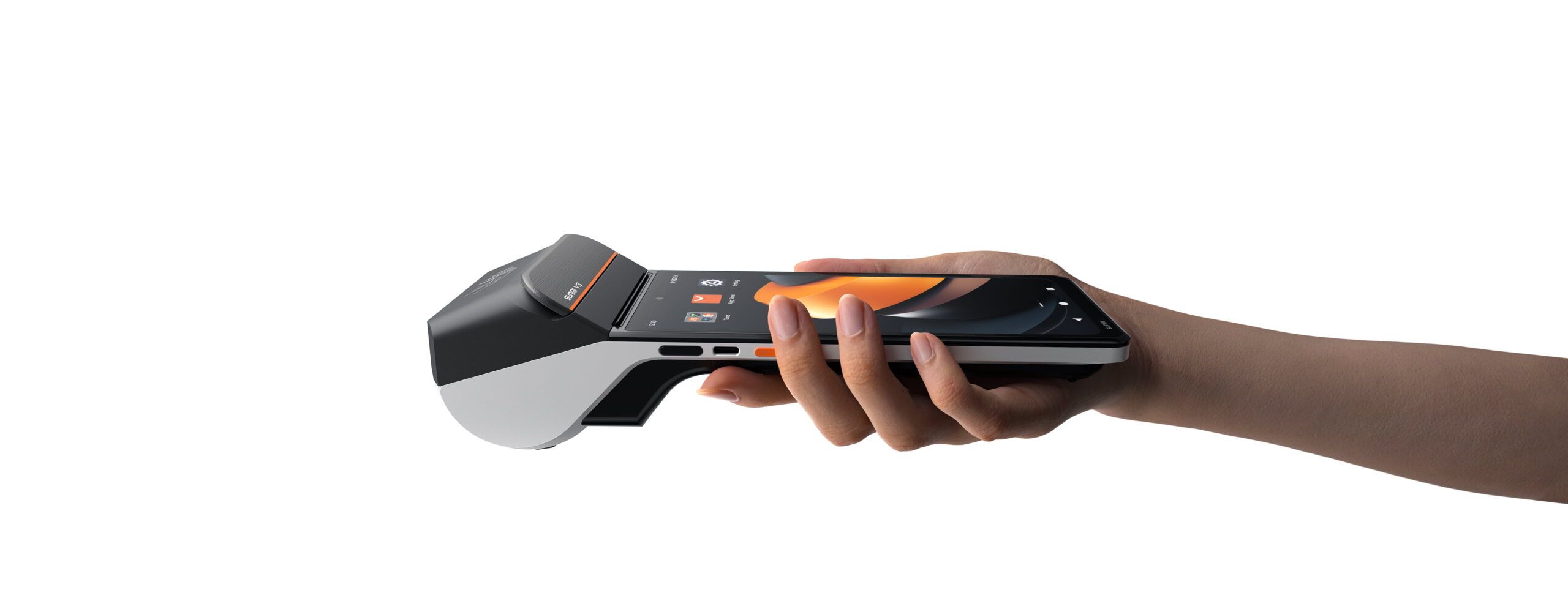
Select SUNMI devices based on your application requirements:
| Use Case | Recommended Device | Key Feature |
|---|---|---|
| Counter POS | T3 Pro, CPad 11″ | Large display; T3 Pro Max adds a built-in 80 mm thermal printer, while T3 Pro and CPad 11 pair with an external or cloud printer |
| Mobile POS | V3 Mix, CPad 8.7″ | Portable. V3 Mix has a built-in 80 mm thermal printer and 2D scanner; the CPad 8.7 Scanner SKU adds an SS1111 2D scanner, and a printing base accessory provides receipt output |
| Payment terminal | CPad Pay | Financial-grade NFC, PCI compliance |
| Kitchen display | D3 Pro | 15.6″ commercial display |
| Self-service kiosk | K3, CPad 14″ | Customer-facing, large screen |
| Handheld scanning | L2s Pro, L3 | Rugged, enterprise barcode scanner |
Step 2: Set up the development environment
- Get SUNMI developer documentation at developer.sunmi.com. Registration is free.
- Download the SUNMI SDK for your target peripherals (printer, scanner, NFC, customer display).
- Order development devices through Rosper to get the exact US-market hardware configuration you’ll deploy on.
Step 3: Integrate SUNMI peripherals
The SUNMI SDK provides straightforward APIs for common hardware interactions:
Printing receipts and tickets:
Use the SUNMI Printer SDK to format and print receipts, kitchen tickets, and labels. The SDK supports text formatting, barcodes, QR codes, images, and custom layouts.
Barcode and QR scanning:
The Scanner SDK handles both built-in scanners and camera-based scanning. You can trigger scans programmatically and receive decoded data through callbacks.
NFC and payment:
For SoftPOS-enabled devices (CPad Pay, CPad with NFC), the NFC SDK provides tap-to-read functionality for contactless cards and mobile wallets. Payment certification requirements vary by processor.
Customer-facing display:
Devices with dual screens (like the T3 Pro) support a secondary customer display through the SUNMI DSP SDK. Show order totals, promotional content, or payment status on the customer-facing screen.
Step 4: Test across device models
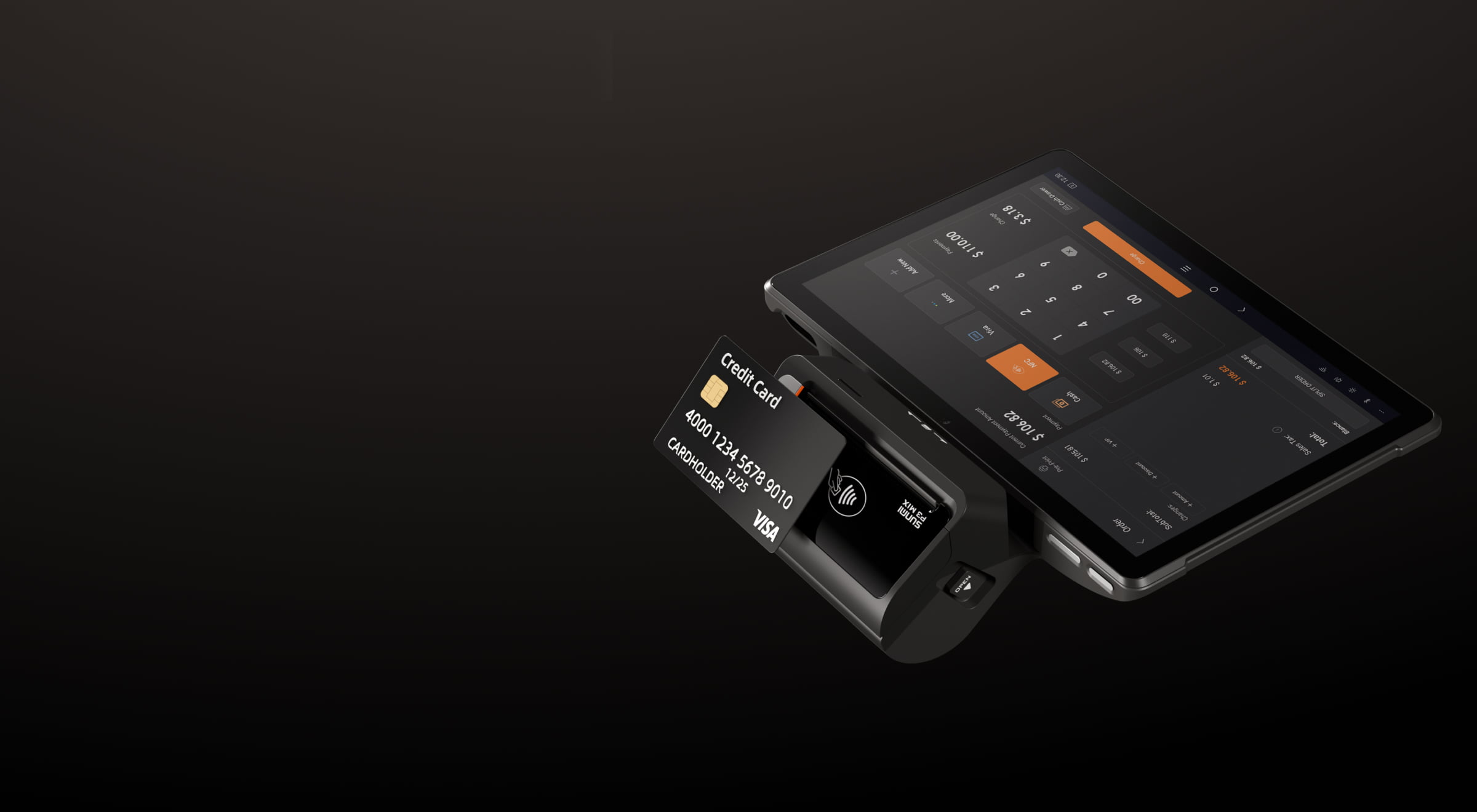
Test your integration on each SUNMI model you plan to support. Key areas to verify:
- Printer output quality and formatting across different printer widths
- Scanner performance with your specific barcode types
- Screen layout on different display sizes (8.7″, 11″, 14″, 15.6″)
- Battery performance on handheld devices during typical usage patterns
- Network behavior on Wi-Fi and cellular connections
Step 5: Configure MDM for fleet deployment
Before deploying to production, set up SUNMI’s cloud MDM:
- App distribution: Push your APK to all devices remotely
- Configuration management: Set Wi-Fi, printer settings, and app parameters by device group
- Monitoring: Track device health, battery levels, and connectivity status
- Remote troubleshooting: Access devices remotely for diagnostics
Rosper provides free MDM setup assistance for ISV partners deploying in the US market.
Step 6: Plan your US deployment
For ISV partners deploying SUNMI hardware to US clients:
- Inventory: Rosper stocks SUNMI devices at 8 warehouses across the US and Canada. Most orders arrive in 2–7 business days.
- Warranty: SUNMI hardware purchased through Rosper includes full manufacturer warranty with US-based support.
- Volume pricing: ISV partners deploying across multiple client locations can work with Rosper on volume pricing and staged rollout schedules.
- Technical support: Rosper’s team assists with hardware configuration, peripheral setup, and deployment planning.
Common POS integration questions

Do I need to modify my Android app to run on SUNMI devices?
For basic POS functionality, most Android apps run without modification. You only need SUNMI-specific SDK integration to access built-in peripherals (printer, scanner, NFC, secondary display). The rest of the Android platform behaves like standard AOSP.
Can I certify my payment application on SUNMI hardware?
Yes. SUNMI devices meet PCI and EMV certification requirements. The certification process depends on your payment processor and acquiring bank. SUNMI’s ISV team can provide guidance on the certification path for specific device models.
How do I handle different SUNMI hardware models in my app?
The SUNMI SDK includes device identification APIs that let your app detect which model it’s running on and adjust the UI or feature set accordingly. For example, you can enable printer functionality only on devices with built-in printers.
What support does SUNMI offer ISV partners?
SUNMI provides technical documentation, SDK support, device testing programs, and co-marketing opportunities through their ISV partner program. In the US, Rosper serves as the local ISV support contact for hardware procurement and deployment logistics.
How do I get SUNMI development devices in the US?
Contact Rosper to order development units. Rosper stocks all major SUNMI models and ships from 8 warehouses, with most orders arriving in 2–7 business days from domestic inventory.
Is there a minimum order quantity for ISV deployments?
No minimum order is required for initial development and pilot deployments. For production rollouts, Rosper works with ISV partners on volume pricing based on projected deployment scale.
Building your POS platform on SUNMI hardware gives your software a reliable, cost-effective foundation across counter, mobile, and self-service deployments. Rosper is the SUNMI authorized distributor for the US market, providing ISV partners with development hardware, volume pricing, free MDM setup, and local deployment support. Contact Rosper’s ISV team to discuss your hardware requirements and get started with development devices.
Need hardware for your integration? See how to choose restaurant POS hardware or buy SUNMI POS in the US through Rosper.