
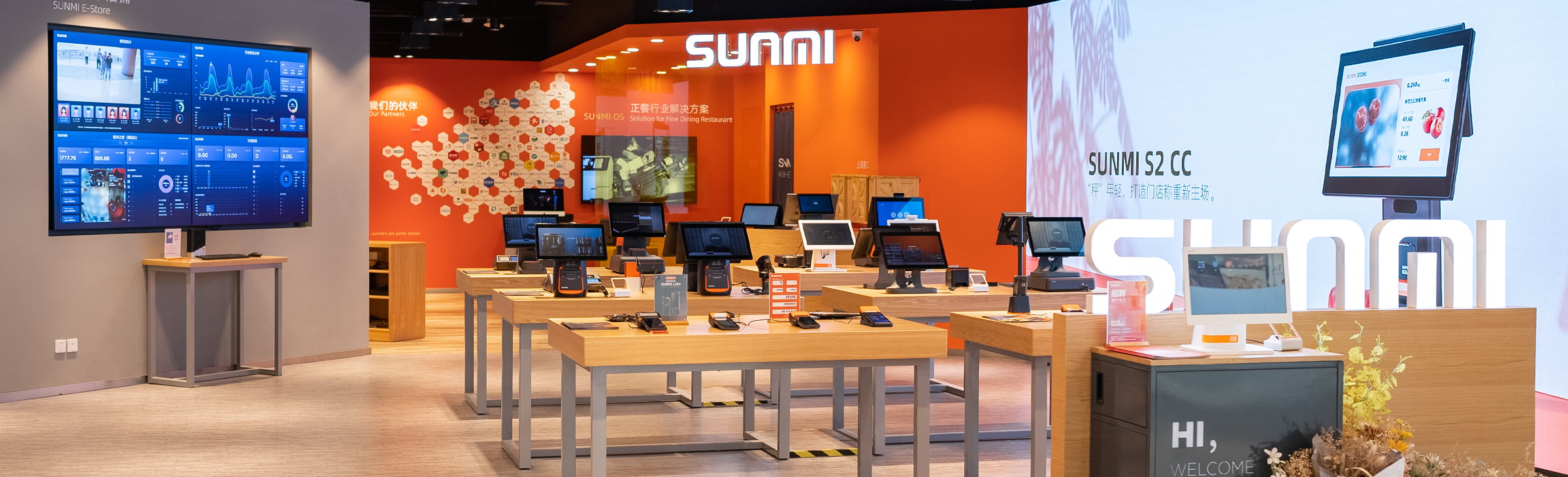
SUNMI devices not showing in your account is, in most cases, not a hardware fault. It is an account and registration question, and it moves quickly once we know which serial numbers should sit under which account. The devices work. They are simply not associated with the account your team is looking at.
This guide separates the four situations people land in, so you can tell us the right thing and get it fixed in one exchange instead of five.
Key takeaways
- This is rarely a hardware fault. A device that does not appear in your account is usually a registration question.
- The serial number is the key. Everything downstream depends on which account the SNs are registered under.
- Units bought through another channel are the most common cause. They can arrive registered elsewhere.
- Warranty is not lost while this is sorted out. Coverage runs from first activation, so an unopened unit is not burning through its term.
- Send us the model, the serial numbers and the account they should sit under, and we handle the rest.
Which of these four is you?
1. You have portal access, but the new devices are not in it
Your team can log in and see your existing fleet, but the units that just arrived are missing.
This is almost always a registration association question. The devices exist, the serial numbers are real, and they are sitting under a different account than the one you are viewing. That can happen when an order is placed under one entity and the portal is being viewed from another, or when a sub-account is involved.
Send us: the serial numbers and the account or sub-account you expect to see them in.
2. The devices came from a different supplier
You bought units elsewhere, or inherited them with a site, and now you want them under your own account alongside everything else.
This is a device transfer between accounts, not a fault. It is a normal operation, but it has to be initiated from the side that currently holds the registration.
Send us: the serial numbers, where they came from if you know, and the destination account. We will tell you what the transfer needs.
3. You do not have portal or platform access at all
You have hardware but no management access, and you are not sure what you were supposed to receive or how to request it.
This is an entitlement question rather than a device question. Which platforms are relevant depends on what you are doing with the fleet, so the useful first step is telling us what you need to be able to do.
Send us: what you are trying to manage, how many devices and how many locations.
4. A specific serial number will not import or cannot be found
Everything else works, but one SN is rejected or returns nothing.
Before escalating, rule out the boring causes. Confirm the number is being read from the correct label, that characters commonly misread are not transposed, and that the unit in your hand is the model you think it is. Peripherals such as printers often carry their own serial number, separate from the terminal they are attached to, and searching for one in the wrong place returns nothing.
Send us: the exact string you are entering, a photo of the label and the model.
SUNMI devices not showing: why this happens so often
Serial number registration sits at the seam between three parties: the manufacturer that built the unit, the distributor that shipped it and the business that will run it. Most deployments cross that seam once, at the beginning, and then never think about it again.
That is why it feels like a fault the first time. Everything else about a new terminal behaves the way you expect, and then one screen does not show what you were told it would.
It is also why it is quick to fix. There is a specific fact that needs correcting, not a defect that needs diagnosing.
Your warranty is not running out while you sort this
A common worry is that the units are sitting in a stockroom burning warranty while the account question is resolved. They are not.
SUNMI warranty runs from first activation, meaning the first time a unit is powered up and initialised. Devices that are never activated start their term automatically on the ninety-first day after manufacture, so the clock does not hang indefinitely either.
Third-generation SUNMI devices carry a three-year warranty. Rosper assists with warranty claims from within North America.
What to send us to resolve it in one exchange
The single biggest cause of a slow resolution is a first message that says “our devices are not showing up.” Include these and it moves in one exchange rather than five.
- Model and quantity.
- The serial numbers, pasted as text rather than described.
- The account they should sit under, and the account you are currently looking at if it is different.
- Where the units came from, if not from us.
- A screenshot of what you see, if a specific search or import is failing.
You do not need to open a manufacturer support ticket yourself. Rosper is the single window for this. If something genuinely needs the manufacturer, we escalate it and stay on it.
Once the devices are visible
Getting the units into the right account is step one. What you do with them afterwards, such as pushing applications across a fleet, setting a default startup application or locking a device to a single app, is covered in our guide to managing SUNMI devices at fleet scale.
Frequently asked questions
Why is my SUNMI serial number not showing in the portal?
Usually because the serial number is registered under a different account than the one you are viewing. The device is not faulty. Send the serial numbers and the account they should sit under and it can be corrected.
My SUNMI devices arrived but my team cannot see them. Is the hardware broken?
Almost certainly not. Devices missing from a management view is an account association issue rather than a hardware fault. Confirm the serial numbers and the intended account before treating it as a defect.
I bought SUNMI devices from another distributor. Can they be moved to my account?
Yes. Moving devices between accounts is a normal operation. It has to be initiated from the side currently holding the registration, so tell us the serial numbers and the destination account and we will confirm what the transfer needs.
Does my warranty run while the devices sit unregistered in a stockroom?
Warranty runs from first activation rather than from delivery. Units that are never activated begin their term on the ninety-first day after manufacture, so an unopened unit is not quietly consuming its coverage.
A printer serial number cannot be found. What should I check?
Peripherals usually carry their own serial number, separate from the terminal they connect to. Confirm you are searching for the peripheral’s own number, read from its own label, rather than the terminal’s.
Do I need to open a support ticket with the manufacturer?
No. Rosper is the single point of contact. Send us the details and we handle the manufacturer side, including escalation if it is needed.
How long does it take to fix?
It depends on which of the four situations applies and, for transfers, on the party currently holding the registration. In practice the longest part is usually gathering the serial numbers and confirming the intended account, not making the change itself.
Send us the serial numbers
Model, quantity, the serial numbers as text and the account they should sit under. We will take it from there.
Sources and verification Warranty commencement and coverage terms reflect SUNMI policy as coordinated by Rosper for the US and Canada, last reviewed August 2026. The situations described are drawn from recurring customer requests handled by Rosper support. Coverage varies by device and SKU and is confirmed on the applicable quote or claim.