

Retail POS hardware is one of the most important decisions a software company makes for their platforms. The right device can accelerate deployments, reduce support tickets, and improve merchant satisfaction. The wrong one can create compatibility headaches and slow down your go-to-market strategy.
Whether you build point-of-sale software for grocery stores, apparel shops, convenience stores, or specialty retail, selecting POS hardware that aligns with your software architecture and merchant needs is essential. This guide walks through the key evaluation criteria that retail software providers should consider.
Why hardware selection matters for software companies
For retail software providers, hardware is not just a peripheral. It is the physical touchpoint where your software meets the merchant every single day. A mismatch between your software and the hardware it runs on leads to poor performance, frustrated users, and higher churn rates.
The most successful retail software companies treat hardware selection as a strategic decision. They evaluate devices based on operating system compatibility, peripheral support, durability, fleet management capabilities, and total cost of ownership across their entire merchant base.
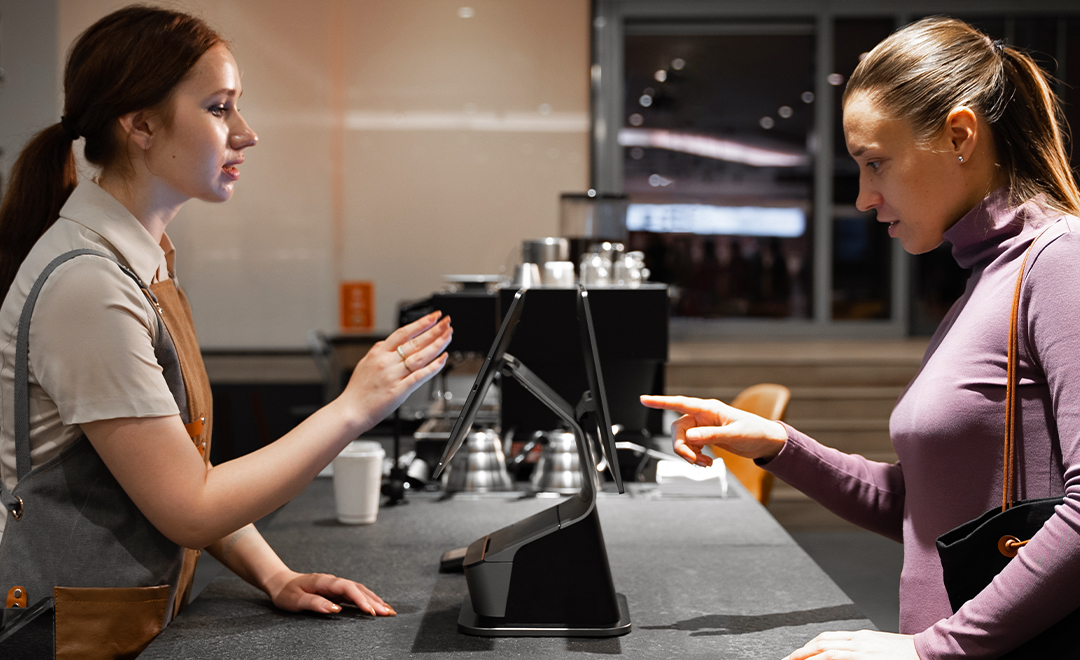
Open Android vs proprietary hardware platforms
The first major decision is choosing between open Android hardware and proprietary, locked platforms. This choice affects everything from development flexibility to long-term vendor dependency.
Open Android advantages for ISVs
Open Android POS terminals give software companies full control over their application experience. You can build, test, and deploy your app without hardware vendor restrictions. Android’s large developer ecosystem means faster development cycles and access to extensive libraries and tools.
Key benefits of open Android hardware include:
- Full SDK access for custom integrations
- Freedom to choose payment processors independently
- Standard Android development tools (Android Studio, ADB)
- Remote device management through MDM platforms
- Lower per-unit hardware costs compared to proprietary terminals
Risks of proprietary ecosystems
Proprietary POS hardware often locks software companies into a single vendor’s ecosystem. This means limited customization, mandatory revenue sharing on transactions, and restricted access to device-level features. If the hardware vendor changes pricing or policies, your entire merchant base is affected.
Key evaluation criteria for retail POS hardware
When evaluating POS devices for retail software deployment, consider these seven critical factors.
1. Display size and touchscreen quality
Retail environments demand clear, responsive displays. Countertop terminals typically need 14 to 15.6 inch screens for checkout workflows. Smaller 10 to 11 inch displays work well for customer-facing secondary screens or compact checkout lanes. Make sure the touchscreen supports multi-touch and responds accurately even with gloved or wet hands.
2. Peripheral and accessory support
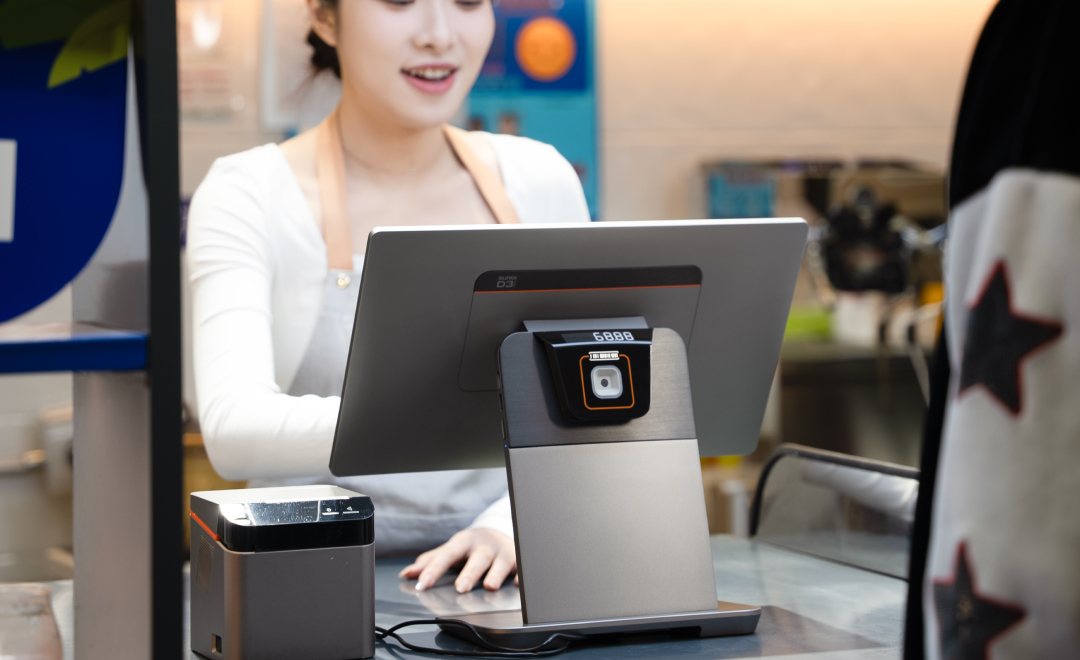
Retail operations rely heavily on peripherals. Your chosen hardware should support barcode scanners, cash drawers, receipt printers, scales, and customer displays. Check for USB, serial, and Bluetooth connectivity options. Devices with built-in printers and scanners reduce countertop clutter and simplify deployment.
3. Processing power and storage
Retail POS software often runs alongside inventory management, loyalty programs, and reporting modules. The device needs enough RAM (at least 3 to 4 GB) and storage (32 GB minimum) to handle concurrent operations smoothly. Look for recent processor architectures that support Android 13 or newer for long-term software compatibility.
4. Payment integration options
Modern retail demands omnichannel payment acceptance. Evaluate whether the hardware supports NFC for contactless payments (Apple Pay, Google Pay), chip card readers, magnetic stripe, and QR code scanning. Some terminals offer built-in payment processing capabilities through SoftPOS, eliminating the need for separate payment peripherals.
5. Fleet management and MDM
When deploying across hundreds or thousands of retail locations, remote device management becomes essential. Look for hardware manufacturers that offer built-in MDM solutions. This allows you to push software updates, configure device settings, monitor health status, and troubleshoot issues remotely without dispatching technicians.
6. Build quality and durability
Retail environments can be demanding. Devices need to withstand daily use over multiple years. Check for commercial-grade construction, spill resistance, and thermal management. The device should operate reliably in environments with temperature fluctuations, dust, and occasional bumps. A 3-year manufacturer warranty is a good baseline indicator of build confidence.
7. Total cost of ownership
Hardware cost is more than the purchase price. Factor in deployment costs, peripheral expenses, warranty coverage, replacement rates, and ongoing MDM fees. Open Android terminals from established manufacturers often deliver the best total cost of ownership because they combine competitive pricing with low maintenance overhead and long device lifecycles.
Matching hardware to retail formats
Different retail formats have different hardware needs. Here is a quick breakdown.
Grocery and supermarket
High transaction volume environments need fast, reliable countertop terminals with integrated scanners. Self-checkout kiosks are increasingly common for express lanes. Kitchen or deli sections may need separate order management displays.
Apparel and specialty retail
Clothing and specialty stores benefit from sleek, customer-facing terminals that enhance the brand experience. Mobile POS devices allow staff to check out customers anywhere on the floor, reducing wait times and improving the shopping experience.
Convenience stores
Speed is everything in convenience retail. Compact desktop terminals with built-in printers and scanners keep checkout fast. Lottery integration, age verification, and tobacco compliance features are common requirements that your hardware needs to support.

Deployment and scaling considerations
Software companies rolling out across multiple retail locations need a hardware partner that can support scale. Key questions to ask your hardware supplier:
- Can they maintain consistent inventory for large-volume orders?
- Do they offer pre-configuration services before shipping?
- What is the lead time from order to delivery?
- Do they support direct shipping to individual store locations?
- Is there a dedicated account manager for enterprise rollouts?
Working with an authorized distributor that keeps inventory in local warehouses significantly reduces deployment timelines. In the US market, having devices ship from domestic warehouses means most orders arrive in 2 to 7 business days rather than weeks from overseas.
Frequently asked questions
What operating system is best for retail POS hardware?
Android is the most widely adopted operating system for modern retail POS terminals. It offers open development environments, extensive app ecosystems, and lower licensing costs compared to proprietary alternatives. Most major retail software platforms support Android-based POS devices.
How many POS terminals does a typical retail store need?
Most single-location retail stores need one to three countertop POS terminals depending on checkout volume. High-traffic stores may also need self-checkout kiosks, mobile POS devices for floor staff, and a back-office management terminal. Multi-location chains should plan for consistent hardware across all stores.
Can retail POS hardware work with multiple software platforms?
Yes. Open Android POS terminals can run any compatible Android application. This means retailers can switch software providers without replacing hardware. This flexibility is one of the biggest advantages of choosing open-platform devices over proprietary locked terminals.
What warranty should retail POS hardware come with?
A 3-year manufacturer warranty is the industry standard for commercial-grade POS hardware. This covers hardware defects and ensures the device is supported throughout its expected lifecycle. Some manufacturers also offer extended warranty options for mission-critical deployments.
How do I manage POS devices across multiple retail locations?
Mobile Device Management (MDM) platforms allow you to remotely configure, update, and monitor POS terminals across all locations from a single dashboard. Look for hardware that includes free MDM access, which can save significant operational costs at scale.
What is SoftPOS and does it work on retail POS terminals?
SoftPOS turns an Android device with NFC capability into a payment terminal. It allows merchants to accept contactless card payments (tap-to-pay, Apple Pay, Google Pay) directly on the POS device without separate payment hardware. Many modern Android POS terminals support SoftPOS technology.
Choosing the right hardware partner
For retail software companies evaluating POS hardware options in the United States and Canada, working with an authorized distributor simplifies procurement and support. Rosper is the official SUNMI distributor in North America, stocking the full range of Android POS terminals, kiosks, handhelds, and accessories across 8 warehouses in the US and Canada. Most orders arrive in 2 to 7 business days.
Every SUNMI device purchased through Rosper includes the official 3-year manufacturer warranty and free MDM device management. Whether you need a handful of demo units or a fleet rollout across hundreds of locations, requesting a quote is a good starting point to discuss your specific hardware requirements.
For more context on hardware requirements, see our guide on restaurant POS hardware and how to configure hardware for different service styles.