
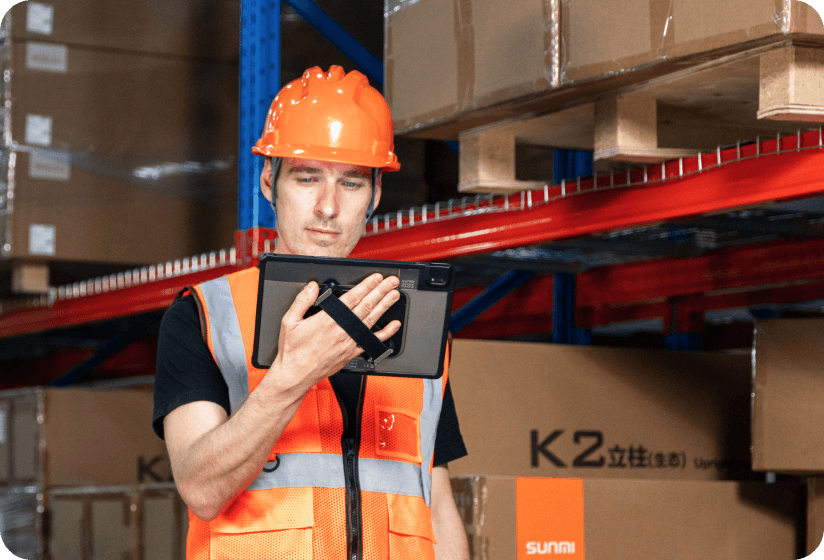
Logistics and warehousing operations move fast. Whether it’s receiving inventory, picking orders, managing shipping labels, or tracking assets across multiple facilities, the logistics POS hardware your team relies on needs to keep up. Slow devices, unreliable scanners, and outdated terminals create bottlenecks that cost real money.
This guide covers what to look for in logistics POS hardware, how Android smart terminals are replacing expensive legacy devices, and which configurations work best for common warehouse workflows.
Why logistics companies are switching to Android smart terminals
Traditional warehouse hardware, including legacy rugged handhelds running proprietary operating systems, has long dominated logistics. These devices work, but they come with significant drawbacks: closed ecosystems, high per-unit price tags, expensive repair programs, and limited app compatibility.
Android-based commercial terminals offer a compelling alternative:
- Lower cost per device: enterprise-grade Android terminals cost 40–60% less than traditional rugged handhelds
- Familiar interface: workers already know Android, reducing training time
- Open app ecosystem: run any Android logistics app, WMS client, or custom software
- Built-in features: many models include barcode scanners, NFC, thermal printers, and cameras in a single device
- Cloud management: remote device management, OTA updates, and fleet monitoring
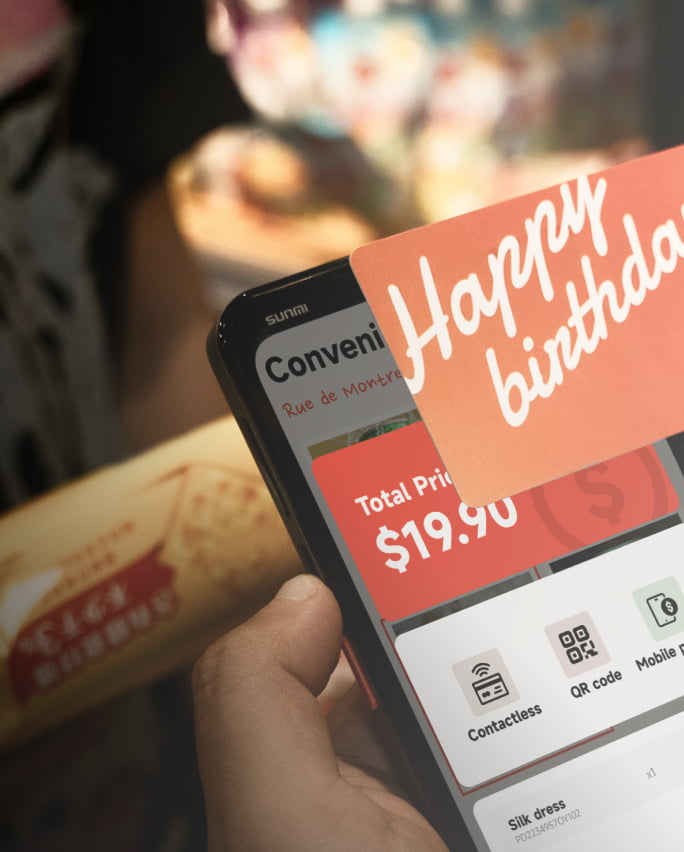
Key logistics POS hardware requirements for warehouse operations
Not every piece of logistics POS hardware works in a warehouse. Logistics environments demand specific hardware capabilities that consumer devices simply can’t deliver.
1. Barcode scanning performance
Your device needs to scan 1D and 2D barcodes quickly and accurately, including damaged labels, curved surfaces, and low-light conditions. Look for devices with dedicated hardware scanners (not just camera-based scanning) for reliable high-speed scanning.
2. Battery life for full shifts
Warehouse workers need devices that last an entire 8–12 hour shift without mid-shift charging. A 5,000+ mAh battery is the minimum. Hot-swappable batteries are ideal for 24/7 operations.
3. Durability and drop resistance
Warehouses are harsh environments. Devices get dropped on concrete floors, exposed to dust, and used in temperature extremes. Look for IP-rated devices (IP54 or higher) with tested drop resistance from at least 1.2 meters.

4. Built-in printing
For shipping label generation, inventory tagging, and receipt printing, having a thermal printer built into the handheld eliminates the need to walk to a separate printer station, saving minutes per task that add up to hours across a shift.
5. Connectivity options
Large warehouses need devices with strong Wi-Fi reception (dual-band 802.11ac minimum). For field logistics and delivery operations, 4G/LTE connectivity ensures your team stays connected outside Wi-Fi range.
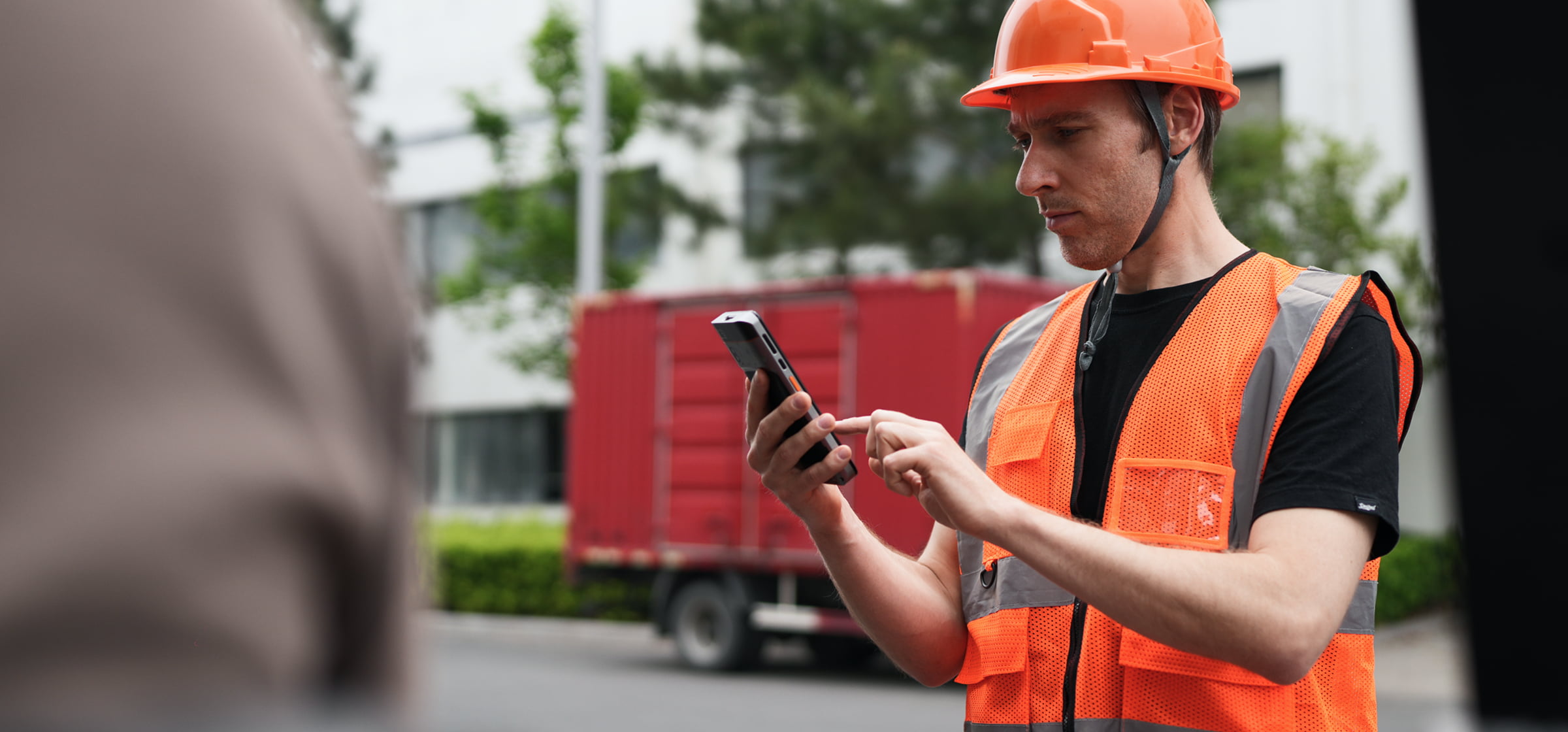
Best logistics POS hardware configurations by workflow
Different warehouse roles need different logistics POS hardware configurations. Here’s what works best for the most common workflows:
Receiving and inventory counts
Recommended: Handheld with scanner + large display
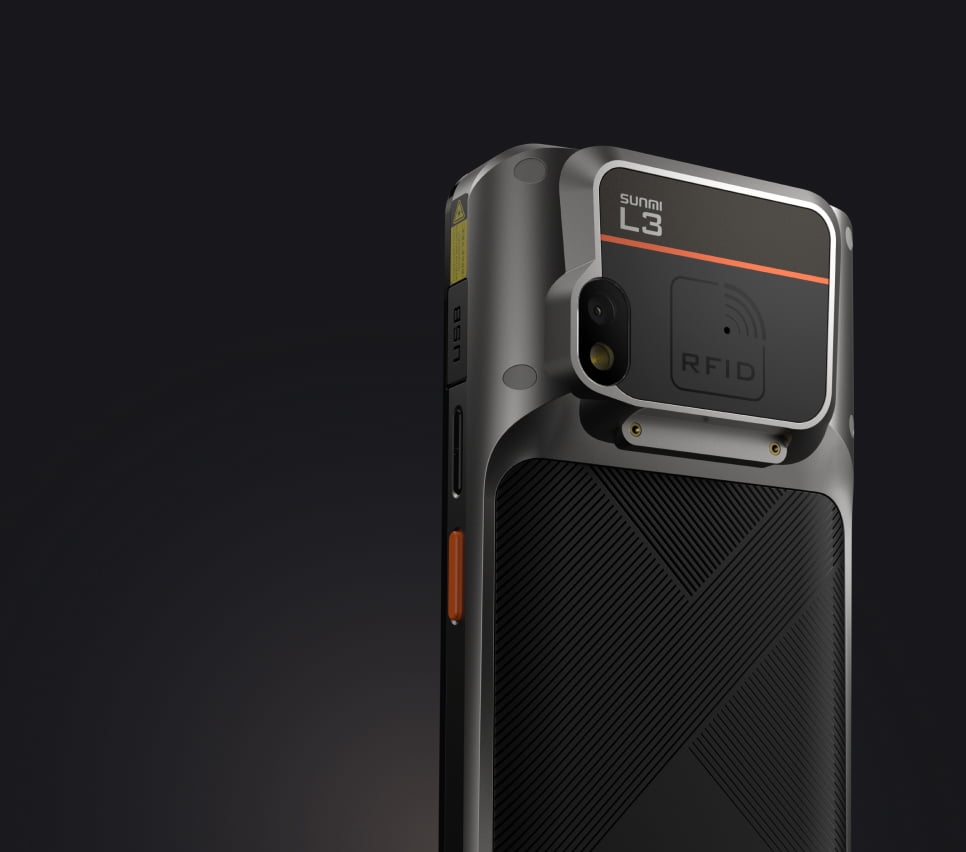
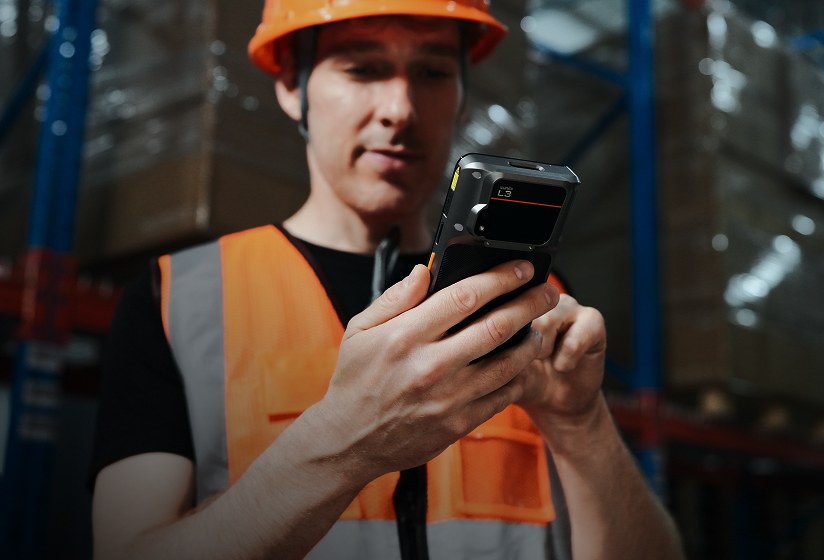
Receiving clerks need to scan incoming shipments quickly while viewing PO details and quantity counts. A 5.5″+ display with a built-in barcode scanner is ideal. The SUNMI L2s series is designed specifically for this use case: rugged, fast scanning, and all-day battery life.
Order picking and packing
Recommended: Compact handheld with scanner
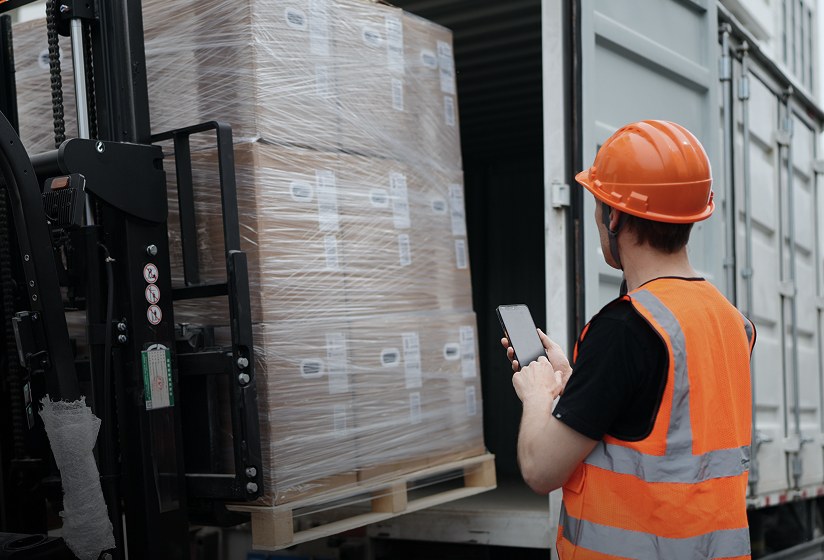
Pickers need a lightweight device they can operate with one hand while reaching for products with the other. Speed matters because every second saved per pick multiplies across thousands of picks per day. A device with a hardware trigger button for scanning is faster than touchscreen-based scan activation.
Shipping and label generation
Recommended: Handheld with built-in printer
Shipping stations benefit from all-in-one devices that scan packages and immediately print shipping labels without a separate label printer needed. The SUNMI V3 MIX with its built-in 80mm thermal printer handles this workflow seamlessly, printing labels right at the packing station.

Delivery and last-mile logistics
Recommended: Handheld with printer + 4G + camera
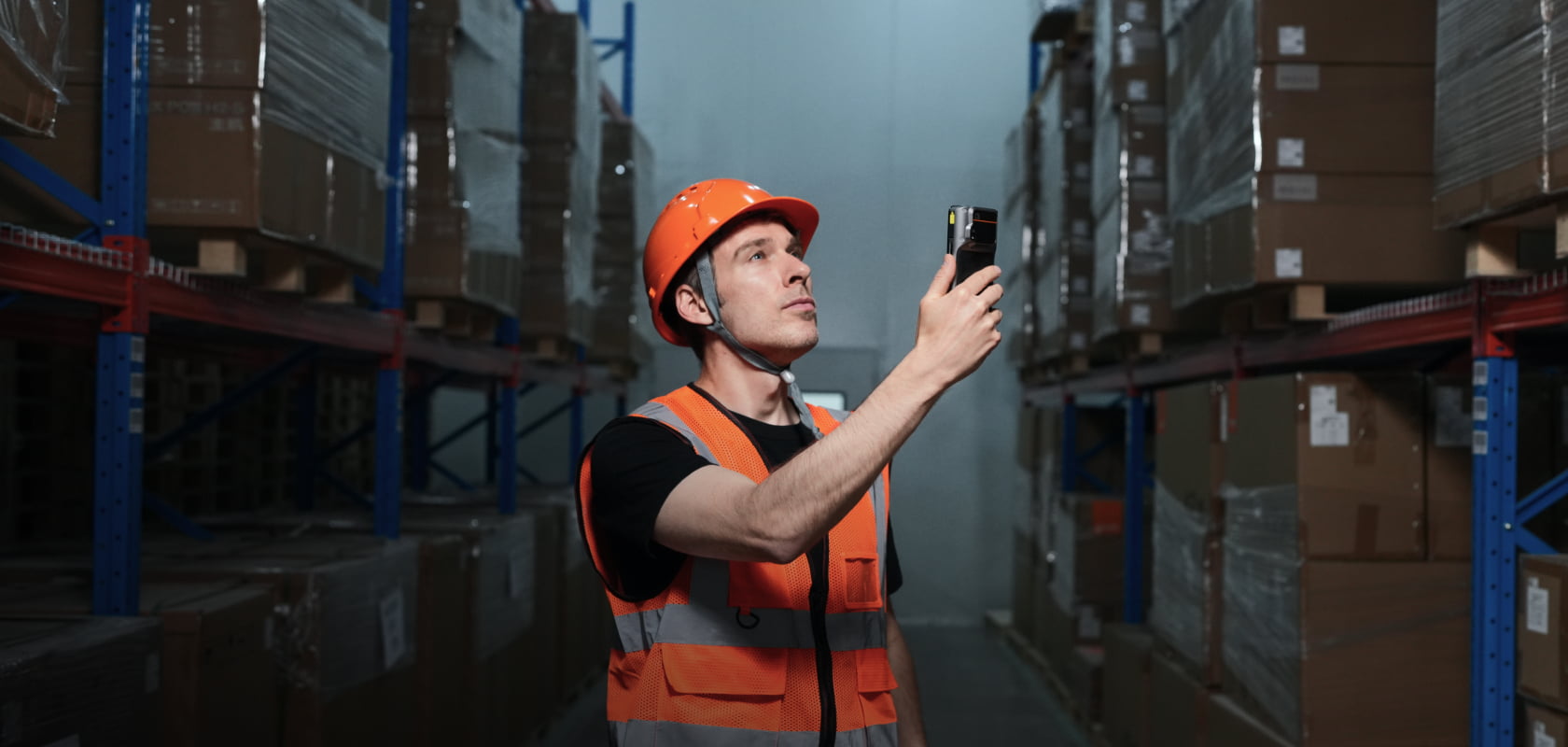
Delivery drivers need to capture proof of delivery (photos), collect signatures, print receipts, and process payments, all from a single device with cellular connectivity. SUNMI’s V series handhelds with built-in printers are widely used in last-mile delivery operations across the US.
Warehouse management station
Recommended: Desktop terminal or tablet
Supervisors and warehouse managers need a fixed station for monitoring operations, reviewing reports, and managing exceptions. A desktop terminal like the SUNMI T3 Pro or a tablet like the SUNMI CPad (see our business tablet guide) (11″ or 14″) provides the screen real estate needed for WMS dashboards while maintaining the Android compatibility of the rest of your fleet.

Total cost comparison: Android terminals vs legacy devices
For a fleet of 50 devices, the total cost difference is significant:
| Cost Factor | Traditional Rugged Handheld | Android Smart Terminal (e.g. SUNMI) |
|---|---|---|
| Device cost (per unit) | Higher | Lower |
| Annual software licensing | Paid per device | Free (Android + SUNMI SBS) |
| MDM platform | Paid subscription | Free (SUNMI SBS included) |
| Training time | 2–4 days (proprietary OS) | 0.5–1 day (familiar Android) |
| Replacement turnaround | 1–3 weeks | 2–7 days (US inventory) |
Over a 3-year device lifecycle, the savings from switching to Android smart terminals can reach 50–70% without sacrificing the enterprise-grade durability and features that logistics operations require. For food service operations, see our restaurant POS hardware guide.

Frequently asked questions
Are Android terminals durable enough for warehouse use?
Yes. Enterprise-grade Android terminals like the SUNMI L2s and V3 series are built for commercial environments with drop resistance, IP ratings for dust and water protection, and industrial-grade components. They’re designed for the same demanding conditions as traditional rugged handhelds.
Can Android terminals integrate with our existing WMS?
Most modern warehouse management systems (WMS) offer Android apps or web-based interfaces that work on any Android device. Major enterprise WMS platforms and cloud-based WMS solutions are fully compatible with Android smart terminals, so your existing software stack likely works out of the box.
How do I manage a fleet of devices across multiple warehouses?
SUNMI’s cloud-based SBS (SUNMI Business System) platform lets you manage all devices remotely: push app updates, monitor device health, configure settings, and track locations from a single dashboard. This is included free with every SUNMI device purchased through an authorized distributor.
What’s the typical battery life for warehouse handhelds?
SUNMI enterprise handhelds typically last 8–12 hours of continuous use on a single charge, depending on scanning frequency and display brightness. For 24/7 operations, having charging cradles at shift changeover points ensures devices are always ready.
How fast can we deploy across multiple locations?
With pre-configured devices from a US-based distributor, deployment can be rapid. Most orders arrive in 2–7 business days from domestic inventory, and remote MDM setup means you can configure and push your apps to all devices before they arrive at each location.
Do Android terminals support enterprise barcode scanning?
Enterprise Android terminals like SUNMI’s L2s series feature dedicated hardware barcode scanners (not just camera-based scanning) capable of reading 1D and 2D barcodes at high speed, including damaged or poorly printed labels. Scanning performance matches or exceeds what you’d expect from traditional rugged enterprise handhelds.
If you’re evaluating Android terminals for your logistics operation, having a hardware partner who understands warehouse workflows makes the transition much smoother. Rosper works with logistics companies across the US as a SUNMI authorized distributor, helping teams select the right device configuration for each role, from compact scanners for pickers to all-in-one printer handhelds for shipping stations. With inventory across 8 warehouses across the US & Canada, Most orders arrive in 2–7 business days, and their team handles MDM setup so your fleet is pre-configured before units reach each warehouse location.
For multi-site deployments, they also help with staged rollout planning so you can pilot at one facility and scale with confidence. Get in touch with Rosper’s team to match the right hardware to your warehouse workflows.