
Category: About SUNMI Products
-
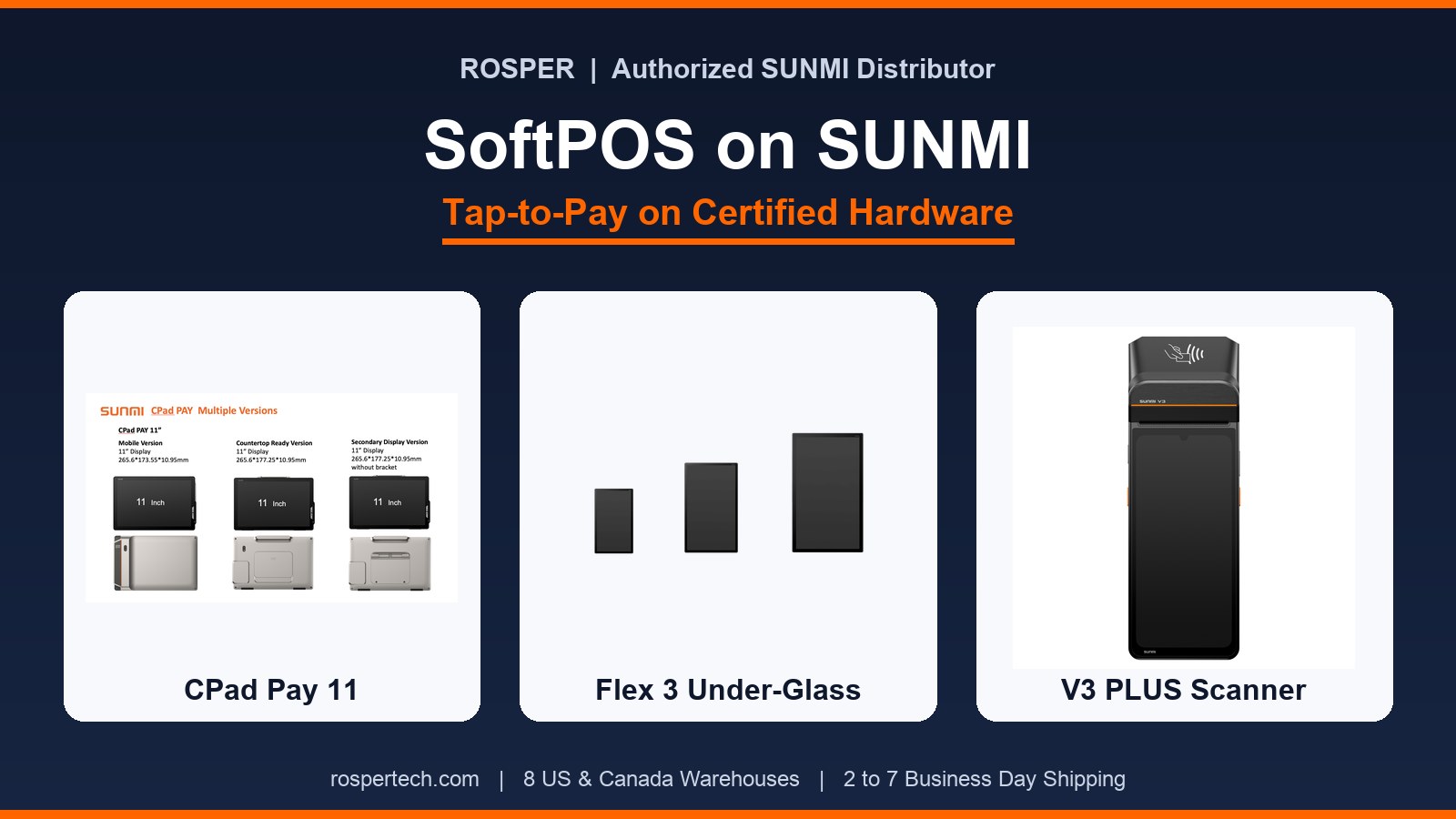
What Is SoftPOS and Which SUNMI Devices Support Tap-to-Pay
What SoftPOS is, how Tap-on-Glass and PIN-on-Glass work, and which SUNMI devices (CPad Pay, Flex 3, V3 PLUS, V3 MIX, D3 Pro) support tap-to-pay in North America.
-

Best SUNMI POS Hardware for Retail Stores: 2026 Station-by-Station Guide
The 2026 guide to SUNMI POS hardware for retail stores: D3 Pro and CPad registers, K2 kiosk, V2s and P3H handhelds, L3 rugged scanner, and ESL labels.
-
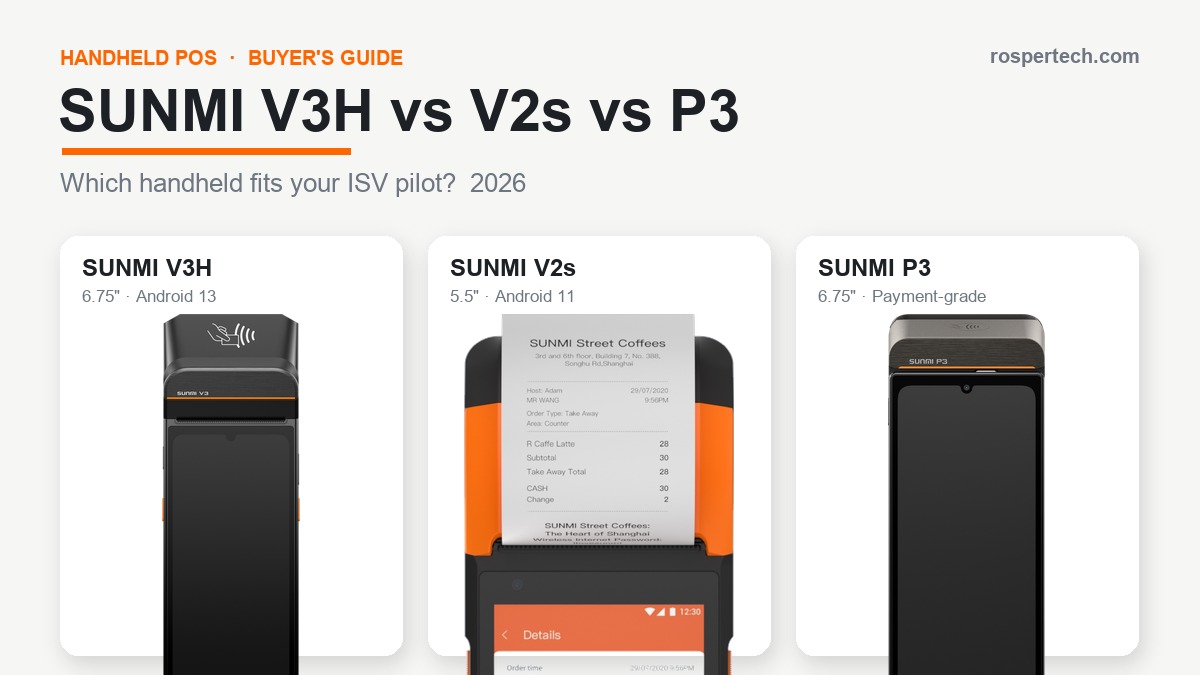
SUNMI V3H vs V2s vs P3: Handheld POS Compared for ISV Pilots (2026)
A side-by-side comparison of the SUNMI V3H, V2s, and P3 handheld POS terminals: durability, printing, screen size, and how ISVs should choose in 2026.
-
Android POS Hardware Sourcing Benchmarks: A Data-Driven Procurement Guide for ISVs (2026)
A data-driven procurement framework for ISVs sourcing Android POS hardware: lead times, warranty, certifications, and TCO benchmarks for the US and Canada.
-
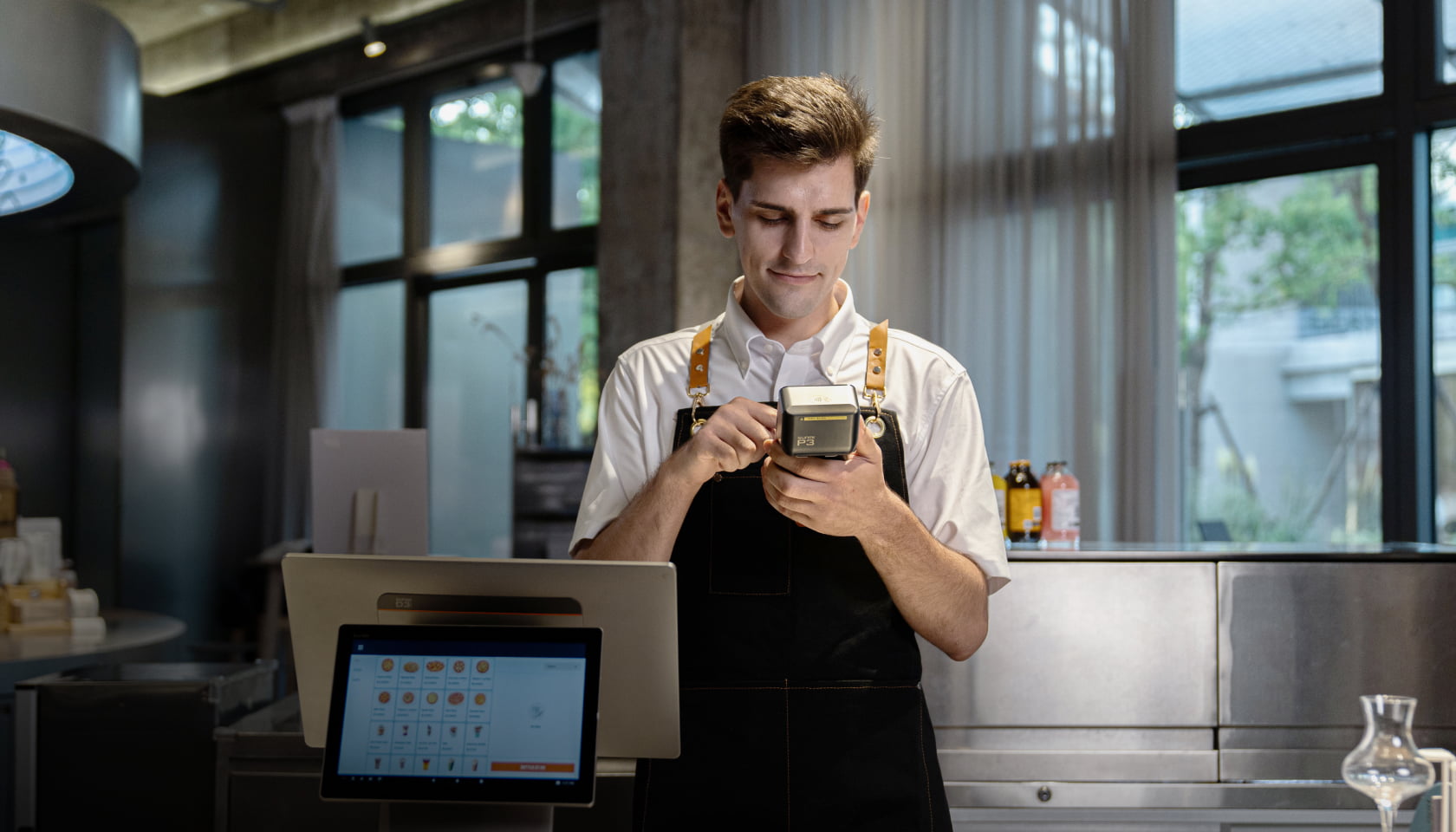
Tap-to-Pay on Android POS: How ISVs Add Contactless Payments Without a Separate Card Reader (2026)
Tap-to-pay on Android POS lets ISVs accept contactless cards and wallets with no reader. See how SUNMI CPad Pay and Flex 3 add certified tap-to-pay in 2026.
-
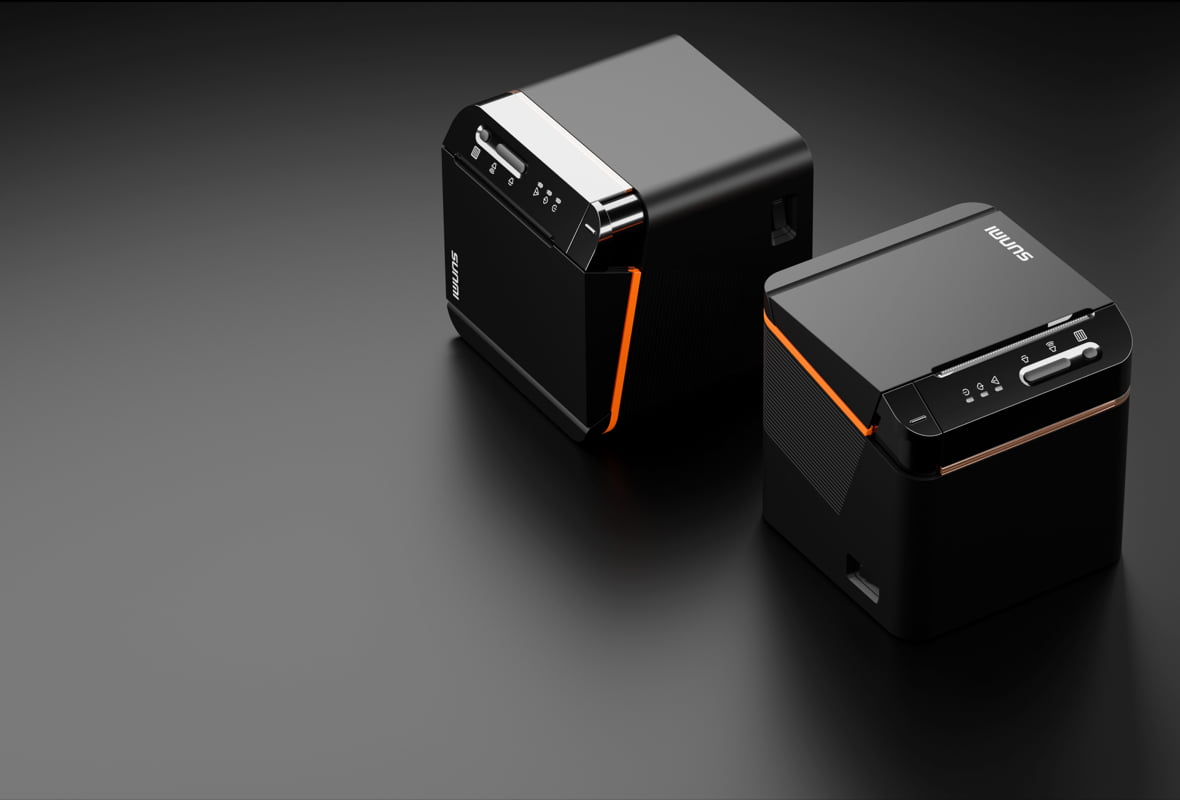
Best POS Terminal with Built-in Printer for Small Restaurants: 2026 Buyers Guide
Picking a POS terminal with built-in printer for a small restaurant? Compare SUNMI V3 Mix, T3 Pro Max, and D3 Mini on print speed and footprint for 2026.
-

Hotel Front Desk POS Hardware: Guest Check-In and Folio Payments (2026)
How to choose hotel front desk POS hardware for guest check-in, folio payments, and incidental holds in the US and Canada. A 2026 buyer’s guide.
-
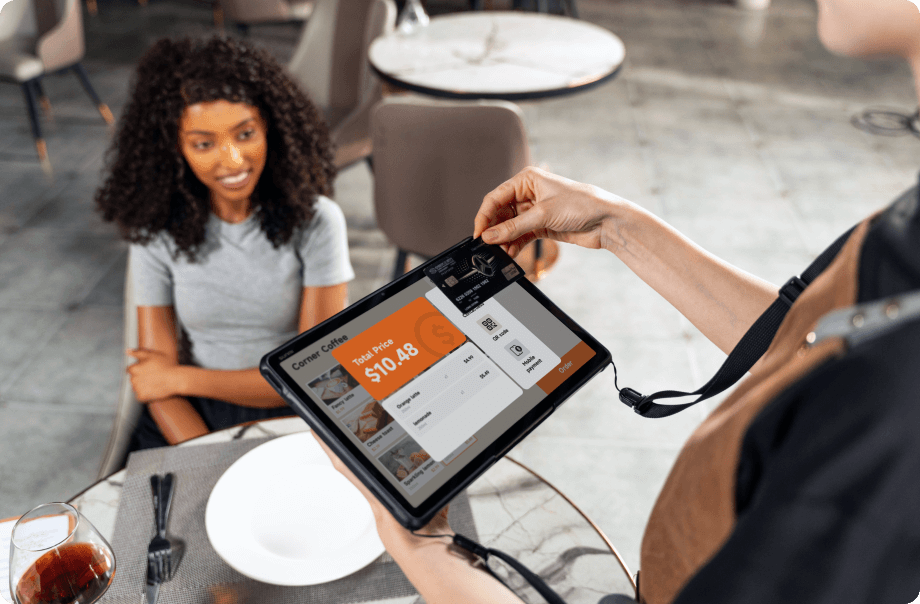
Why Payment Processors Partner with SUNMI Hardware Distributors (2026)
Why payment processors partner with SUNMI hardware distributors: in-region US and Canada stock, certification support, evaluation units, and warranty help.
-

Casino Resort POS Hardware for Non-Gaming F&B and Retail (2026)
A 2026 guide to casino resort POS hardware for non-gaming restaurants, bars, and retail shops. Standardize one Android device family across every outlet.
-

Resort Mobile POS Hardware: Poolside, Room Service, and Banquet Ordering (2026)
Choose resort mobile POS hardware for poolside, room service, and banquet ordering. Rugged Android handhelds with LTE and integrated payment for 2026.