
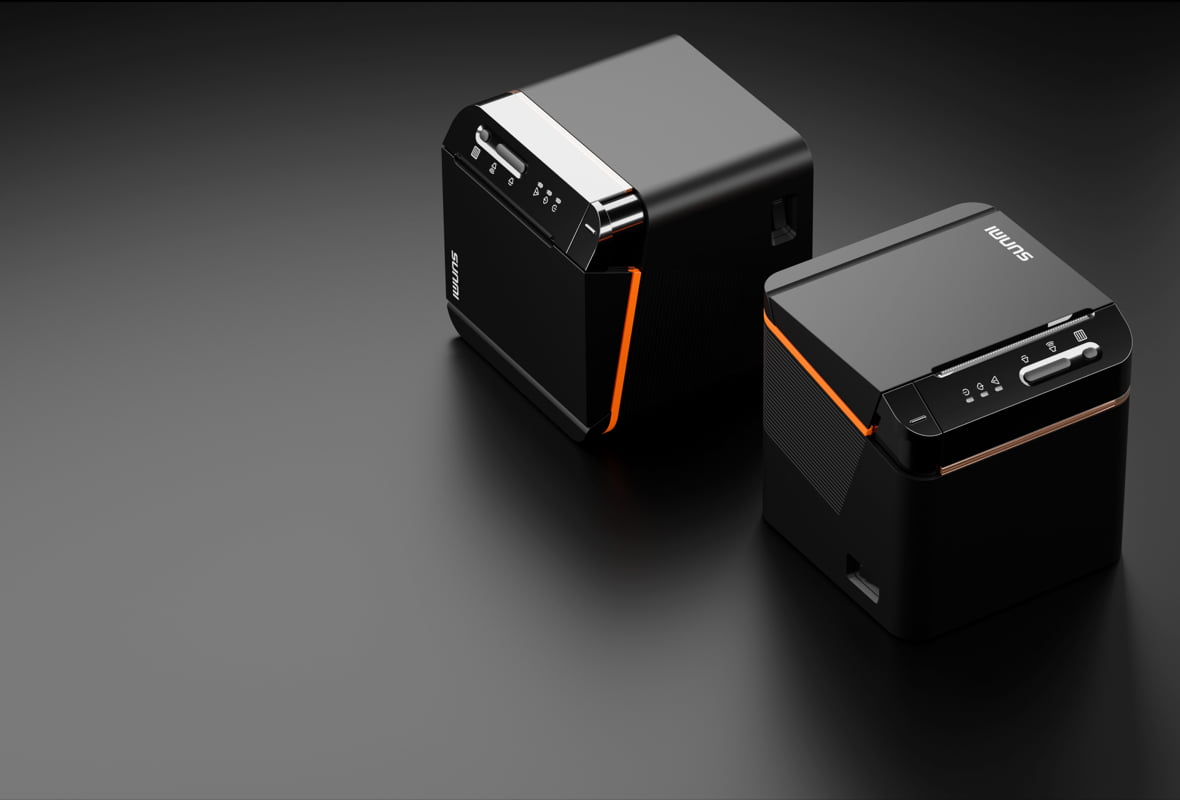
Yes, a POS terminal with built-in printer is the right call for most small restaurants, because it removes a separate printer box, one more cable, and one more point of failure from the counter. The question is not whether to buy integrated, it is which form factor fits your floor. This guide compares the SUNMI models Rosper sells so you can pick the right one.
We cover the tradeoff between built-in and external printers, the specs that decide the choice, and four SUNMI devices: the V3 Mix, the T3 Pro, the T3 Pro Max, and the D3 Mini. Every recommendation maps to a real small-restaurant use case.
Rosper is the authorized SUNMI distributor for the United States and Canada. We stock these devices across 8 warehouses with most orders arriving in 2 to 7 business days.
POS terminal with built-in printer: key takeaways
- Integrated beats modular for small counters. A POS terminal with built-in printer means one device, one power brick, and one warranty ticket instead of a terminal plus a separate printer.
- Match the printer to volume. The T3 Pro Max prints 80mm at up to 250 mm/s for high-ticket counters; the V3 Mix prints 80mm at 70 mm/s for tableside and mobile.
- Form factor drives the choice. V3 Mix for handheld and mobile, T3 Pro Max for a fixed high-volume counter, D3 Mini for the tightest footprint.
- Not every terminal has a printer. The base T3 Pro ships without a printer, so pair it with an external unit only if you need a larger main screen without the built-in printer bulk.
Built-in vs external printer: the real tradeoff
A built-in printer lives inside the terminal chassis. An external printer is a separate box connected over USB, LAN, or Bluetooth. For a small restaurant, the difference shows up in three places: counter space, cabling, and total cost of ownership.
| Factor | Built-in printer | External printer |
|---|---|---|
| Counter footprint | One device, minimal space | Two devices plus the cable between them |
| Setup | Works out of the box, no pairing | Driver or pairing step, more failure points |
| Warranty | One unit, one ticket | Two units, two possible claims |
| Flexibility | Printer speed fixed to the device | Swap the printer independently if needs change |
For a one to three location restaurant, the integrated route almost always wins on space and simplicity. The exception is when you want the biggest possible main screen and are happy to add a fast standalone kitchen printer separately. A POS terminal with built-in printer also removes the pairing step that a Bluetooth printer needs at startup, which is one less thing for staff to fix on a busy morning.
The four SUNMI options for small restaurants
V3 Mix: mobile all-in-one with built-in printer
The V3 Mix is a 10.1-inch mobile terminal with a built-in 80mm thermal printer that runs at 70 mm/s, a 2D scanner, NFC, and a removable 2600 mAh battery. It runs Android 13 with GMS. This is the device for tableside ordering, drive-thru, and one-on-one service where the printer needs to travel with the staff.
T3 Pro Max: fixed high-volume counter
The T3 Pro Max is a 15.6-inch desktop terminal with a built-in 80mm Seiko printer rated at up to 250 mm/s with an auto cutter and a 150 km print-head service life. It runs a Qualcomm octa-core chip at up to 2.7 GHz on Android 13. This is the main counter station for a busy small restaurant that prints a high volume of receipts.
T3 Pro: large screen, add a printer
The base T3 Pro shares the same 15.6-inch flippable main display and octa-core performance as the Max, but ships without the built-in printer. Choose it when you want the large main screen and prefer to run a separate kitchen or receipt printer, then pair it with a SUNMI cloud or thermal printer.
D3 Mini: smallest footprint
The D3 Mini is a compact all-in-one with an integrated printer, scanner, and NFC reader in a footprint about the size of a small cash register. It comes in 58mm and 80mm printer variants and runs Android 13 with GMS. It is the pick when counter space is the binding constraint, such as a coffee bar, kiosk counter, or specialty retail checkout.
Selection table: which built-in printer terminal fits
| Model | Form factor | Built-in printer | Best for |
|---|---|---|---|
| V3 Mix | 10.1 inch mobile | 80mm at 70 mm/s | Tableside, drive-thru, mobile service |
| T3 Pro Max | 15.6 inch desktop | 80mm Seiko at up to 250 mm/s, auto cutter | High-volume fixed counter |
| T3 Pro | 15.6 inch desktop | None, pair external | Large screen without built-in printer bulk |
| D3 Mini | Compact all-in-one | 58mm or 80mm integrated | Tightest counter footprint |
Print speed and paper width explained
Two specs decide whether a POS terminal with built-in printer keeps up with your restaurant: print speed and paper width. Getting these wrong is the most common reason an operator regrets a hardware choice.
Print speed and daily volume
Print speed is measured in millimeters per second. The T3 Pro Max runs at up to 250 mm/s, while the V3 Mix runs at 70 mm/s. For a counter printing 300 or more receipts across a lunch rush, the faster head keeps the line from backing up. For tableside where a server prints one check at a time, 70 mm/s is plenty.
58mm vs 80mm paper
Paper width changes what fits on the ticket. An 80mm roll gives you room for itemized kitchen tickets and clear receipts, which is why the T3 Pro Max and V3 Mix use 80mm. A 58mm roll is narrower and cheaper, better suited to a compact counter that prints short receipts. The D3 Mini offers both 58mm and 80mm variants so you can match paper to the job.
When you choose a POS terminal with built-in printer, confirm the paper width matches the ticket format your kitchen expects. Switching later means restocking paper and, on some setups, remounting the device.
How to decide in three questions
- Does the printer need to move? If staff carry it to the table or the drive-thru window, choose the V3 Mix.
- How many receipts per day? High volume on a fixed counter points to the T3 Pro Max and its 250 mm/s print speed.
- How tight is the counter? If space is the constraint, the D3 Mini fits where a full desktop terminal will not.
For deeper specs, compare the SUNMI T3 Pro specs and read our SUNMI D3 Mini review. Full datasheets are on the SUNMI T3 Pro page.
Total cost of ownership
A POS terminal with built-in printer usually costs less over three years than a terminal plus a separate printer, because there is one warranty, one power supply, and one device to service. When a built-in unit fails, you file a single claim. With a two-box setup, either box can fail on its own timeline.
SUNMI provides the manufacturer warranty on its hardware, with a 3 year term on current-generation devices. Rosper coordinates and assists with warranty and RMA in the US and Canada.
Common mistakes when buying a built-in printer terminal
Three mistakes come up again and again when small restaurants buy a POS terminal with built-in printer. Avoiding them saves money and a return.
- Buying for peak that never comes. A slow-turn cafe does not need a 250 mm/s printer. Match the speed to real ticket volume, not a worst-case fantasy.
- Ignoring the footprint. Measure the counter before ordering. A full desktop terminal that does not fit forces a return; the D3 Mini exists for exactly this reason.
- Assuming every terminal prints. The base T3 Pro does not include a built-in printer. Confirm the printer is in the SKU before you order.
Get the right terminal for your restaurant
The right POS terminal with built-in printer comes down to form factor and volume. Mobile means V3 Mix. High-volume fixed counter means T3 Pro Max. Tight space means D3 Mini. Request a quote from Rosper and we will match a model to your restaurant.
Frequently asked questions
Which SUNMI POS terminal has the fastest built-in printer?
The T3 Pro Max has the fastest built-in printer in this lineup, an 80mm Seiko unit rated at up to 250 mm/s with an auto cutter and a 150 km service life. It is built for high-volume fixed counters.
Does the SUNMI T3 Pro come with a built-in printer?
The base T3 Pro ships without a built-in printer. If you want a printer inside the same chassis, choose the T3 Pro Max, which adds the 80mm Seiko printer. Otherwise pair a T3 Pro with an external SUNMI printer.
What is the smallest POS terminal with built-in printer?
The SUNMI D3 Mini is the most compact option, an all-in-one with integrated printer, scanner, and NFC in a footprint about the size of a small cash register. It comes in 58mm and 80mm printer variants.
Is a built-in printer better than an external one?
For small restaurants with limited counter space, a built-in printer is usually better because it saves space, removes a cable, and gives you one warranty ticket. An external printer makes sense only when you need the largest possible main screen or want to swap the printer independently.