
Finding the right restaurant POS hardware is one of the most important decisions for any food service business. Choosing the right POS hardware for your restaurant affects everything from order accuracy to table turnover speed. With Android-based commercial terminals now matching or exceeding the capabilities of traditional POS systems at lower cost, 2026 is an excellent time to evaluate your hardware stack.
This guide breaks down the hardware categories, what to look for in each, and which configurations work best for different restaurant types.
The four hardware categories every restaurant needs to evaluate
1. Counter terminals

The primary POS station where staff process orders and payments. For most restaurants, this is the central hub of operations.
What to look for:
- Screen size: 11″ to 15.6″ for comfortable operation
- Built-in NFC for contactless payments
- Fast processor (octa-core minimum) to handle busy rush periods
- Mounting options that keep the counter clean and organized
Recommended SUNMI hardware: The SUNMI CPad 11″ with desktop base provides a clean, modern counter setup. For larger operations needing a fixed terminal, the SUNMI T3 Pro offers a 15.6″ bezel-less display and pairs with external or cloud printers, while the T3 Pro Max variant adds a built-in 80 mm Seiko thermal printer with auto-cutter.
2. Handheld devices for tableside ordering
Mobile POS devices let servers take orders and process payments at the table, eliminating trips to a central terminal.
What to look for:
- Lightweight and comfortable for full-shift carry
- Built-in receipt printer (optional but reduces hardware count)
- Long battery life (8+ hours for a full shift)
- Drop-resistant for busy restaurant environments
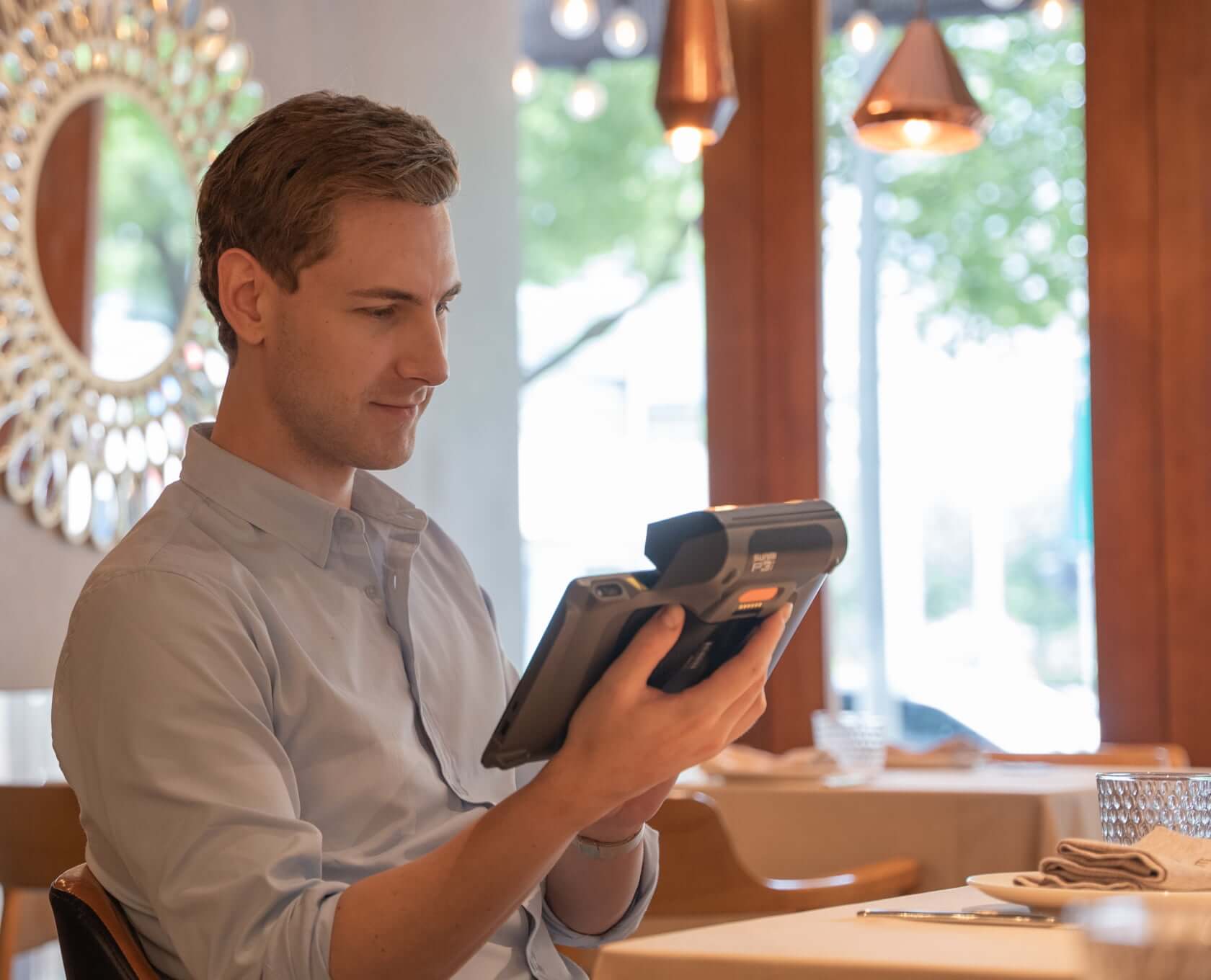
Recommended SUNMI hardware: The SUNMI V3 Mix combines a 10.1″ touchscreen with a built-in 80 mm thermal printer, 2D barcode scanner, and NFC reader in a single mobile terminal. For a lighter option, the CPad 8.7″ with handheld strap offers a tablet-style experience.
3. Kitchen display systems (KDS)
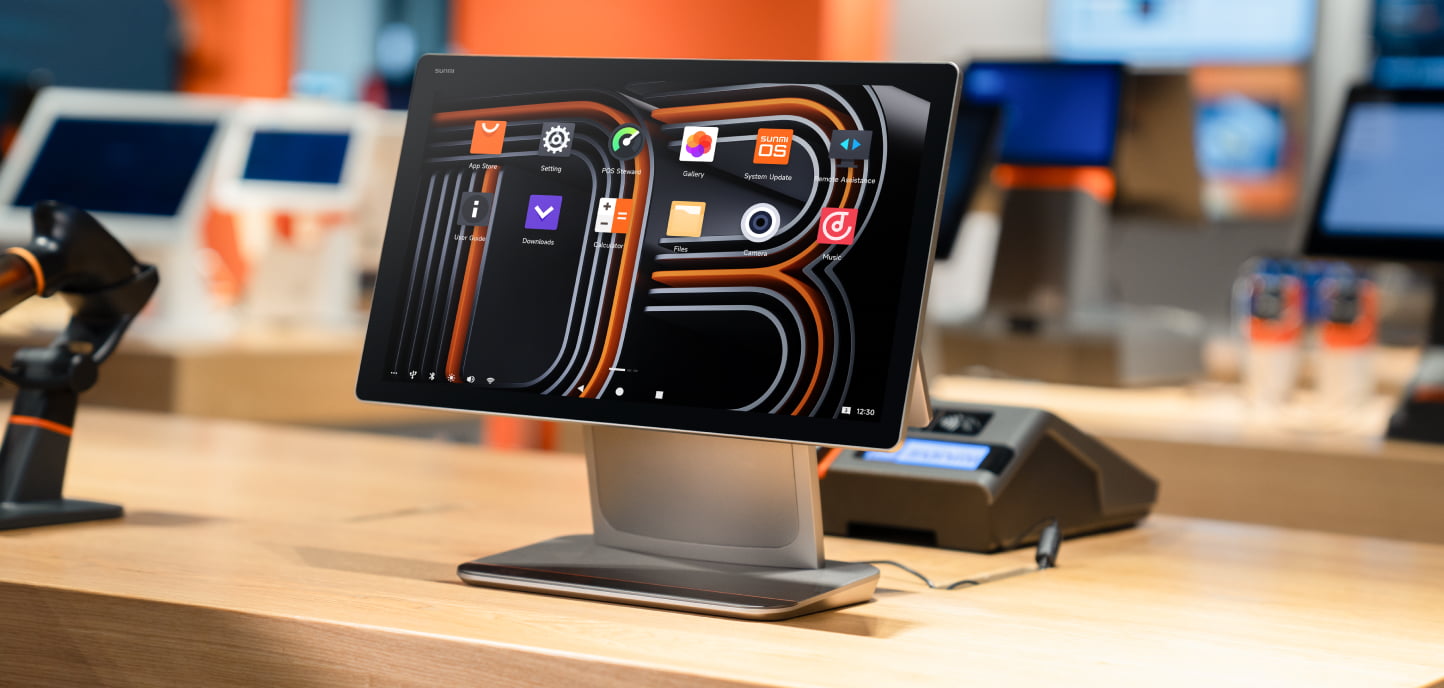
Digital kitchen displays replace paper ticket printers, showing orders in real-time with color-coded urgency and preparation tracking.
What to look for:
- Heat and moisture resistance for kitchen environments
- Bright display visible under kitchen lighting
- Simple bump-bar or touch interface for kitchen staff
- Integration with your POS software for automatic order routing
Recommended SUNMI hardware: The SUNMI D3 Pro is a 15.6″ commercial display designed for wall or shelf mounting in kitchen environments.
4. Self-ordering kiosks
Customer-facing terminals where guests browse menus, customize orders, and pay without waiting in line.
What to look for:
- Large display (14″ or above) for easy menu browsing
- NFC payment built in
- Sturdy mounting for public-facing use
- Attractive design that fits your restaurant aesthetic
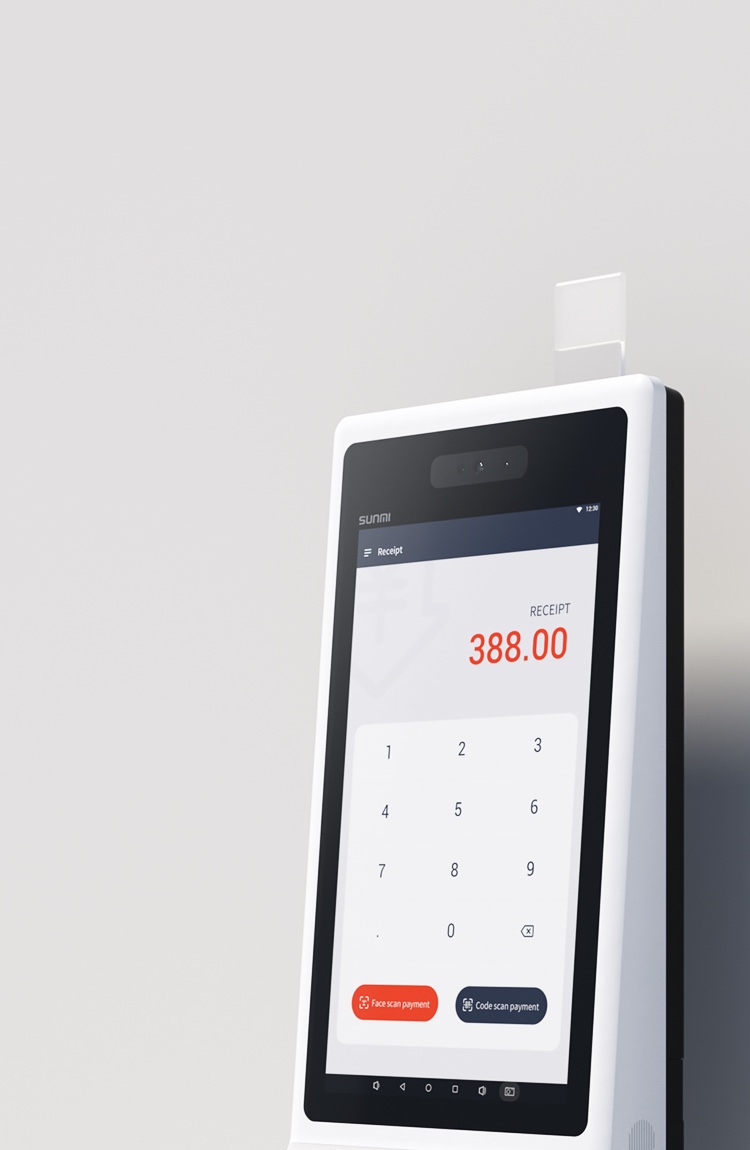
Recommended SUNMI hardware: The SUNMI CPad 14″ on a desktop or floor stand provides a premium self-ordering experience. The SUNMI K3 series offers purpose-built kiosk hardware for high-traffic QSR environments.
Matching hardware to your restaurant type
Quick-service restaurant (QSR)
Priority: Speed and throughput
Recommended setup:
- 1-2 counter terminals (CPad 11″ or T3 Pro)
- 1-2 self-ordering kiosks (CPad 14″)
- Kitchen display (D3 Pro)
- Optional handheld for line-busting during peak hours
Full-service restaurant
Priority: Guest experience and table turnover
Recommended setup:
- 1 central POS station (T3 Pro or CPad 11″)
- Tableside handhelds for servers (V3 Mix or CPad 8.7″)
- Kitchen display (D3 Pro)
- Optional payment terminal at table
Cafe or bakery
Priority: Compact footprint and fast transactions
Recommended setup:
- 1 counter POS (CPad 11″ with desktop base)
- Optional customer-facing display for order confirmation
Food truck or pop-up
Priority: Portability and cellular connectivity
Recommended setup:
- 1 mobile POS with 4G (CPad 8.7″ with SIM)
- Compact receipt printer
Five things to check before buying restaurant POS hardware
- Software compatibility. Confirm your POS software runs on Android (most modern platforms do). Check with your software provider for certified hardware lists.
- Payment processing. Verify the hardware supports your payment processor. Look for devices with built-in NFC if you want to consolidate your payment terminal.
- Network requirements. Count your devices and check your Wi-Fi capacity. For mission-critical operations, consider devices with 4G backup connectivity.
- Warranty and support. SUNMI offers tiered warranty coverage (3 years for latest generation, 2 years for previous, 1 year for legacy). Buying from an authorized US distributor ensures you get full warranty benefits and local support.
- Deployment timeline. If you’re opening a new location or need to replace failing hardware quickly, check stock availability and shipping times. US-based distributors with domestic inventory can arrive in 2–7 business days.
Frequently asked questions
What is the best POS hardware for a new restaurant?
For most new restaurants, start with a counter terminal (SUNMI CPad 11″ or T3 Pro), a kitchen display (D3 Pro), and consider handhelds for tableside service. This covers ordering, payment, and kitchen communication. Add self-ordering kiosks later based on customer volume.
How much does restaurant POS hardware cost?
Android commercial terminals typically cost 40 to 60 percent less than traditional proprietary hardware. Total cost depends on how many devices you deploy: a basic setup of a counter terminal plus kitchen display sits at the lighter end, while a full QSR deployment with self-ordering kiosks sits higher depending on the number of devices and accessories. For pricing on a specific configuration, request a quote through an authorized distributor.
Can I use my existing POS software with SUNMI hardware?
Most likely yes. SUNMI devices run Android with Google Mobile Services, so any Android-compatible POS software works. Major platforms including Toast, Square, Lightspeed, and hundreds of regional ISV solutions are fully compatible.
How long does SUNMI POS hardware last?
SUNMI commercial terminals are designed for 3 to 5 years of continuous daily use. With proper care and the included warranty coverage, most restaurants get a full lifecycle without needing replacement.
Where can I buy SUNMI restaurant POS hardware in the US?
Rosper is a SUNMI authorized distributor in the United States and Canada with inventory across 8 warehouses in the US and Canada. Most orders arrive in 2–7 business days, and the team provides free MDM setup and deployment consulting.
Do I need a separate payment terminal with SUNMI POS hardware?
Not necessarily. SUNMI devices with the NFC SoftPOS option can process contactless payments (Apple Pay, Google Pay, tap cards) directly on the screen. For chip and swipe transactions, you may still need a companion payment terminal depending on your processor’s requirements.
Setting up or upgrading your restaurant’s POS hardware doesn’t have to be complicated. Rosper works with restaurants across the US as a SUNMI authorized distributor, helping teams select the right device configuration for each role. With inventory across 8 warehouses in the US and Canada, Most orders arrive in 2–7 business days, and the team handles MDM setup so your hardware arrives ready to deploy. Request a quote or browse the full SUNMI product lineup on the Rosper website.
Explore the SUNMI CPad tablet for restaurants or learn how to buy SUNMI POS hardware in the US through an authorized distributor.