
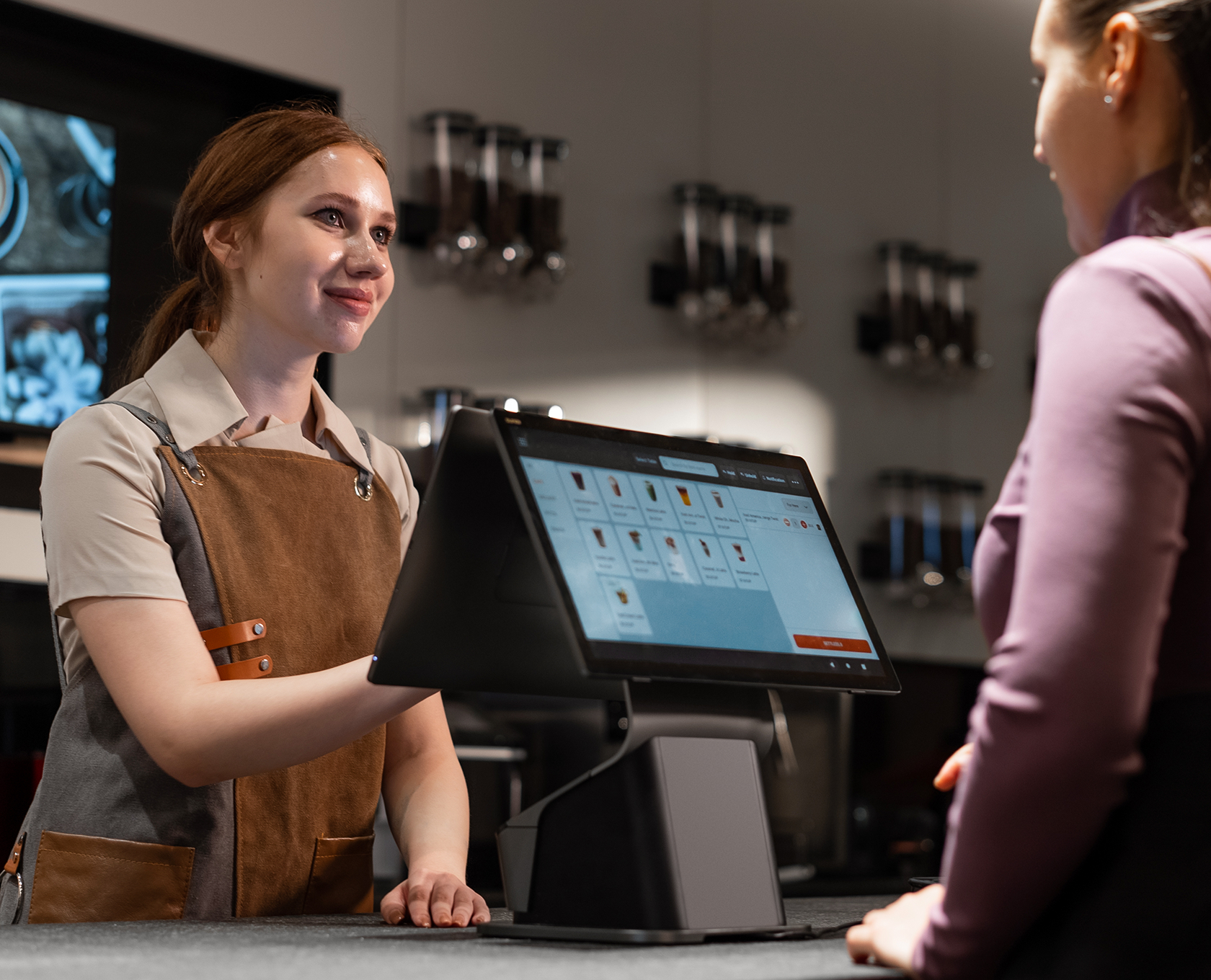
Choosing an all-in-one desktop POS terminal in 2026 comes down to matching a single integrated counter device to how a business actually checks out. An all-in-one desktop POS combines the screen, the compute, and usually the printer in one chassis, so a restaurant counter or a retail till runs on one plug instead of a tangle of separate boxes. This guide is a decision framework for picking the right SUNMI all-in-one desktop POS by footprint, customer display, printer, and workload, rather than a single spec sheet.
The short answer: pick an all-in-one desktop POS by three questions, how much counter space you have, whether you need a customer-facing display, and whether you need a built-in receipt printer. SUNMI’s desktop family covers those choices from compact to full 15.6-inch dual-screen. Rosper is the authorized SUNMI distributor for North America, and most orders arrive in 2 to 7 business days.
Key Takeaways
- An all-in-one desktop POS integrates screen, compute, and often a printer in one chassis, so a counter runs on a single device instead of separate parts.
- Pick by three factors, counter footprint, whether a customer-facing display is needed, and whether a built-in receipt printer is required.
- SUNMI’s desktop lineup spans a compact chassis for tight counters up to a 15.6-inch main screen with an optional second display for retail and full-service.
- Because the platform is open Android, a business or ISV runs its own POS app on the terminal, with the same build and MDM management across every counter.
- Current-generation devices carry a 3 year hardware warranty coordinated in North America, and most orders arrive in 2 to 7 business days from eight regional warehouses.
What an All-in-One Desktop POS Actually Combines
The term covers a spectrum, so it helps to be precise about what is integrated. At minimum, an all-in-one desktop POS puts the touchscreen and the Android compute in one stand-mounted unit, replacing a separate monitor, PC, and cable run. Most models add a thermal receipt printer inside the base, and many offer a second customer-facing screen for order confirmation, tipping, or promotions. The more of those a single chassis integrates, the fewer parts a counter has to power, cable, and support.
That integration is the whole point. A counter running an all-in-one desktop POS has one device to set up, one warranty to track, and one thing to swap if it fails, instead of a printer, a display, and a compute box that each fail and update on their own schedule. For a multi-location operator, that consolidation is what makes a fleet supportable rather than a pile of mismatched peripherals.
The Three Questions That Pick Your Terminal
Rather than comparing raw specs first, answer three questions about the counter, and the shortlist narrows itself.
First, footprint. A coffee bar or a food truck counter has inches to spare, so a compact all-in-one keeps the till small. A full-service restaurant station or a retail wrap desk has room for a larger 15.6-inch screen that two staff can read. Measure the counter before shopping, because footprint eliminates more options than any other single factor.
Second, the customer-facing display. A retail checkout that shows the customer their running total, or a QSR counter that prompts a tip and confirms the order, needs a dual-screen all-in-one. A back-counter or kitchen-facing station usually does not. This one question separates the single-screen models from the dual-screen ones cleanly.
Third, the printer. A sit-down receipt or a retail slip printed at the till points to a model with a built-in printer. A station that hands off to a separate kitchen printer or emails receipts may not need one in the chassis at all, which can allow a slimmer footprint.
| Counter need | All-in-one desktop POS profile | Typical setting |
|---|---|---|
| Tight counter, no second screen | Compact single-screen chassis | Coffee bar, food truck, kiosk-side till |
| Customer total and tip prompt | 15.6-inch main plus customer display | Retail checkout, QSR counter |
| Receipt at the till | Chassis with built-in thermal printer | Full-service restaurant, specialty retail |
Why the Android Platform Matters More Than the Spec Sheet
Two all-in-one desktop POS terminals with similar screens can behave very differently depending on how open the platform is. On open Android hardware, a business or its software vendor installs its own POS app directly on the terminal, so the device runs the operator’s workflow rather than a locked vendor stack. That is what lets a single all-in-one model serve a restaurant, a retail shop, and a service counter, each running a different app on the same hardware.
The platform also decides how a fleet is managed. With open Android and an MDM, one app build and one configuration profile push to every counter, and an update reaches the whole estate at once. For a multi-location operator or an ISV standardizing customers on one terminal, that consistency is worth more than a marginal spec difference. To see the desktop lineup, review the SUNMI product range, and to talk through app compatibility, start an integration conversation.
Matching SUNMI’s Desktop Family to the Three Questions
SUNMI’s all-in-one desktop range is built to answer those three questions across a spread of counters. A compact model suits a tight footprint where a small single screen is enough. A 15.6-inch model gives a full-size main display for busier stations, with an optional customer-facing second screen for retail totals and QSR tipping. Models with a built-in thermal printer handle receipts at the till, while a customer-display bundle pairs the main terminal with a dedicated shopper screen for a complete counter setup.
The right pick is the one that matches the counter, not the one with the longest spec list. A slim single-screen terminal is the correct choice for a coffee bar even though a dual-screen 15.6-inch unit is more capable, because the extra screen the coffee bar will never use is just a larger footprint on a small counter. Buying to the workload keeps the counter clean and the budget honest.
Sourcing and Rollout for All-in-One Desktop POS Terminals
A single till is one purchase, but a chain is a fleet, so sourcing should be built for both. Buying through an authorized distributor preserves the Google certification, the payment certification where applicable, and the manufacturer warranty across every unit. Holding stock in regional warehouses keeps lead times predictable as counters come online. For a multi-location rollout, plan around bulk ordering, which stages terminals to a schedule and can ship them pre-configured with the operator’s app.
Budget an all-in-one program around four lines. Hardware for each counter, including a customer display or printer where the workflow needs it. Warranty, already included at 3 years on current-generation devices rather than a paid add-on. Device management, since an MDM standardizes and updates a fleet. And a spare pool sized to the counter count, so a failed till is a same-day swap rather than a closed lane. Framing it this way keeps the terminal budget matched to the actual workload.
Source an All-in-One Desktop POS from Rosper
Rosper is the authorized SUNMI distributor for North America, supplying restaurants, retailers, and software vendors from eight US and Canadian warehouses. We stock the full SUNMI all-in-one desktop range, from a compact single-screen chassis to a 15.6-inch dual-screen terminal with a built-in printer, coordinate the SUNMI 3 year warranty locally, and include free MDM and deployment consulting, for a single till or a multi-location fleet. Most orders arrive in 2 to 7 business days. To match a terminal to your counter and scope a rollout, request a quote.
Frequently Asked Questions
What is an all-in-one desktop POS terminal?
An all-in-one desktop POS terminal integrates the touchscreen, the Android compute, and usually a receipt printer in one stand-mounted chassis, replacing a separate monitor, PC, and printer. Many models also offer a customer-facing second screen, so a counter runs on one integrated device instead of several connected parts.
How do you choose the right all-in-one desktop POS?
Answer three questions about the counter. How much footprint is available, which decides compact versus a 15.6-inch screen. Whether a customer-facing display is needed for totals or tips. And whether a built-in receipt printer is required at the till. Those three answers narrow the shortlist faster than comparing raw specs.
Do I need a dual-screen all-in-one POS?
You need a dual-screen model when the customer should see their running total or respond to a tip and order confirmation, which is common in retail checkout and QSR counters. A back-counter or kitchen-facing station usually does not need the second screen, and a single-screen chassis keeps a tight counter smaller.
Can I run my own POS software on a SUNMI all-in-one desktop terminal?
Yes. SUNMI desktop terminals run open Android, so a business or its software vendor installs its own POS app directly on the device and manages the build across a fleet with an MDM. The same terminal can serve a restaurant, a retail shop, or a service counter depending on the app it runs.
How fast can I get an all-in-one desktop POS in North America?
Stock ships from eight US and Canadian warehouses, and most orders arrive in 2 to 7 business days. A single till and a multi-location fleet ship on the same domestic lead time, and current-generation devices carry a 3 year hardware warranty coordinated in North America.