
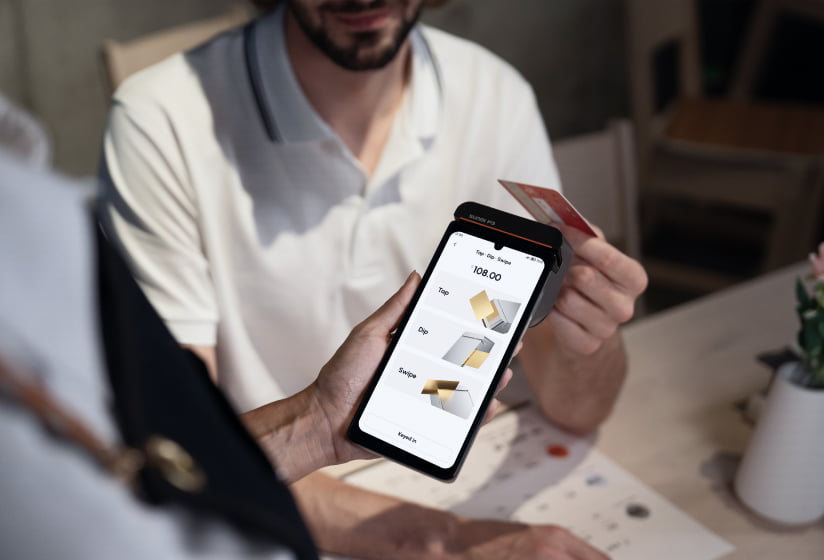
SUNMI payment processor integration gives businesses the freedom to choose any payment provider. One of the biggest advantages of open Android POS hardware is payment processor freedom. Unlike proprietary systems that lock you into a single processor, SUNMI’s Android-based terminals let you choose the payment solution that offers the best rates and features for your business.
This guide explains how SUNMI devices integrate with major US payment processors, what to consider when choosing a processor, and how to set up payment acceptance on your SUNMI terminal.
How payment processing works on SUNMI devices
SUNMI terminals are Google-certified Android devices. This means they can run any Android-compatible payment application, just like a standard Android tablet but with commercial-grade hardware features like built-in receipt printers, NFC readers for contactless payments, and EMV chip card slots.
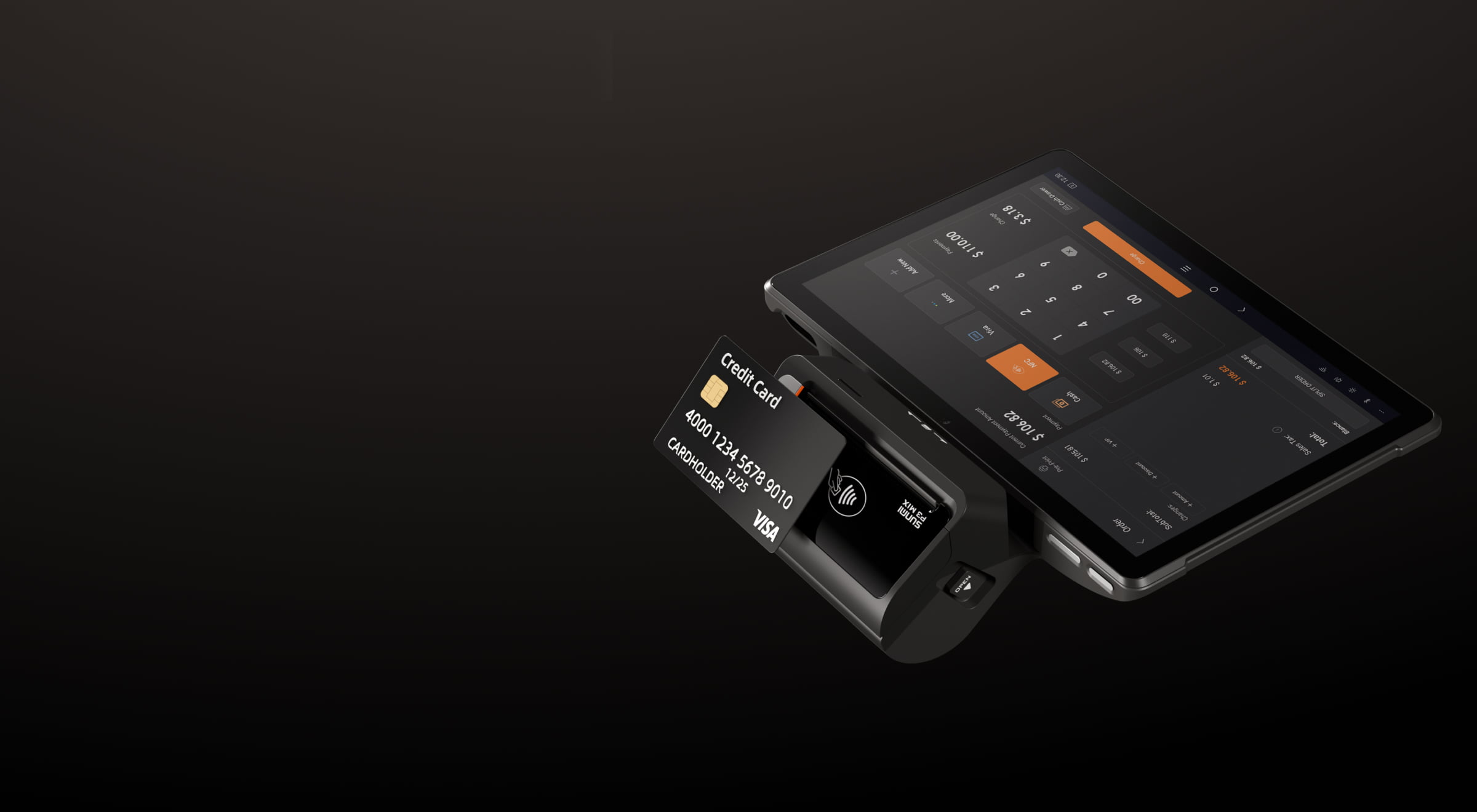
Payment integration on SUNMI devices typically happens in one of three ways:
Integrated POS application. Many POS software providers include payment processing within their app. You install the POS app on your SUNMI device, configure your merchant account credentials, and start processing. This is the simplest setup for most businesses.
Semi-integrated setup. Your POS application handles order management while a separate payment application handles card processing. The two apps communicate through APIs on the same device or across devices. This approach is common for ISOs deploying specific payment solutions alongside third-party POS software.
SoftPOS (tap-to-phone). SUNMI’s V-series and P-series handheld devices support SoftPOS, which turns the device into a contactless payment terminal using only its built-in NFC reader. No additional hardware needed.
Choosing a payment processor for your SUNMI terminal
When selecting a payment processor to use with SUNMI hardware, consider these factors:
Transaction rates. Compare interchange-plus pricing versus flat-rate pricing. For businesses processing more than $10,000 per month, interchange-plus typically saves money. The ability to negotiate rates independently is one of the key TCO advantages of open Android hardware.
Supported payment methods. Ensure your processor supports EMV chip, contactless (NFC), magstripe, and mobile wallets. Most modern processors cover all of these, but verify before committing.
POS software compatibility. Check that your chosen POS application supports your preferred processor. Most major POS apps list their supported payment integrations on their website.
Settlement speed. Some processors offer next-day or same-day settlement. For cash-flow-sensitive businesses, faster access to funds can make a meaningful difference.
Contract terms. Look for month-to-month agreements without long-term contracts or early termination fees. The flexibility of open hardware should extend to your payment processing relationship.
Setting up payment processing on SUNMI hardware
The setup process varies depending on your POS software and payment processor, but the general steps are:
Step 1: Set up your merchant account. Apply for a merchant account with your chosen payment processor. This typically requires business documentation and takes 1 to 5 business days for approval.
Step 2: Install your POS application. Download and install your POS software on the SUNMI device through Google Play or your software provider’s enterprise deployment method.
Step 3: Configure payment settings. Enter your merchant ID, terminal ID, and any API keys provided by your payment processor into the POS application’s payment settings.
Step 4: Run test transactions. Process a few test transactions using the processor’s sandbox or test mode to verify that chip, contactless, and magstripe payments all work correctly.
Step 5: Go live. Switch from test mode to production and begin processing real transactions. Keep your first day’s receipts organized in case you need to troubleshoot any settlement issues.
SUNMI devices with built-in payment hardware
Some SUNMI models include built-in payment acceptance hardware, making them all-in-one payment terminals:
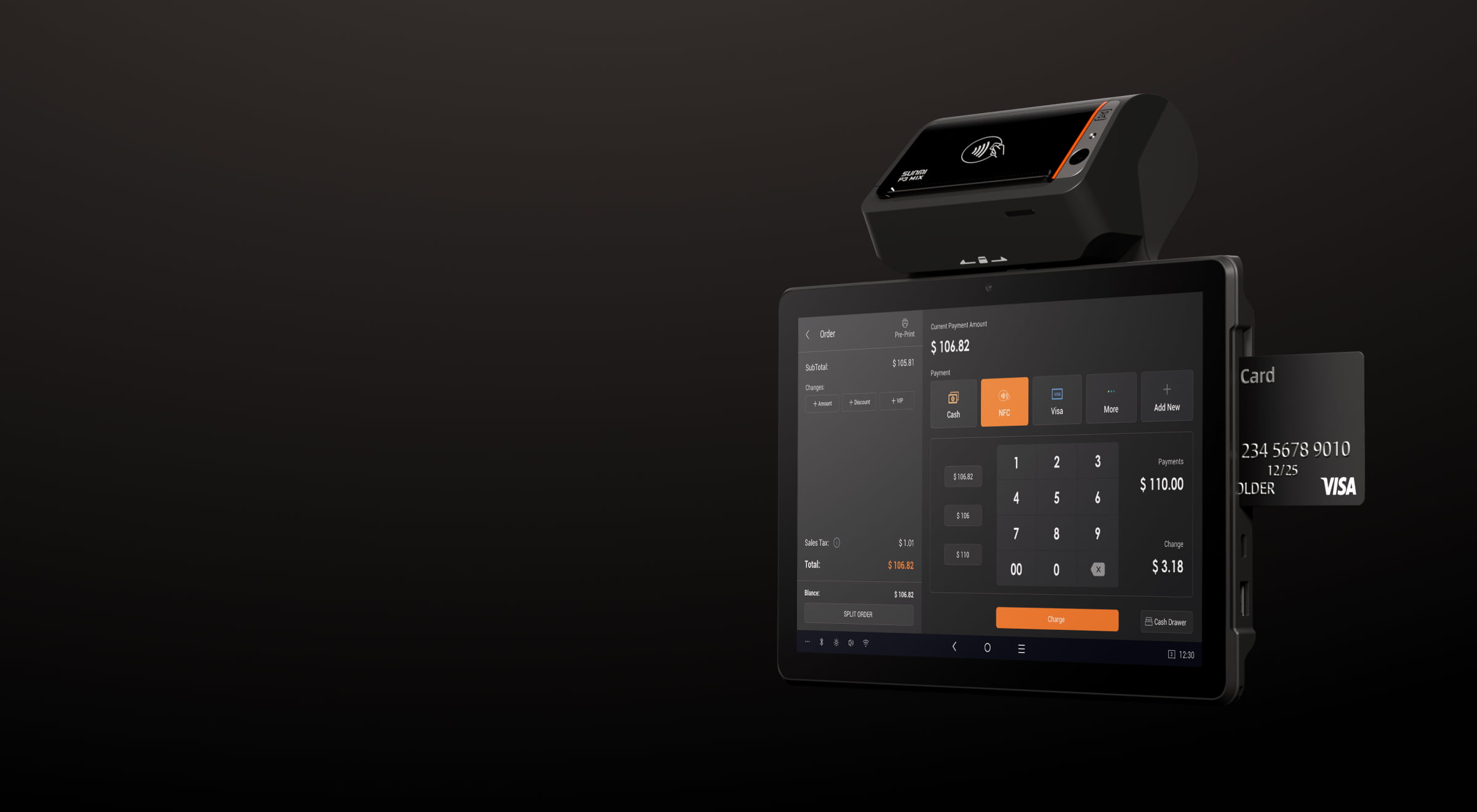
P-series handhelds. The P3 family includes models with built-in EMV chip readers, NFC contactless readers, and magstripe readers. These devices function as standalone smart payment terminals for table-side ordering, delivery, and field service.
V-series smart terminals. The V3 family offers compact smart payment terminals with built-in printers and full payment acceptance capabilities. ISOs commonly deploy these as modern replacements for traditional payment terminals.
Desktop terminals with external payment. The D3 PRO and T3 series desktop terminals typically pair with an external payment device or use a semi-integrated payment application. This gives you maximum flexibility in choosing your payment hardware.
For ISVs: integrating payment into your application
ISV partners building POS applications for SUNMI hardware can integrate payment processing through their chosen processor’s SDK. SUNMI’s open Android platform means you have full access to device hardware (NFC reader, printer, camera for QR scanning) through standard Android APIs and SUNMI’s supplementary SDK.
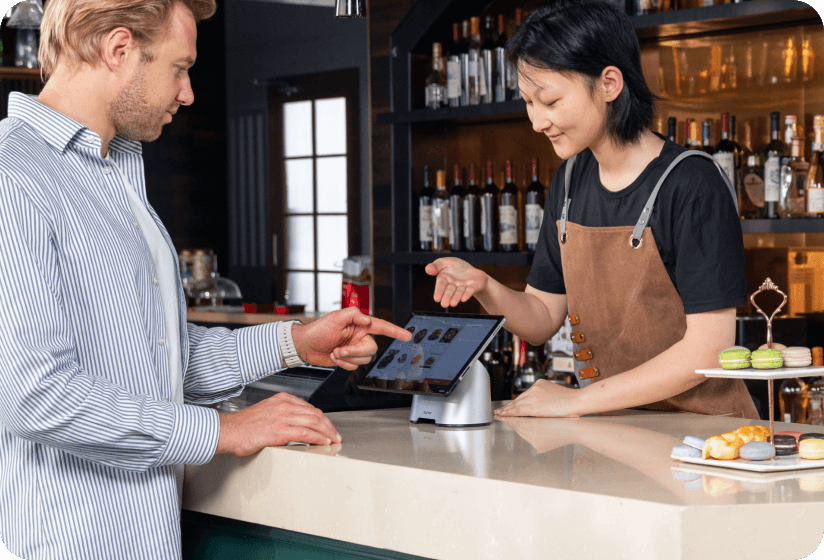
Common integration approaches include direct processor SDK integration, gateway API integration for cloud-based payment routing, and pre-built payment modules available from major POS middleware providers.
Getting started
Rosper is an authorized SUNMI distributor with 8 warehouses across the US and Canada. Whether you need desktop terminals, handheld payment devices, or smart POS terminals, most orders arrive in 2–7 business days. All SUNMI devices include the official 3-year warranty, and Rosper assists with technical questions about payment integration and device selection. Request a quote to discuss which SUNMI devices best fit your payment processing workflow.
Frequently asked questions
Can I use any payment processor with a SUNMI terminal?
Yes. SUNMI terminals are open Android devices that support any Android-compatible payment application. You are not locked into a specific processor and can switch providers without replacing hardware.
Do SUNMI devices support contactless payments?
Yes. SUNMI’s P-series and V-series devices have built-in NFC readers for contactless card payments and mobile wallets. Desktop models can pair with external NFC readers.
What is SoftPOS and which SUNMI devices support it?
SoftPOS turns a smartphone or smart terminal into a contactless payment terminal using only the device’s built-in NFC reader. SUNMI’s V-series and P-series handheld devices support SoftPOS applications, enabling tap-to-pay without additional hardware.
How do I switch payment processors on an existing SUNMI terminal?
Switching processors on an open Android terminal is straightforward. Update the payment configuration in your POS application with your new merchant credentials, run test transactions, and go live. No hardware changes are needed.
Can ISVs integrate their own payment processing into SUNMI apps?
Absolutely. SUNMI’s open Android platform gives ISVs full access to device hardware through standard Android APIs and SUNMI’s SDK. You can integrate any payment processor’s SDK directly into your application.
Do I need PCI compliance for accepting payments on a SUNMI device?
Yes. Any business accepting card payments must maintain PCI compliance. Your payment processor and POS software provider handle most of the technical requirements. SUNMI devices support the security features (encryption, secure element) needed for PCI-compliant payment processing.