
Self-ordering kiosks are becoming standard equipment in quick-service restaurants, fast-casual chains, and retail environments across the US. But businesses face a fundamental choice: deploy a purpose-built commercial kiosk or build a custom kiosk from components like consumer tablets, stands, and DIY enclosures.
This guide compares both approaches across cost, lead time, reliability, and return on investment to help you make the right decision for your deployment.
What is a purpose-built commercial kiosk
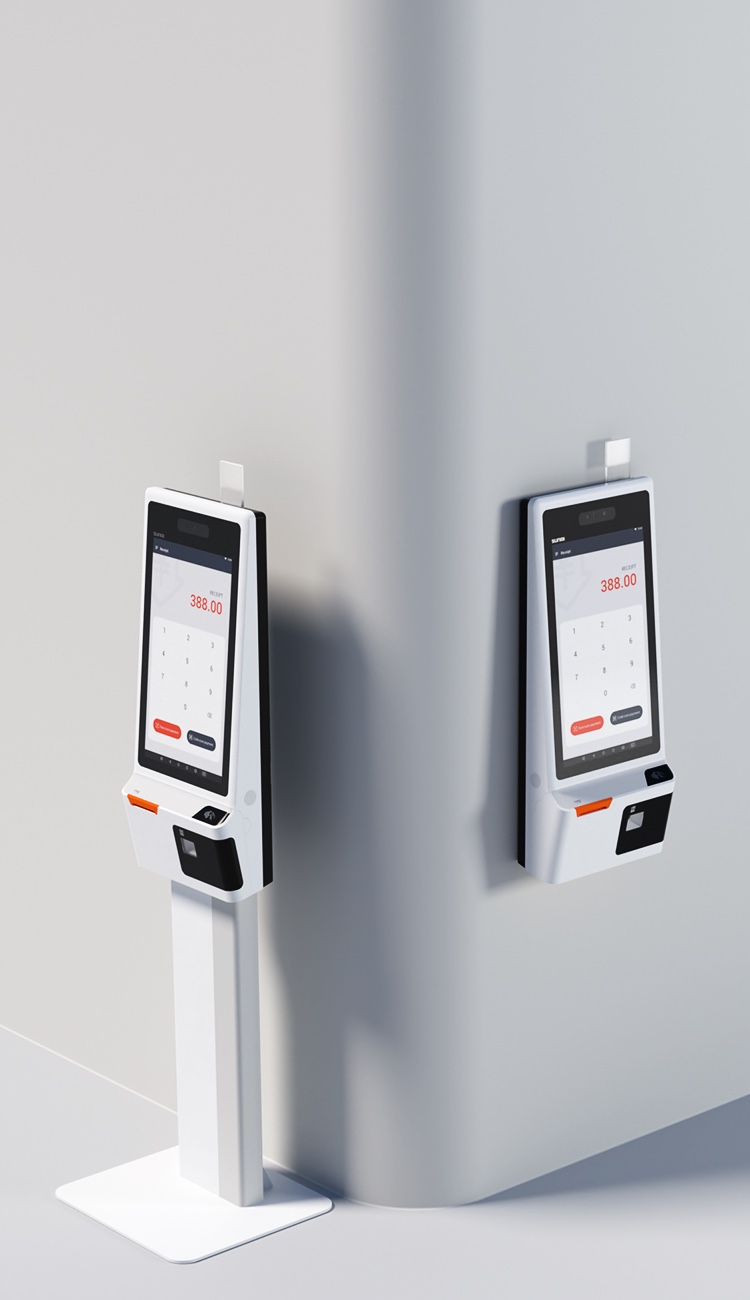
A purpose-built commercial kiosk is designed from the ground up for self-service environments. SUNMI’s K2 and Flex 3 are examples: integrated touchscreen displays, commercial-grade processors, optional payment acceptance hardware, and built-in mounting systems in a single unit.
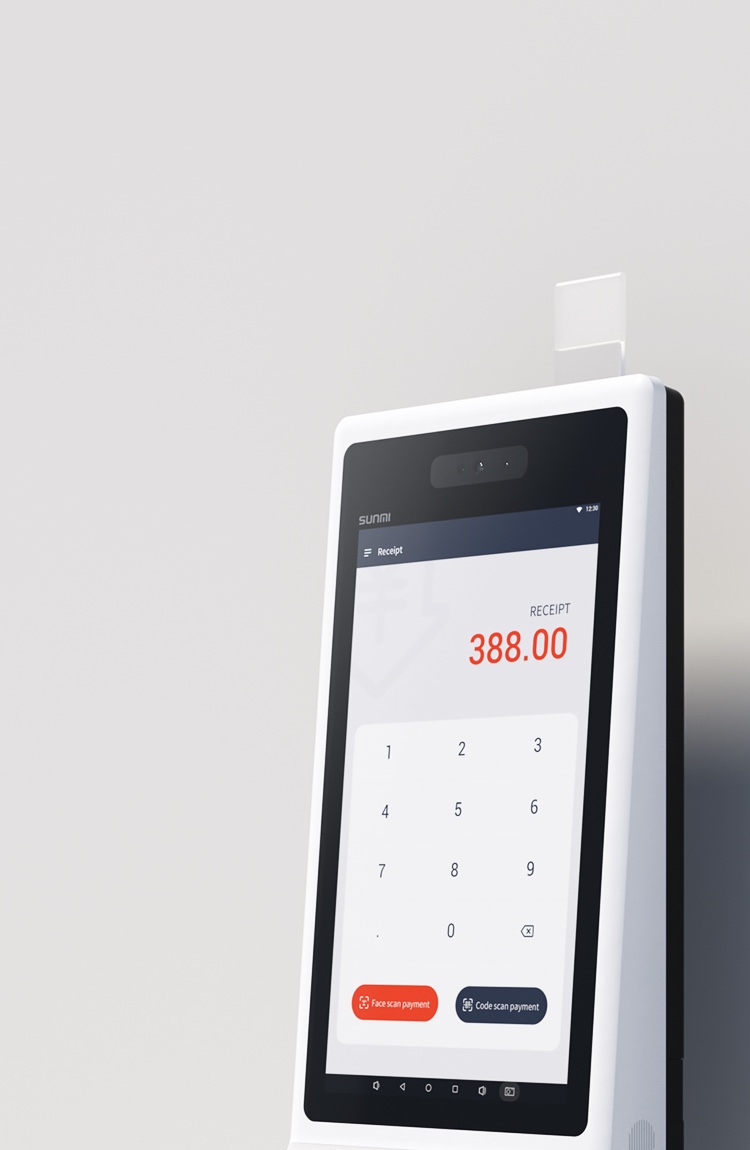
These devices run Android OS with access to the full library of kiosk-mode POS and ordering applications. They ship ready to deploy with minimal assembly required.
What is a custom kiosk build
A custom kiosk typically combines a consumer or commercial tablet, a floor-standing or wall-mounted enclosure, a separate payment terminal, and a receipt printer. Each component is sourced individually and assembled on-site or by a third-party integrator.
Custom builds offer design flexibility but introduce complexity in procurement, assembly, maintenance, and warranty management.
Cost comparison
Hardware cost
Commercial kiosk: A complete unit with display, processor, and mounting hardware ships at a predictable per-unit cost. Volume pricing is available from authorized distributors.
Custom build: Individual component costs may appear lower on paper, but they add up quickly once you source a tablet, an enclosure, a payment terminal, mounting hardware, and cabling and peripherals separately. A complete custom kiosk often costs as much or more than a commercial unit, especially when you factor in assembly labor.
Assembly and installation
Commercial kiosk: Arrives as a complete unit. Mount it, plug it in, install your software, and it is ready to serve customers. Installation takes 30 to 60 minutes per unit.
Custom build: Each kiosk requires component assembly, cable routing, enclosure mounting, and integration testing. Budget 2 to 4 hours per unit for a skilled technician, plus troubleshooting time for compatibility issues.
Ongoing maintenance
Commercial kiosk: One manufacturer, one warranty, one support contact. SUNMI devices include a 3-year warranty. If something breaks, you deal with one company.
Custom build: Multiple vendors, multiple warranties, multiple points of failure. The tablet vendor covers the tablet, the enclosure vendor covers the enclosure, and nobody covers compatibility issues between components. Diagnosing problems becomes a finger-pointing exercise.
Lead time comparison
Commercial kiosk from US distributor: 2–7 business days for in-stock units. Authorized distributors like Rosper maintain US warehouse inventory specifically for fast turnaround.
Custom build: 4 to 12 weeks depending on enclosure lead time. Custom enclosures often require manufacturing, especially if you want branded designs. One delayed component holds up the entire deployment.
Custom from overseas: 8 to 16 weeks including manufacturing, ocean freight, customs clearance, and last-mile delivery. Quality control happens remotely, and returns or corrections add months.
ROI considerations
Self-ordering kiosks typically deliver ROI through three channels:
Increased average check size. Industry data consistently shows that self-ordering kiosks increase average order value by 15 to 30 percent through visual upselling, combo suggestions, and removal of ordering friction.
Labor efficiency. Each kiosk handles the equivalent of one order-taking employee during peak hours. For QSR environments with high labor costs, this translates to significant savings.
Reduced order errors. Customers enter their own orders, eliminating miscommunication between customer and cashier. Fewer errors mean fewer remakes and happier customers.
Commercial kiosks typically achieve faster ROI because they deploy faster (weeks, not months) and have lower total acquisition costs when assembly labor is factored in.
Reliability and durability
Commercial kiosks are engineered for public-facing, high-traffic environments. The SUNMI K2, for example, features a 21.5-inch commercial-grade touchscreen rated for millions of touches, a fan-less design for silent operation, and industrial-grade internals that handle continuous 16+ hour daily operation.
Custom builds using consumer tablets face inherent limitations: consumer screens are not rated for commercial touch frequency, consumer batteries degrade faster under constant charging, and consumer thermal management is not designed for enclosed kiosk environments where heat buildup is common.
Device management at scale
For multi-location deployments, remote device management becomes critical. SUNMI’s MDM platform lets you push software updates, monitor device health, and lock kiosks into single-app mode across your entire fleet from a single dashboard.
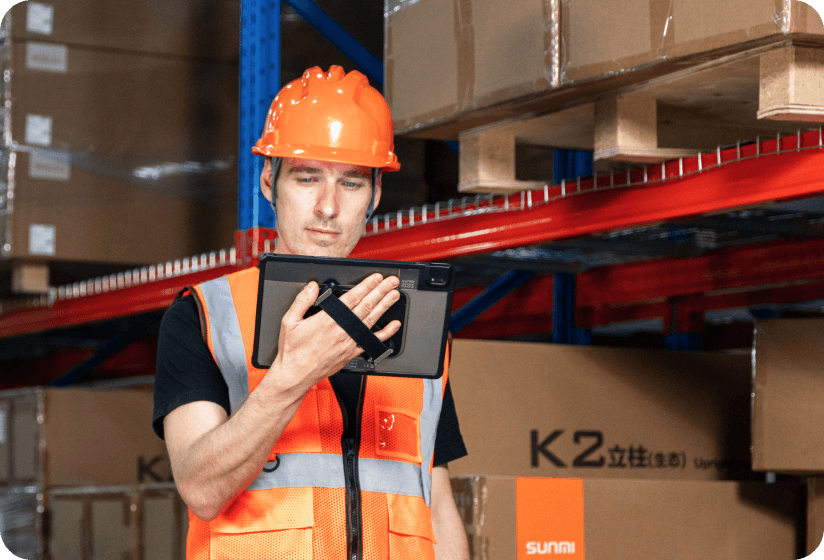
Custom builds require separate MDM solutions, and not all consumer tablets support the enterprise management features needed for reliable kiosk mode operation.
Getting started
Rosper stocks SUNMI’s kiosk lineup, including the K2 and Flex 3, in 8 warehouses across the US and Canada. Most in-stock orders arrive in 2–7 business days, compared to weeks or months for custom builds. All devices include SUNMI’s 3-year warranty, and Rosper assists with deployment planning, device configuration, and warranty support. Request a quote to compare options for your kiosk deployment.
Frequently asked questions
Is a commercial kiosk cheaper than building a custom one?
In most cases, yes. When you factor in component costs, assembly labor, enclosure manufacturing, and multi-vendor warranty complexity, commercial kiosks typically cost the same or less while arriving faster and requiring less maintenance.
How long does it take to deploy a commercial self-ordering kiosk?
With in-stock inventory from a US distributor, you can receive and install commercial kiosks within 1 to 2 weeks. Custom builds typically take 4 to 16 weeks depending on component sourcing and enclosure manufacturing.
Can I customize the look of a commercial kiosk?
Yes. While the hardware form factor is fixed, you have full control over the software interface, branding, menu design, and user experience. Some kiosk models also support custom boot screens and branded wraps.
What size screens do commercial kiosks offer?
SUNMI’s kiosk lineup includes 15.6-inch (K2 Mini), 21.5-inch (K2), and 22-inch (Flex 3) models. The right size depends on your environment, menu complexity, and available floor or counter space.
Do self-ordering kiosks really increase order size?
Yes. Industry studies consistently show 15 to 30 percent increases in average check size when customers use self-ordering kiosks. Visual menu presentation, automated upselling prompts, and reduced ordering pressure all contribute to larger orders.
What happens if a kiosk breaks under warranty?
Commercial kiosks purchased through an authorized distributor include the manufacturer’s warranty. SUNMI devices come with 3-year SUNMI Care coverage. The distributor assists with warranty claims and coordinates repairs or replacements to minimize downtime.