
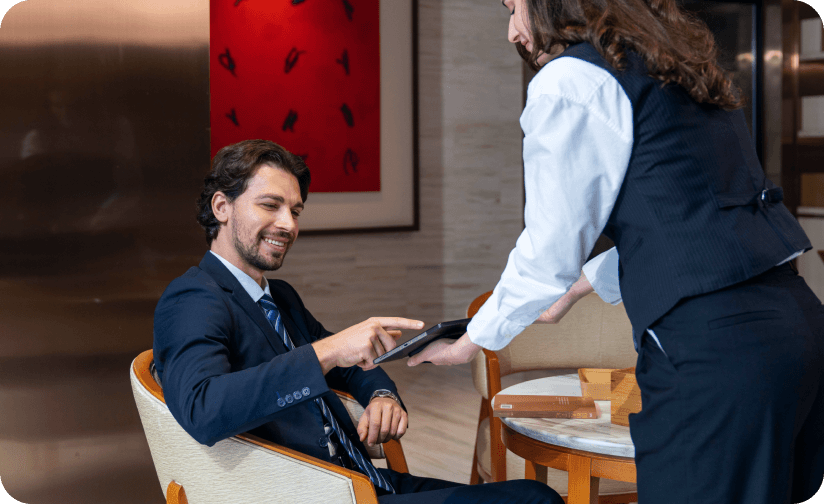
Hotels and resorts are complex operations with multiple revenue centers — front desk, restaurant, bar, room service, pool bar, spa, gift shop, and event spaces — all running simultaneously under one roof. Each touchpoint requires hospitality POS hardware that handles different workflows, environments, and customer expectations.
A front desk terminal needs to process check-ins, payments, and ID verification on a large screen. A pool bar needs a device that withstands humidity and operates without a wired network. A lobby self-check-in kiosk must look premium and function 24/7 without staff supervision.
This guide examines the specific hardware needs for each hotel and resort touchpoint and recommends five SUNMI devices that cover the full hospitality operation — from lobby to poolside.
Why hospitality POS hardware is different from retail or restaurant hardware
While there is significant overlap between hospitality, restaurant, and retail POS systems, hotels and resorts have unique requirements that most standard POS terminals do not address:
- Multi-outlet operations: A hotel may have 5–10 different POS stations across different departments, all needing to communicate with a central property management system (PMS).
- Room charge integration: Guests expect to charge meals, drinks, spa services, and gift shop purchases to their room. The POS must integrate with the PMS for seamless room billing.
- 24/7 operation: Unlike most restaurants and retail stores, hotels run around the clock. Hardware must be durable enough for continuous operation with minimal maintenance.
- Diverse environments: POS hardware in a hotel operates in controlled indoor environments (front desk, restaurant) and challenging conditions (pool deck, outdoor bar, rooftop). Device selection must match each environment.
- Guest-facing interactions: Hospitality places a premium on aesthetics and guest experience. Bulky, dated hardware at a luxury resort front desk undermines the brand image.
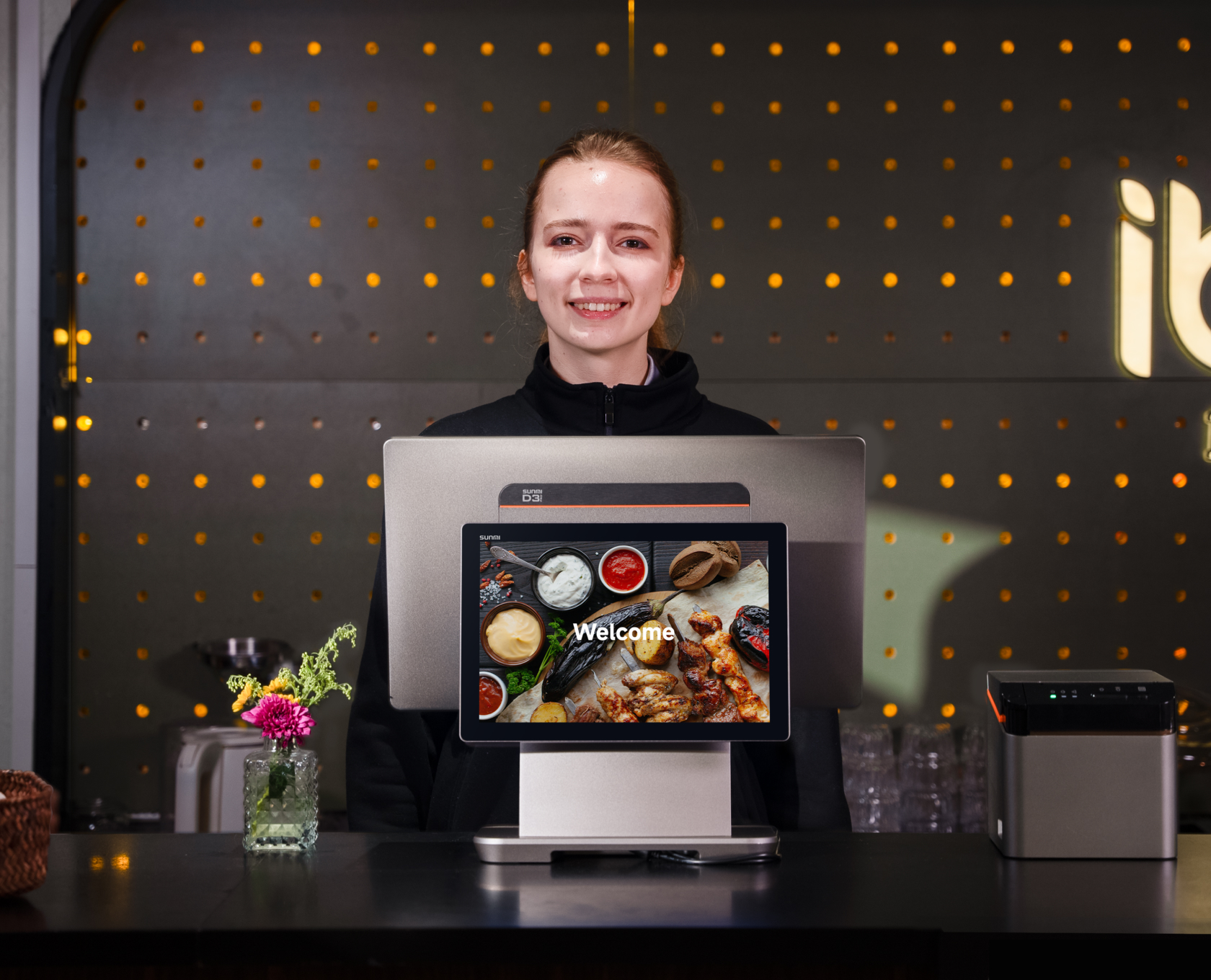
Hospitality POS hardware by touchpoint
Front desk check-in and checkout
The front desk is the first and last impression a guest has of your property. The POS terminal here needs:
- Large display: A 15.6″ screen allows staff to view reservation details, guest profiles, room availability, and billing information without switching between tabs or squinting at small text.
- Performance: PMS software running alongside email, group booking tools, and payment processing demands solid multitasking. Look for at least 6 GB RAM.
- NFC: For contactless check-in via mobile keys and tap-to-pay at checkout.
- Customer-facing display: A secondary screen lets guests verify charges, view folio details, and sign digitally during checkout.
Recommended: The SUNMI T3 Pro is the top pick for front desk operations. With 6 GB RAM, 128 GB storage, a 15.6″ Full HD display, and built-in NFC, it handles the demands of PMS software while maintaining a sleek, modern appearance that fits luxury and mid-scale hotel lobbies alike. Pair it with a 10.1″ or 15.6″ customer-facing display for a complete guest-facing checkout station.
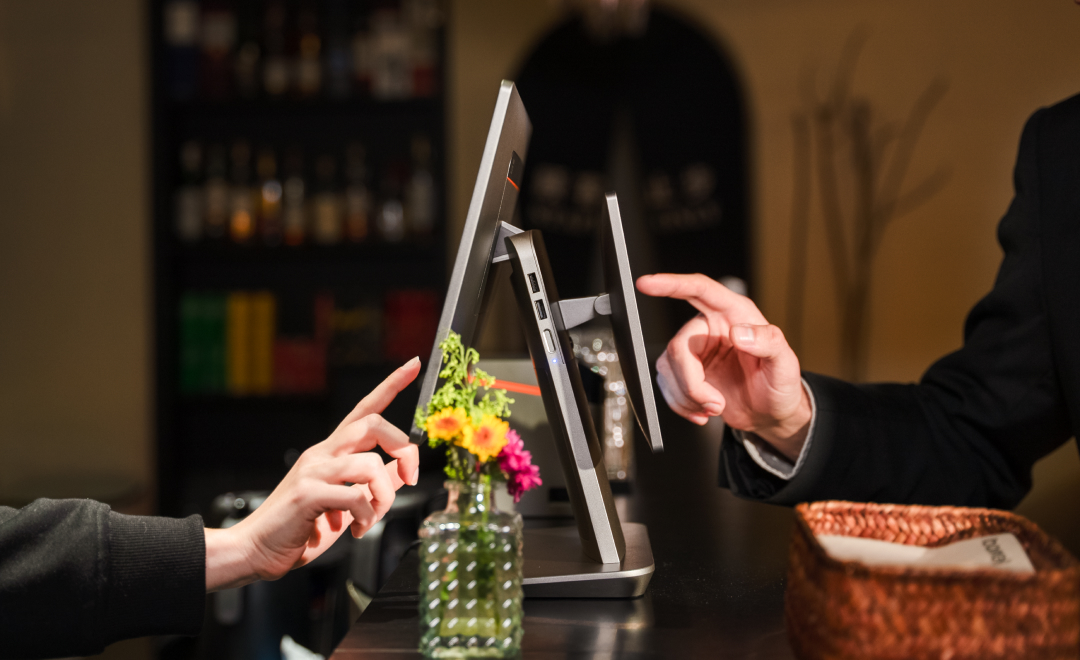
Hotel restaurant and bar POS
On-site restaurants and bars are major revenue drivers for hotels. The POS at these outlets needs to handle:
- Table management: Full-service restaurant workflows including table assignments, course sequencing, and split checks
- Quick service: Bars need fast transaction processing during busy periods
- Kitchen communication: Orders need to route to the kitchen display or kitchen printer seamlessly
- Room charge capability: Guests must be able to charge meals to their room with a simple lookup
- Compact form factor: Bar counters and host stands rarely have space for large terminals
Recommended: The SUNMI D3 Mini is ideal for hotel bars and smaller restaurant stations. Its compact all-in-one design — with built-in barcode scanner, 80mm receipt printer, and NFC — fits neatly behind a bar counter or on a host stand without consuming valuable workspace. The built-in printer provides instant receipt output for bar tabs and restaurant checks.
For the hotel’s main dining room that needs a more comprehensive POS setup, consider the T3 Pro with an external 80mm Kitchen Cloud Printer for kitchen order routing.
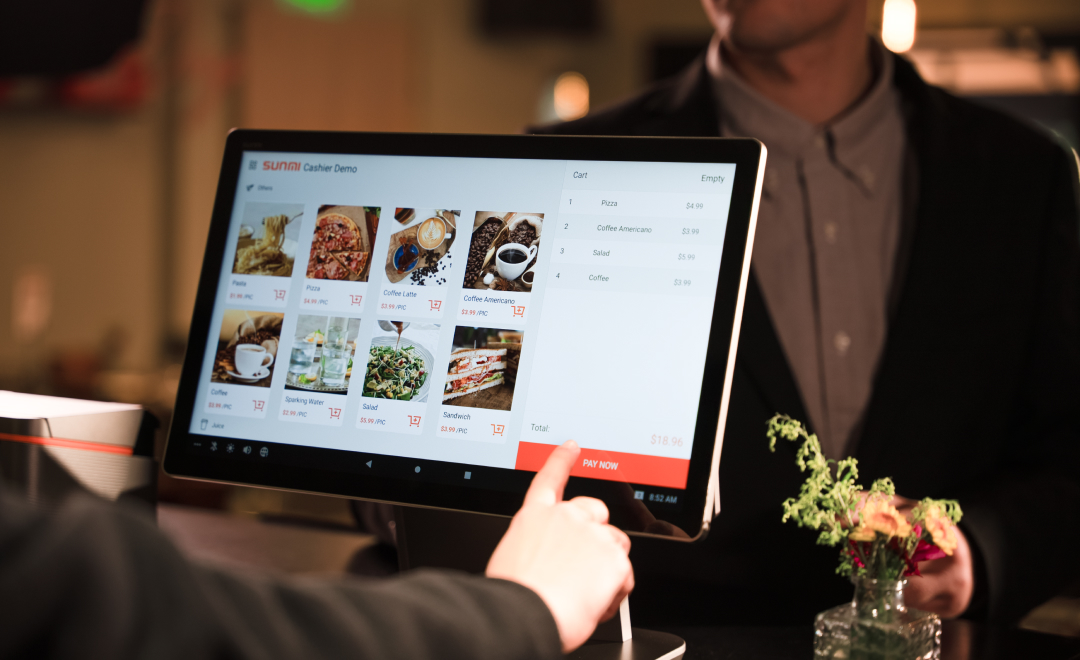
Lobby self-check-in kiosk
Self-check-in kiosks are becoming standard in hotels, particularly for properties that want to offer express check-in, reduce front desk queues, or provide 24/7 check-in capability for late arrivals.
A lobby self-check-in kiosk requires:
- Large, bright display: Guests need clear instructions and easy navigation through the check-in flow
- Payment terminal integration: For collecting deposits, resort fees, or incidental charges
- Scanner: To read reservation QR codes from email confirmations or booking apps
- Professional appearance: The kiosk represents your brand — it needs to look premium in a hotel lobby
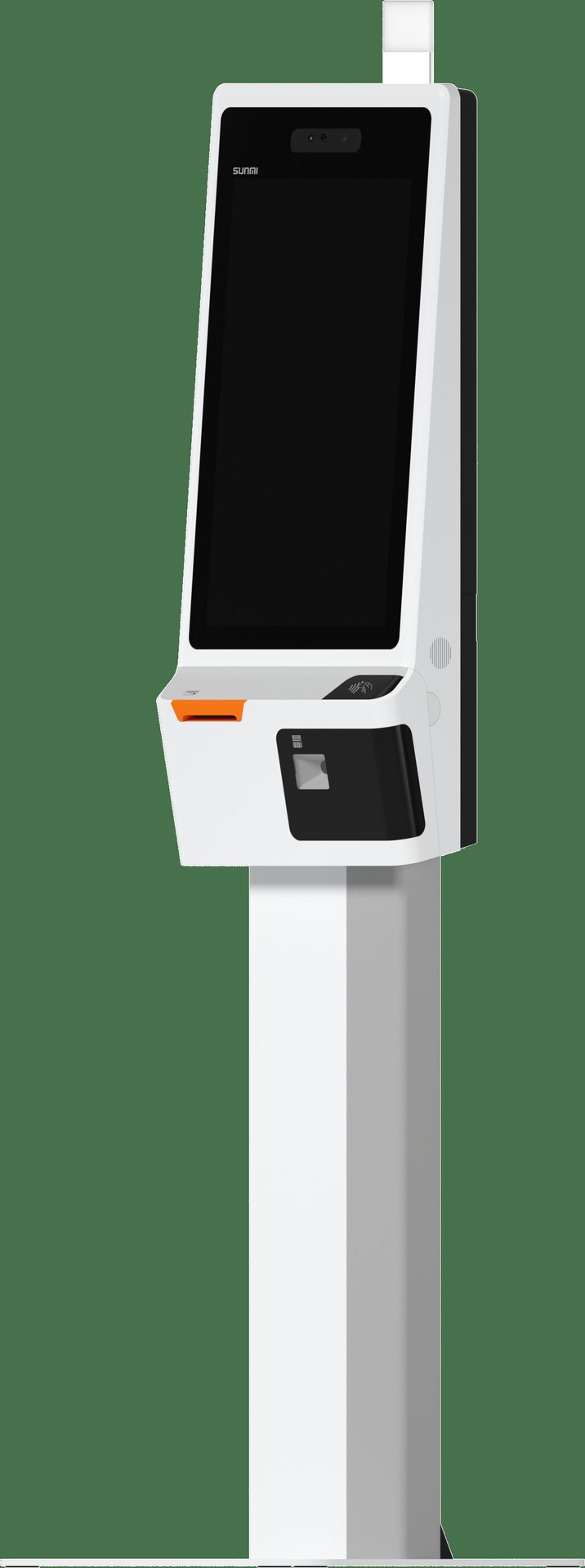
Recommended: The SUNMI K2 on a floor stand is the ideal lobby kiosk. Its 24-inch Full HD touchscreen provides a premium, intuitive check-in experience. Built-in barcode scanner, NFC, and receipt printer handle the complete check-in workflow. Add a payment terminal bracket for secure card transactions.
Poolside and outdoor ordering
Pool bars, beach service, and outdoor dining areas present unique challenges for hospitality POS hardware:
- No fixed network: Outdoor areas rarely have Ethernet connections. The device needs reliable 4G LTE or strong Wi-Fi.
- Portability: Staff move between lounge chairs, cabanas, and pool deck areas. The device must be lightweight and easy to carry.
- Sunlight readability: Screens need to be visible in bright outdoor conditions.
- Durability: Humidity, occasional splashes, and sun exposure require a ruggedized device.
- Payment flexibility: Guests may pay with room charge, credit card, or mobile wallet — the device needs NFC and PMS integration.
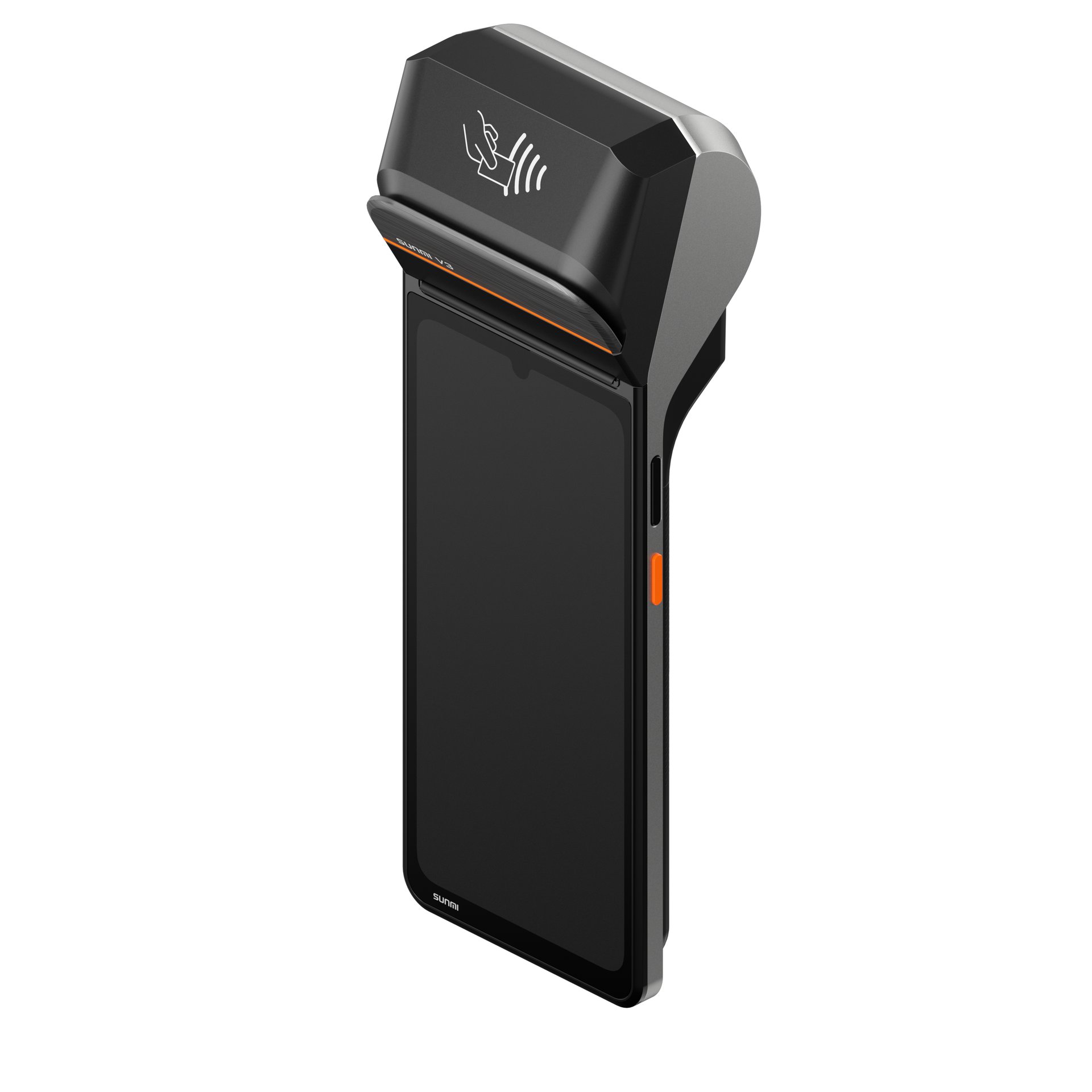
Recommended: The SUNMI V2s is the go-to handheld for poolside ordering. With a 5.5-inch screen, 4G LTE, Wi-Fi, NFC, built-in barcode scanner, and receipt printer, it enables staff to take orders, process payments, and print receipts anywhere on the property. Its compact size and all-day battery support roaming service without returning to a fixed POS station.
Mobile checkout and concierge services
Modern hotel operations increasingly use mobile POS devices for:
- Express checkout: Staff bring the device to the guest’s room or lobby seating area to finalize the bill
- Event services: Conference registration, banquet billing, and event-space POS
- Gift shop and retail: Pop-up retail setups during events or seasonal operations
- Concierge transactions: Selling tours, tickets, and experiences directly from the concierge desk
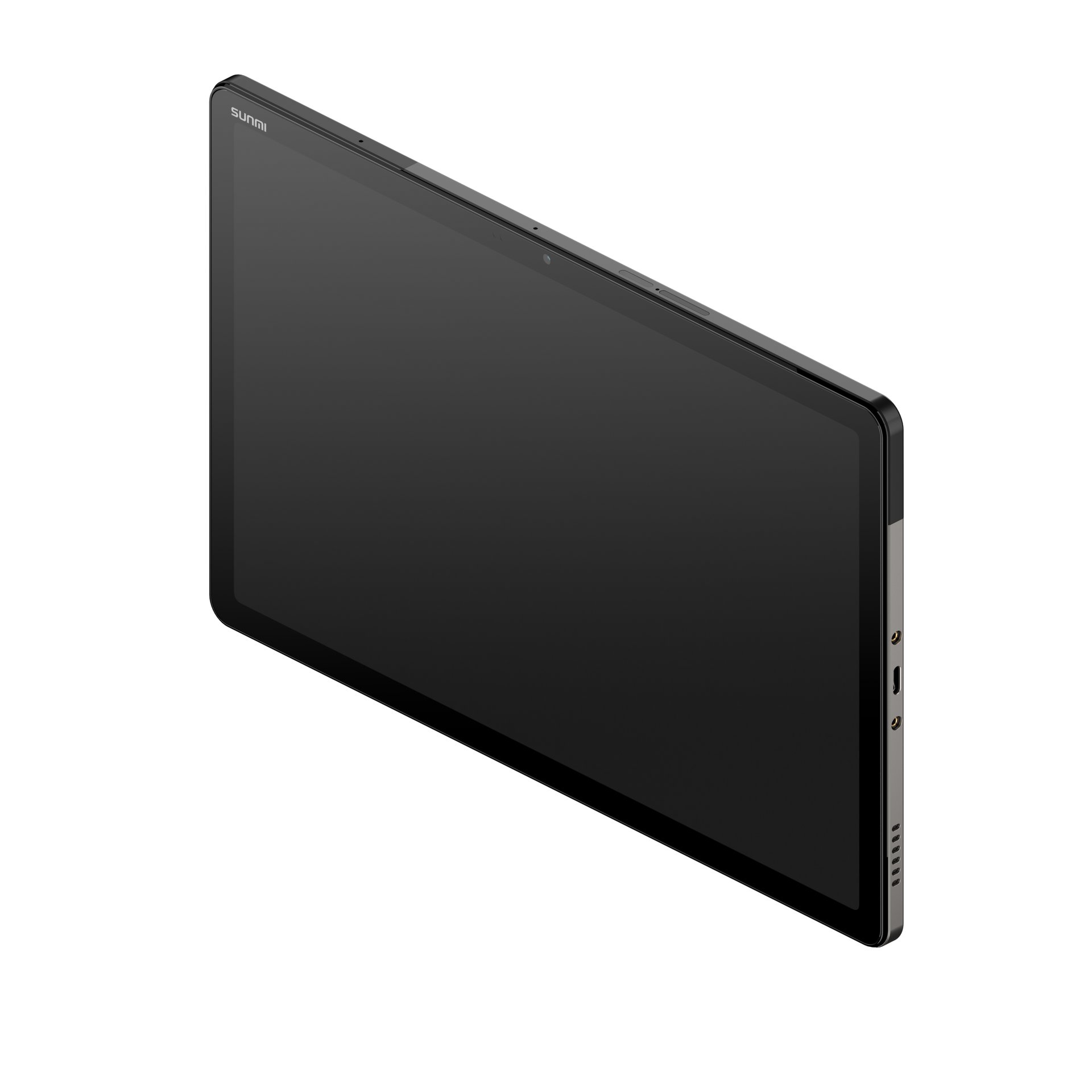
Recommended: The SUNMI CPad (11″ or 14″ model) serves as a versatile mobile checkout device. With a large tablet screen, optional 4G LTE, NFC, and a printing base accessory, it transforms from a mobile device to a semi-fixed checkout station depending on the situation. The CPad’s camera capabilities also support ID verification and loyalty program scanning.
Hardware recommendations summary
| Touchpoint | Recommended device | Key features |
|---|---|---|
| Front desk | SUNMI T3 Pro | 15.6″ display, 6 GB/128 GB; NFC is delivered through the optional customer-facing display (10.1″ C02020003 or 15.6″ C02020004) rather than the main unit |
| Restaurant/bar | SUNMI D3 Mini | Compact, built-in 80mm printer, scanner, NFC |
| Lobby kiosk | SUNMI K2 | 24″ touchscreen, floor stand, printer, scanner |
| Poolside/outdoor | SUNMI V2s | Handheld, 4G LTE, NFC, built-in printer |
| Mobile checkout | SUNMI CPad (11″ or 14″) | Tablet, 4G LTE, NFC, printing base, camera |
Integration considerations for hotels
Hospitality POS hardware does not operate in isolation. Successful deployment requires integration with several core hotel systems:
Property management system (PMS)
Your POS devices need to communicate with the PMS for room charge posting, guest lookup, and folio management. Android-based terminals support API integrations and cloud PMS platforms, making connectivity straightforward for most modern systems.
Payment processing
Hotels typically work with payment processors that support pre-authorization (for room deposits), incremental authorization (for incidentals), and final settlement at checkout. Ensure your POS software and hardware support these hospitality-specific payment workflows.
Kitchen and order routing
For hotel restaurants, orders taken on front-of-house terminals need to route to kitchen display systems or kitchen printers. The SUNMI 80mm Kitchen Cloud Printer supports Wi-Fi, LAN, and Bluetooth connectivity for flexible kitchen integration.
Device management across properties
Hotel groups managing multiple properties benefit from centralized MDM to push updates, monitor device health, and configure new devices before deployment. Android-based hospitality POS hardware supports standard MDM platforms, making fleet management practical even across hundreds of devices.
Frequently asked questions
What is hospitality POS hardware?
Hospitality POS hardware includes all the physical devices used in hotels, resorts, and hospitality venues to process guest transactions, manage check-ins, route restaurant orders, and accept payments. It spans desktop terminals, handheld devices, self-service kiosks, and kitchen displays.
Can hotel POS hardware integrate with property management systems?
Yes. Android-based POS terminals support cloud PMS integrations through APIs. Most modern PMS platforms — including cloud-hosted systems — work with Android devices for room charge posting, guest profile lookup, and folio management.
What POS hardware works best for hotel pool areas?
Handheld devices with 4G LTE connectivity, like the SUNMI V2s, are ideal for poolside and outdoor areas where fixed network connections are unavailable. Their compact size, built-in printer, and NFC capability let staff process orders and payments on the move.
How many POS devices does a hotel typically need?
It depends on the property size and service points. A mid-size hotel with a restaurant, bar, front desk, and pool service might need 6–10 devices. Larger resorts with multiple dining outlets, spas, and event spaces may require 20–30 or more. Contact Rosper for a customized hardware plan.
Do SUNMI devices support room charge functionality?
Room charge capability is a software function, not a hardware one. SUNMI devices run Android and are compatible with POS and PMS software platforms that support room charge integration. Check with your PMS provider for supported Android POS integrations.
What warranty covers hospitality POS hardware?
All SUNMI devices include a 3-year warranty under SUNMI Care Standard when purchased through an authorized distributor. Rosper assists with warranty claims — helping you connect with SUNMI faster. For continuous hotel operations, having a spare device on hand is recommended to minimize downtime during any warranty service.
Equip your hotel with Rosper
Rosper is the official SUNMI distributor for the United States and Canada. From front desk terminals to poolside handhelds, Rosper stocks the full SUNMI product line in warehouses across both countries. Most orders arrive in 2–7 business days. Every SUNMI device includes access to free MDM setup support and the SUNMI 3-year warranty program. Rosper assists with warranty claims — helping you connect with SUNMI faster. Whether you are outfitting a boutique hotel or a multi-property resort group, request a quote to get the right hardware for every touchpoint.