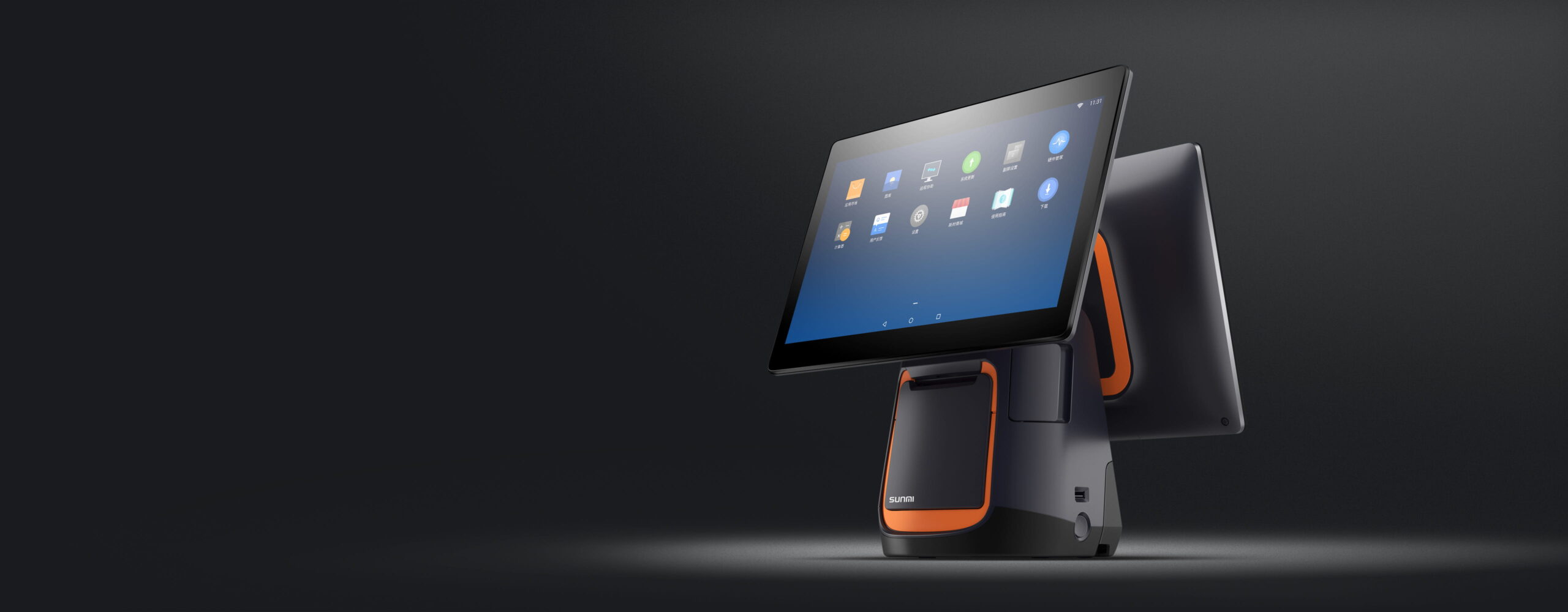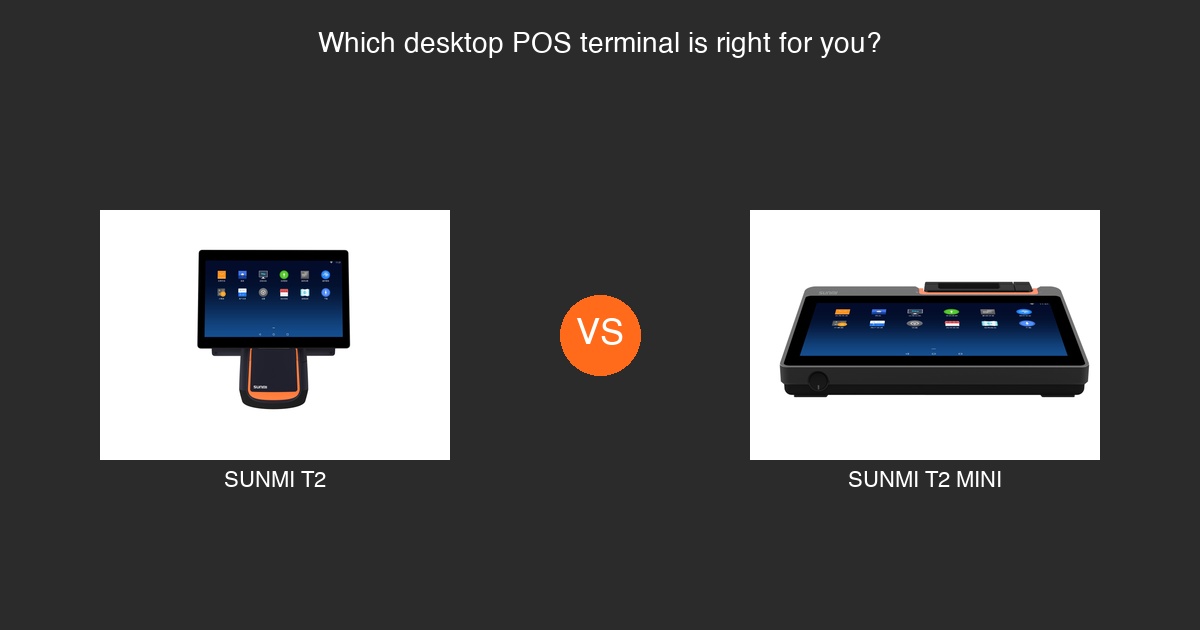
Choosing between the SUNMI T2 and SUNMI T2 MINI? having deployed hundreds of these devices, both are Android-based desktop POS terminals from SUNMI, designed for countertop use in restaurants, retail stores, and service businesses across the United States and Canada. But they differ in screen size, footprint, and the type of business they serve best.
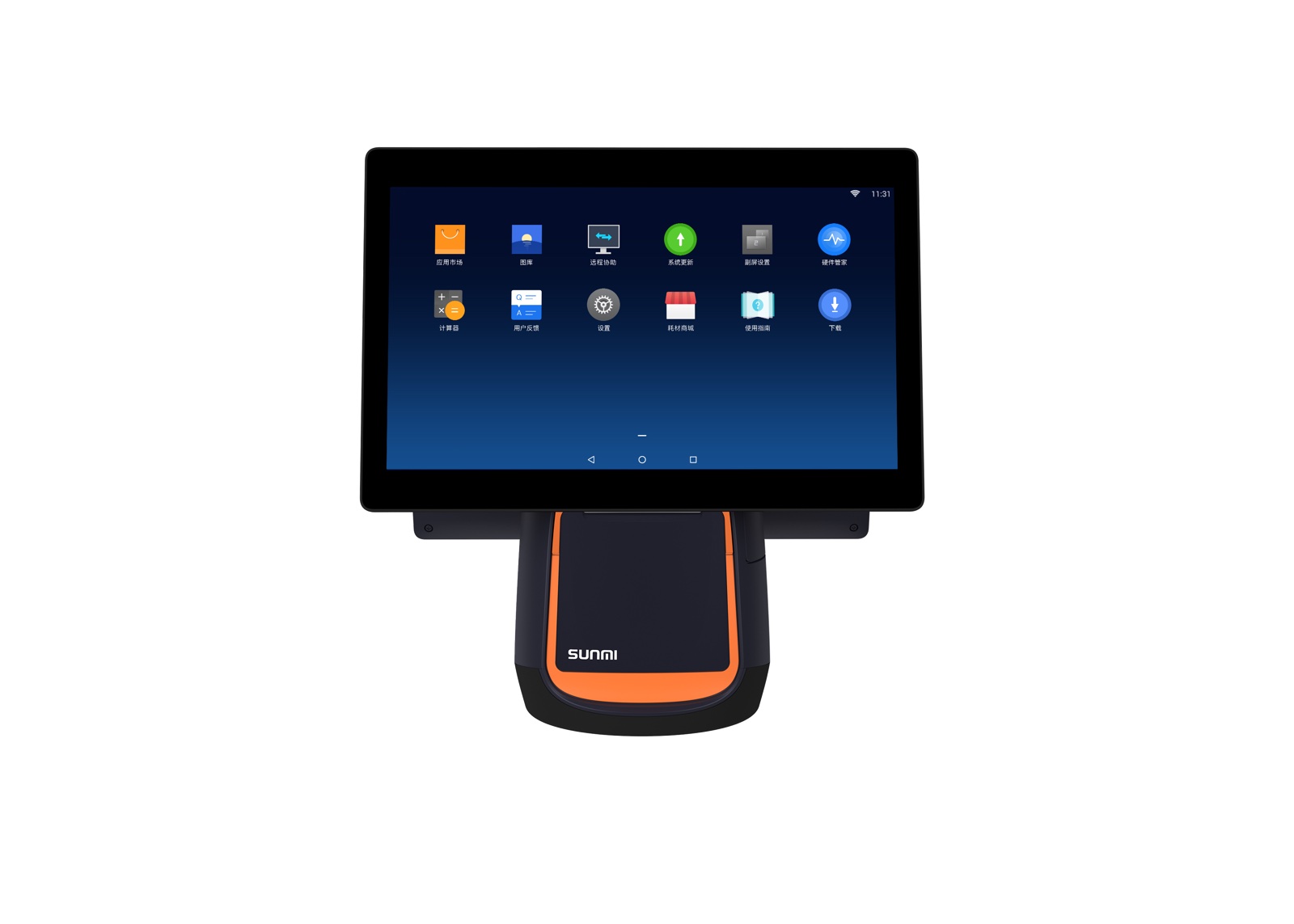
This side-by-side comparison covers everything you need to know to pick the right SUNMI desktop POS terminal for your business.
Quick Comparison: SUNMI T2 vs T2 MINI
| Feature | SUNMI T2 | SUNMI T2 MINI |
|---|---|---|
| Main Display | 10.1″ HD touchscreen | Compact touchscreen |
| Customer Display | Yes, dual-screen | Yes, dual-screen |
| Built-in Printer | Yes, thermal printer | Yes, thermal printer |
| Operating System | Android | Android |
| Connectivity | Wi-Fi, Ethernet | Wi-Fi, Ethernet |
| Camera/Scanner | Yes | Yes |
| Best For | Full-service restaurants, mid-size retail | Small cafes, compact counters, kiosks |
| Counter Space | Standard footprint | Smaller footprint |
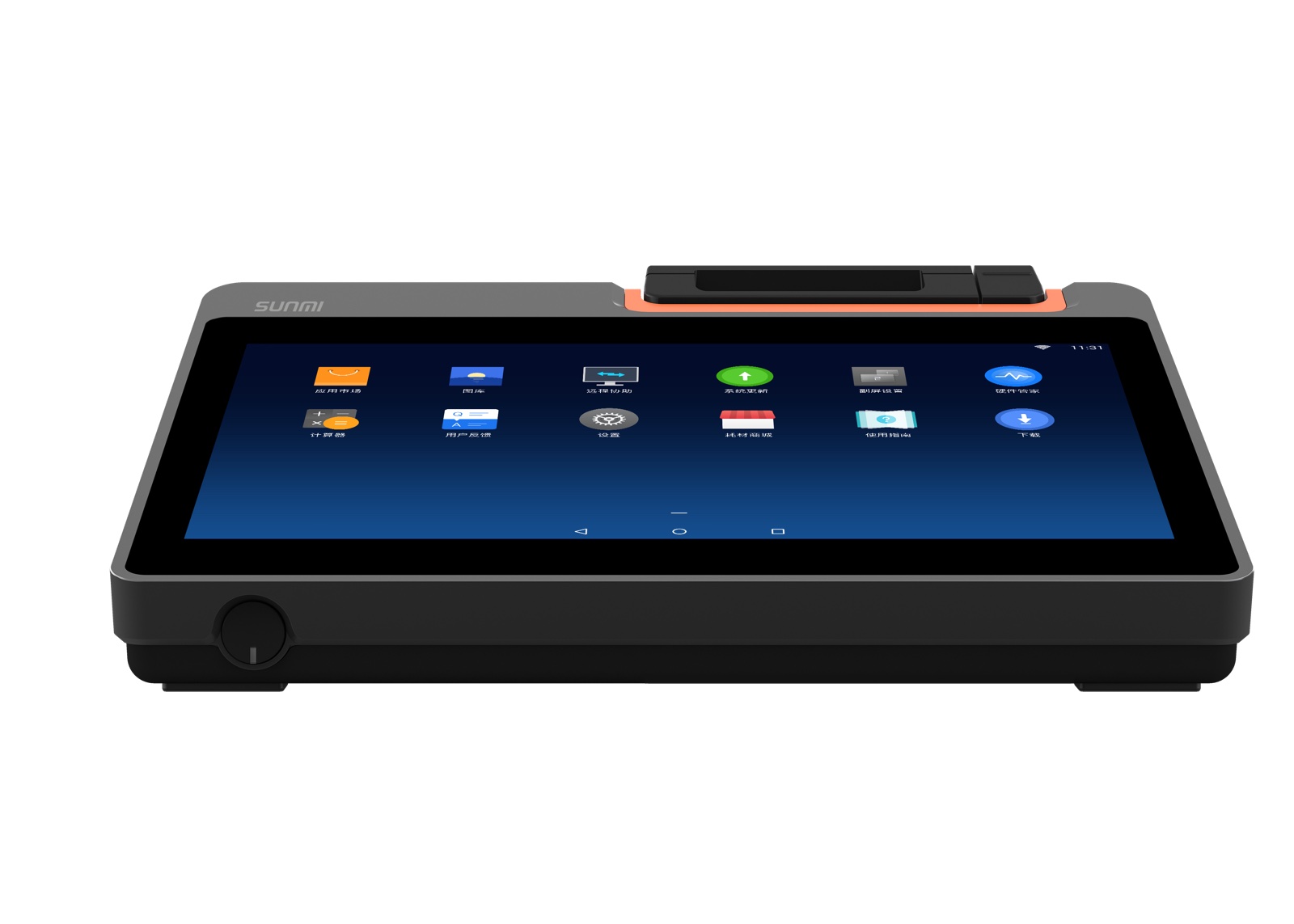
SUNMI T2: Full-Size Desktop POS Terminal
The SUNMI T2 is SUNMI’s full-featured desktop POS terminal. It is built around a 10.1″ HD touchscreen that gives staff plenty of room to navigate POS software, manage menus, look up inventory, and process transactions.
SUNMI T2 Key Features
- 10.1″ main display – Large touchscreen for comfortable, efficient operation
- Dual-screen design – Customer-facing display shows order totals, promotions, or payment prompts
- Built-in thermal printer – Print receipts without an external printer
- Android operating system – Compatible with hundreds of POS apps
- Camera for scanning – Scan QR codes, barcodes, and loyalty cards
- Wi-Fi and Ethernet – Reliable connectivity options for stable operation
- Multiple USB ports – Connect peripherals like cash drawers, external scanners, or card readers
Who Should Use the SUNMI T2?
The SUNMI T2 is the right choice for businesses that want a large-screen, all-in-one desktop POS device:
- Full-service restaurants that manage complex menus, modifiers, and table layouts
- Retail stores that need inventory lookup, barcode scanning, and customer-facing displays
- Quick-service restaurants (QSR) processing high transaction volumes
- Hotels and hospitality front desk operations
The 10.1″ screen makes a noticeable difference for staff who spend long shifts navigating POS software. Larger text, bigger buttons, and more visible menu layouts reduce errors and speed up service.
SUNMI T2 MINI: Compact Desktop POS Terminal
The SUNMI T2 MINI delivers the same core functionality as the T2 in a smaller package. It is designed for businesses that need a capable desktop POS terminal but have limited counter space.
SUNMI T2 MINI Key Features
- Compact touchscreen display – Smaller than the T2, but fully functional
- Dual-screen design – Customer-facing display included
- Built-in thermal printer – Receipt printing without external hardware
- Android operating system – Same app compatibility as the T2
- Camera for scanning – QR code and barcode support
- Wi-Fi and Ethernet – Reliable connectivity
- Smaller footprint – Fits on narrow counters and tight spaces
Who Should Use the SUNMI T2 MINI?
The SUNMI T2 MINI is ideal for businesses where counter space is at a premium:
- Small cafes and coffee shops with narrow service counters
- Bakeries and dessert shops where display cases take up most of the counter
- Pop-up retail and temporary locations
- Small retail stores that want a professional POS setup without a large terminal
- Self-service kiosks where a compact device is preferred
If your counter space is limited but you still want a dual-screen desktop POS terminal with a built-in printer, the T2 MINI is the practical choice.
Detailed Comparison: SUNMI T2 vs T2 MINI
Display Size
The most obvious difference is screen size. The SUNMI T2 has a 10.1″ HD touchscreen, which is comfortable for all-day use and makes complex POS interfaces easy to navigate. The T2 MINI has a smaller display that still handles standard POS operations but is better suited for simple menus and straightforward workflows.
Choose the T2 if your staff navigates large menus, uses split-screen features, or benefits from larger buttons and text.
Choose the T2 MINI if your menu is simple and your team values counter space over screen real estate.
Physical Footprint
The T2 MINI takes up less counter space than the T2. For businesses operating in tight quarters, this can be a deciding factor. The T2 MINI fits where the T2 might feel too large.
Built-in Printer
Both the SUNMI T2 and T2 MINI include a built-in thermal printer. This eliminates the need for a separate receipt printer, saving counter space and reducing cable clutter.
Software Compatibility
Both terminals run Android and support the same POS software ecosystem. Whether you use Loyverse, Kyte, KwickPOS, or another Android-based POS application, both the T2 and T2 MINI will run it. Your software choice does not depend on which model you select.
Connectivity
Both models offer Wi-Fi and Ethernet connectivity. For businesses with a wired network, Ethernet provides the most stable connection. Wi-Fi is convenient for flexible placement.
SUNMI T2 and T2 MINI vs Other SUNMI POS Terminals
If neither the T2 nor T2 MINI fits your needs, consider other SUNMI POS devices:
- SUNMI V3 PLUS – A handheld mobile POS terminal with Google AER and EMVCo certifications. Best for tableside and mobile use.
- SUNMI P3 Series – Compact payment terminals with built-in card readers. Ideal for payment-focused workflows.
- SUNMI V3e – A lightweight mobile POS terminal for small businesses that need portability.
The T2 and T2 MINI are desktop terminals designed to stay on a counter, while the V3 PLUS, P3, and V3e are portable devices designed to move with your staff.
How to Decide: T2 or T2 MINI?
Ask yourself these questions:
1. How much counter space do you have? If space is tight, go with the T2 MINI.
2. How complex is your menu or product catalog? Complex menus benefit from the T2’s larger 10.1″ display.
3. How many transactions per day? High-volume environments benefit from the T2’s larger screen, which reduces tap errors.
4. Do you need a customer-facing display? Both models include one.
5. Budget? The T2 MINI is typically more affordable, making it a good entry point.
Buy SUNMI T2 or T2 MINI from Rosper
Rosper is the official SUNMI distributor for North America. With 8 warehouses across the US and Canada, most orders arrive in 2-7 business days. Every SUNMI device purchased from Rosper comes with SUNMI’s official 3-year manufacturer warranty, and Rosper assists with warranty claims. Shop SUNMI desktop POS terminals or contact Rosper for help choosing the right model.
—
Frequently Asked Questions
What is the main difference between SUNMI T2 and T2 MINI?
The SUNMI T2 has a larger 10.1″ HD touchscreen, while the T2 MINI has a more compact display and smaller footprint. Both offer dual-screen design, built-in printers, and Android OS.
Do both SUNMI T2 and T2 MINI have built-in printers?
Yes. Both the SUNMI T2 and T2 MINI include a built-in thermal printer for receipt printing.
Can I use the same POS software on SUNMI T2 and T2 MINI?
Yes. Both terminals run Android and support the same POS applications, including Loyverse, Kyte, KwickPOS, and others available on the SUNMI App Store or Google Play.
Is the SUNMI T2 MINI good for small cafes?
Yes. The SUNMI T2 MINI is designed for businesses with limited counter space, making it an excellent choice for small cafes, coffee shops, and bakeries.
Do SUNMI T2 terminals have a customer-facing display?
Yes. Both the SUNMI T2 and T2 MINI feature a dual-screen design with a customer-facing display for showing order totals and payment prompts.
Where can I buy SUNMI T2 or T2 MINI in the United States?
Rosper is the official SUNMI distributor for North America. You can purchase the SUNMI T2 and T2 MINI from rospertech.com with fast shipping from 8 warehouses across the US and Canada.
What warranty comes with SUNMI T2 and T2 MINI?
All SUNMI devices purchased from Rosper come with SUNMI’s official 3-year manufacturer warranty. Rosper assists with warranty claims.
Can I connect a cash drawer to the SUNMI T2?
Yes. The SUNMI T2 supports peripheral connections including cash drawers, external scanners, and card readers through its USB ports.