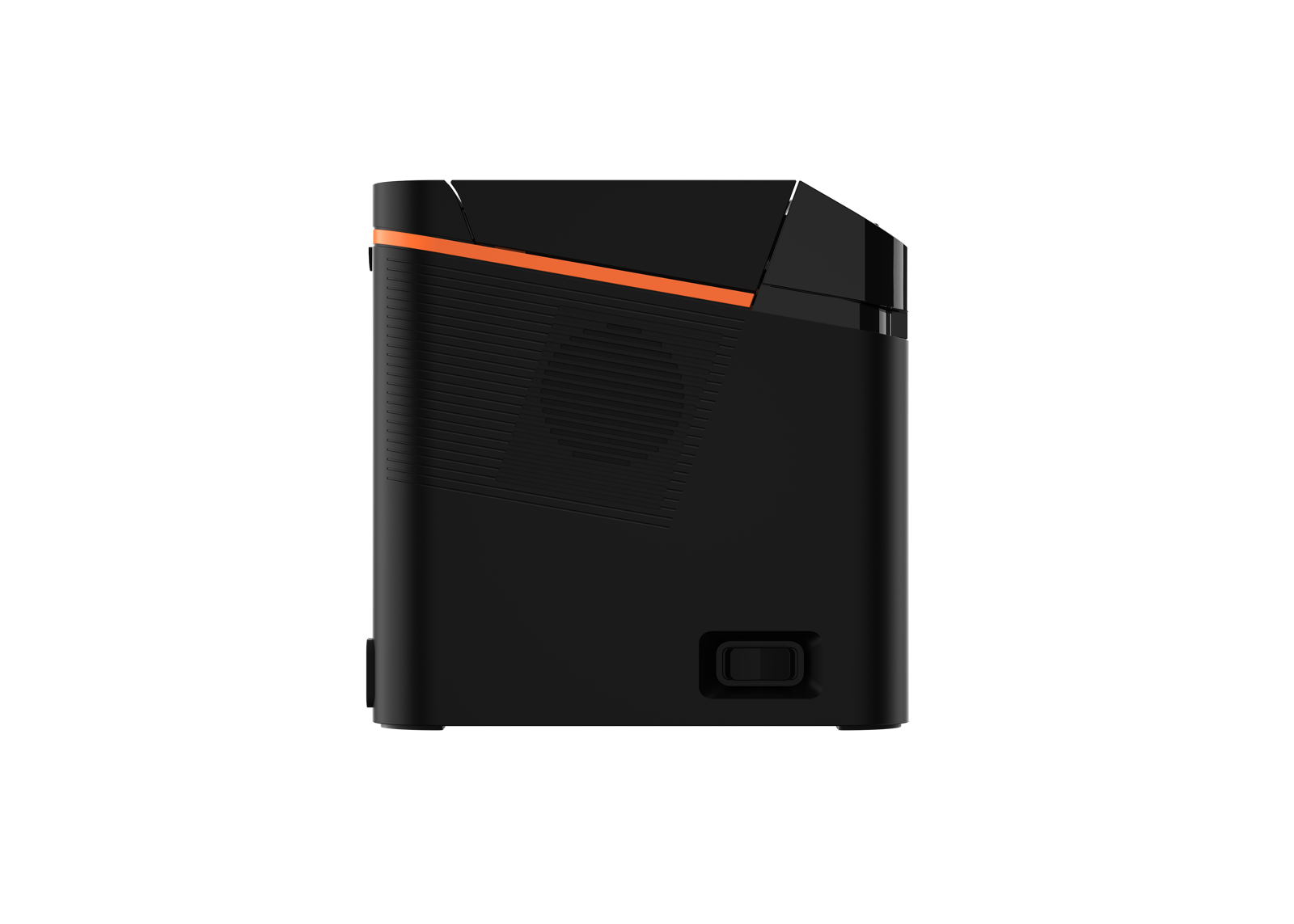
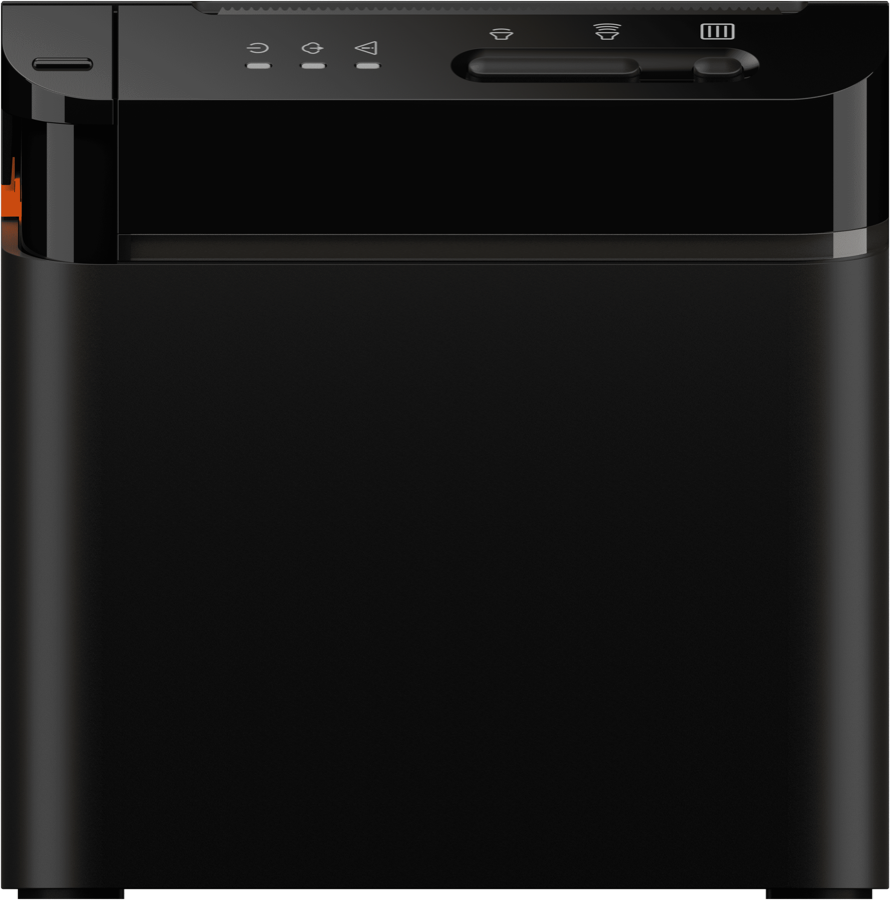
Choosing the right POS printer is one of the most overlooked decisions in setting up a point-of-sale environment. The two most common thermal receipt printer sizes are 58mm and 80mm, and each serves different business needs. This guide breaks down the differences between 58mm and 80mm thermal printers so you can pick the right POS printer for your restaurant, retail store, or service business in the United States and Canada.
The short answer: choose 58mm for compact, mobile, and simple-receipt use like delivery, food trucks, and tableside payment, and choose 80mm for countertop checkout, kitchen tickets, and high-volume retail where wider, faster receipts matter. Below we map each paper width to the specific SUNMI devices that have it built in, so you can go straight from choosing a paper size to choosing a device.
58mm vs 80mm Thermal Printers: Quick Comparison
| Feature | 58mm Thermal Printer | 80mm Thermal Printer |
|---|---|---|
| Paper Width | 58mm (about 2.25 inches) | 80mm (about 3.15 inches) |
| Receipt Width | Narrow | Standard/wide |
| Typical Use | Mobile POS, small receipts | Countertop POS, kitchen orders |
| Print Speed | Moderate | Fast |
| Size | Compact, portable | Standard desktop |
| Best For | Small businesses, delivery, mobile | Restaurants, retail, high volume |
| Characters Per Line | ~32 characters | ~48 characters |
What is a Thermal POS Printer?
A thermal POS printer uses heat to produce text and images on special thermal paper. Unlike inkjet or laser printers, thermal printers have no ink cartridges, toner, or ribbons. This makes them:
- Low maintenance – No ink to replace
- Fast – Thermal printing is faster than impact or inkjet printing
- Quiet – Minimal noise compared to dot-matrix printers
- Reliable – Fewer moving parts means fewer breakdowns
- Cost-effective – Thermal paper is the only ongoing supply cost
Thermal printers are the standard receipt printers for POS environments in restaurants, retail stores, and service businesses throughout North America.
58mm Thermal Printers: Compact and Portable
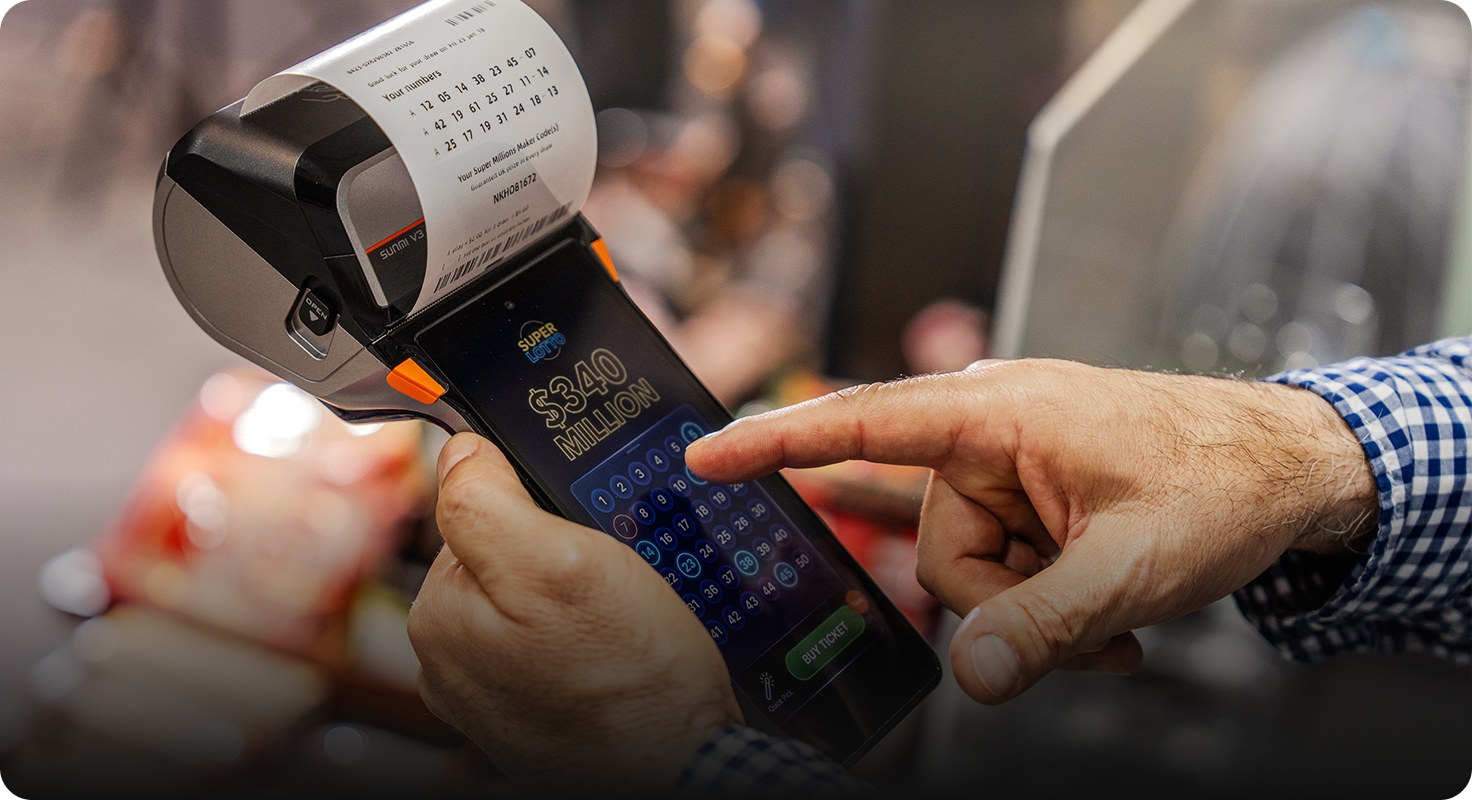
58mm thermal printers use paper that is approximately 2.25 inches wide. They produce narrower receipts with fewer characters per line (typically around 32 characters).
When to Choose a 58mm Printer
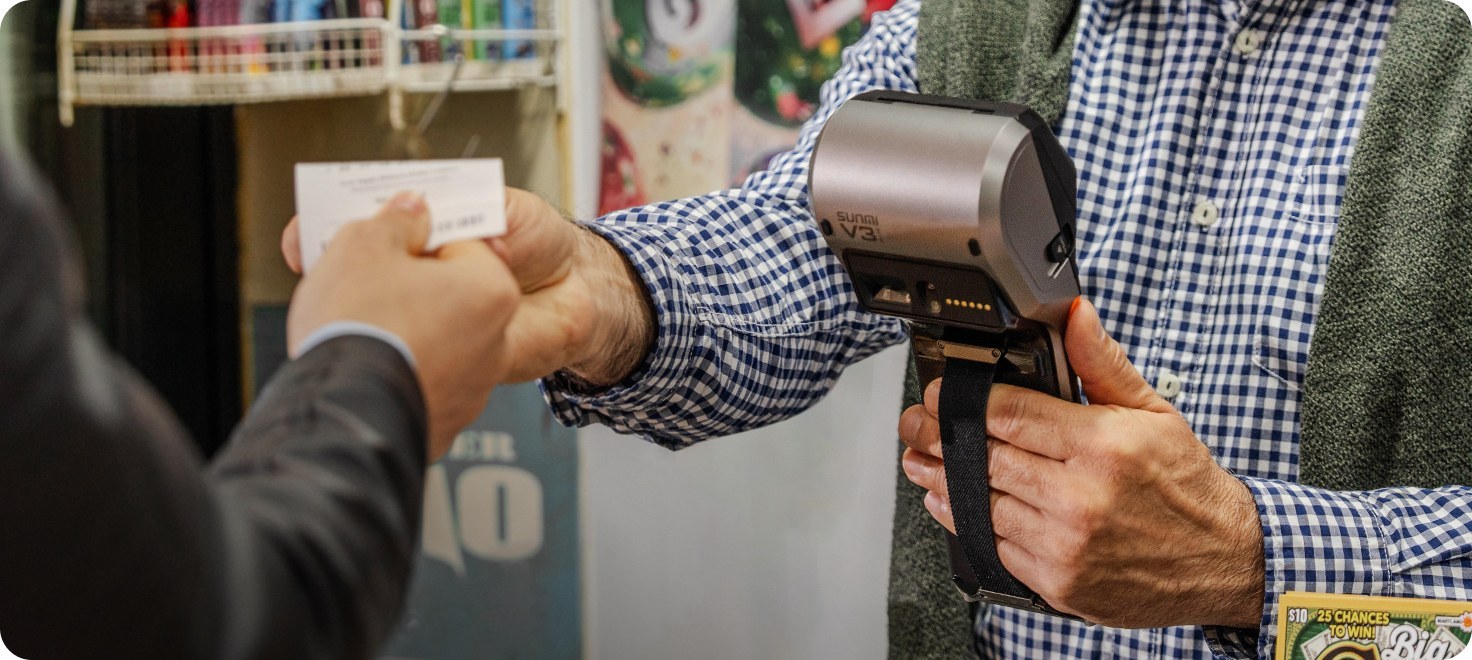
- Mobile POS setups – 58mm printers are smaller and lighter, making them ideal for handheld POS terminals, delivery, and mobile vendors
- Simple receipts – If your receipts list a few items with basic pricing, 58mm is sufficient
- Limited counter space – The compact size fits in tight workspaces
- Budget-conscious businesses – 58mm printers and paper rolls tend to be less expensive
- Portable use – Battery-powered 58mm printers work well for food trucks, farmers markets, and pop-up shops
58mm Printer Limitations
- Narrower paper means less room for item descriptions, modifiers, and branding
- Not ideal for detailed kitchen order tickets
- May require abbreviations on receipts to fit within the character limit
SUNMI Devices with Built-in 58mm Printers
Several SUNMI POS devices include built-in 58mm thermal printers, eliminating the need for a separate printer:
- SUNMI V3e – Lightweight mobile POS terminal with built-in 58mm printer
- SUNMI P2 SE – Entry-level payment terminal with built-in printer
- SUNMI P3 series – Compact payment terminals with built-in printers
80mm Thermal Printers: The Industry Standard
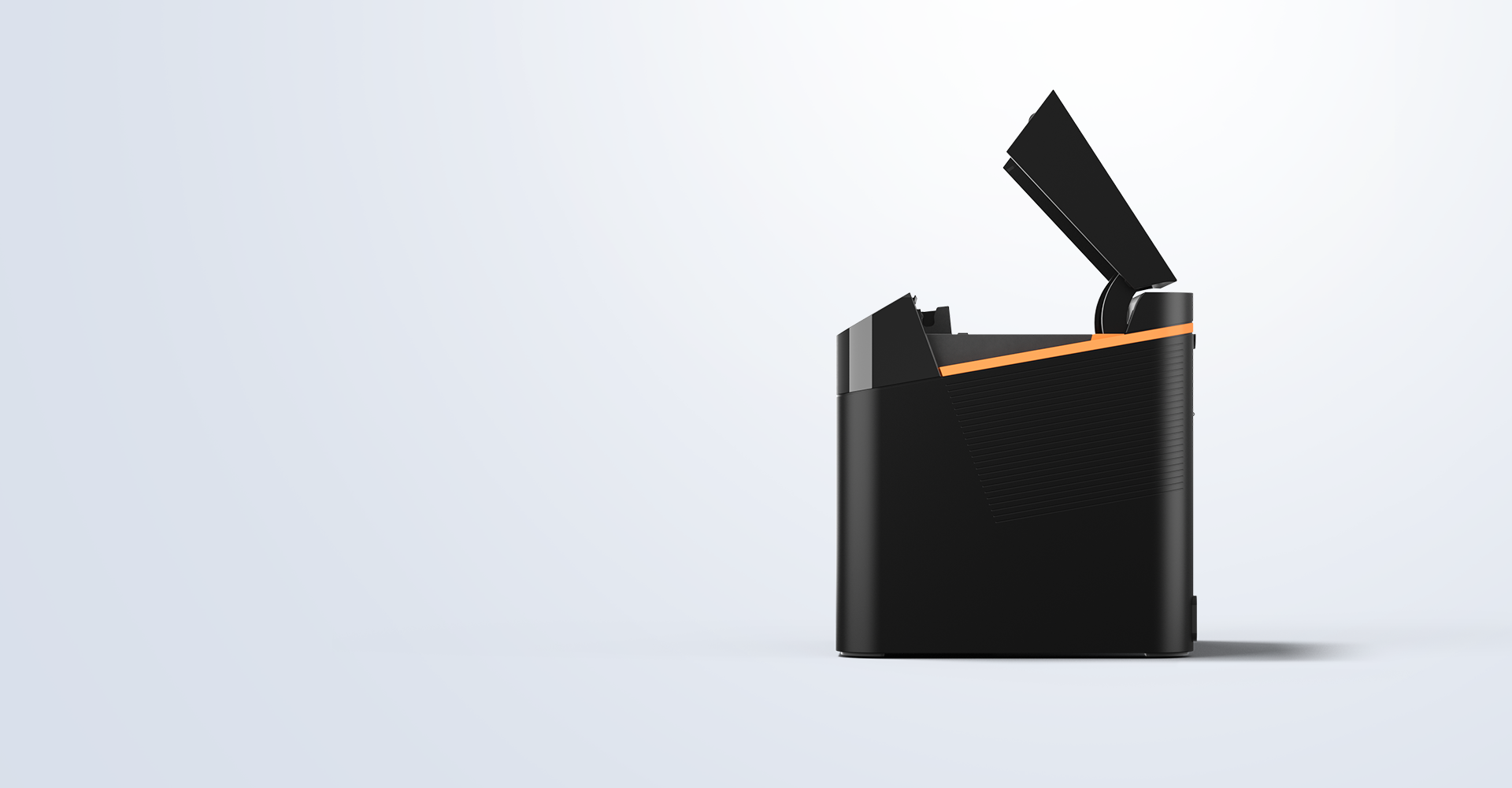
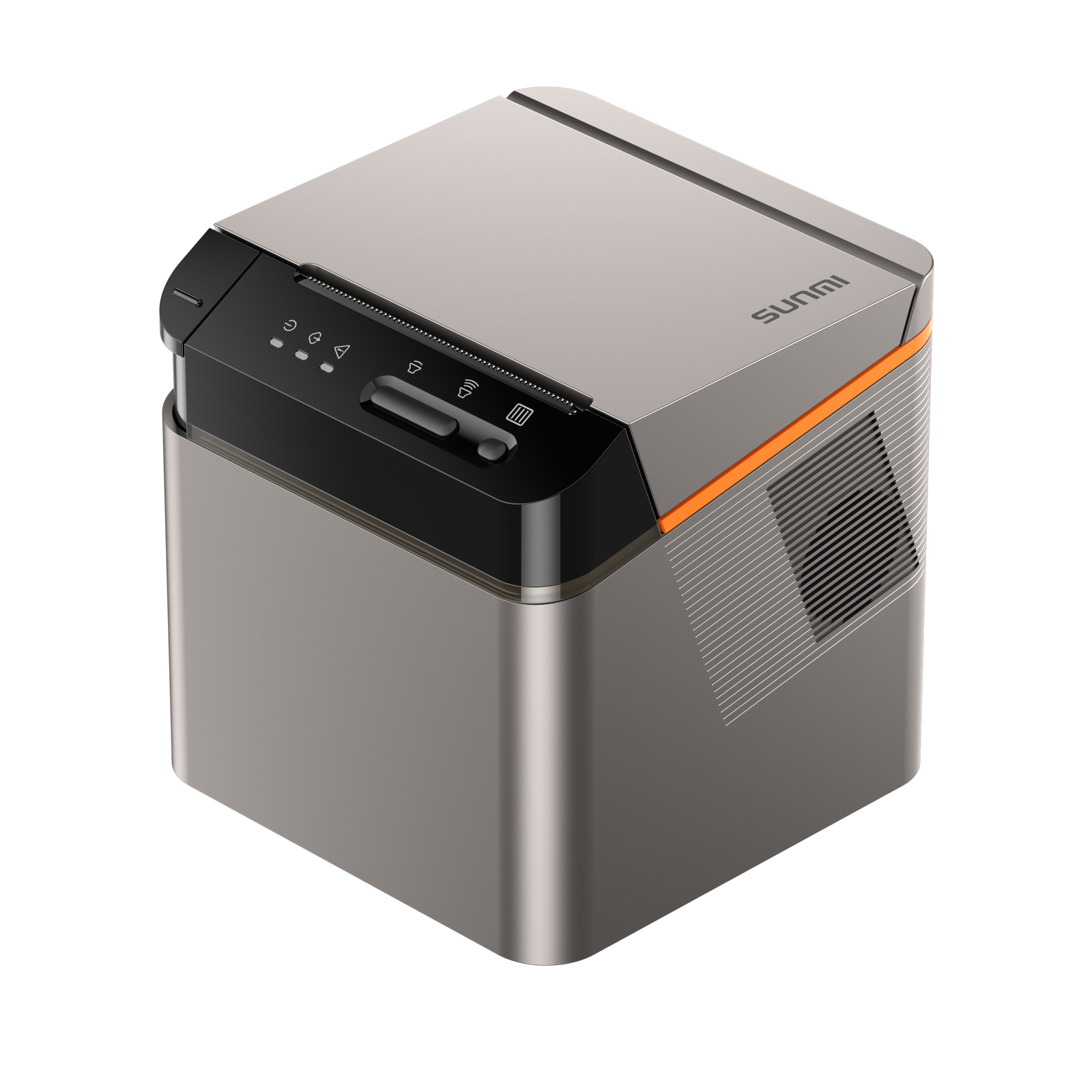
80mm thermal printers use paper that is approximately 3.15 inches wide. They produce standard-width receipts with more characters per line (typically around 48 characters) and are the most common receipt printer size in commercial POS environments.
When to Choose an 80mm Printer
- Restaurants – 80mm paper provides enough room for menu items, modifiers, special instructions, and kitchen notes
- Retail stores – Wider receipts accommodate longer product names, SKUs, and return policies
- High-volume businesses – 80mm printers are typically faster and handle continuous printing better
- Kitchen printing – Order tickets for kitchen staff need to be clear and readable at a glance
- Detailed receipts – If you print logos, promotions, loyalty information, or tax breakdowns, 80mm gives you the space
80mm Printer Considerations
- Larger physical footprint than 58mm printers
- Not portable (most 80mm printers are designed for countertop or wall-mount use)
- Paper rolls cost slightly more than 58mm rolls
SUNMI Devices with Built-in 80mm Printers
The SUNMI T2 desktop POS terminal includes a built-in 80mm thermal printer, making it an all-in-one solution for restaurants and retail stores that need wide receipts and kitchen order tickets.
For businesses that need a standalone 80mm printer, SUNMI also offers external thermal printers that pair with any SUNMI POS device.
Choosing Between 58mm and 80mm: Decision Guide
Choose 58mm If:
1. You use a handheld or mobile POS terminal
2. Your receipts are simple (fewer than 5-10 line items typical)
3. Counter space is extremely limited
4. You need a portable, battery-powered printer
5. You are a small business, market vendor, or delivery service
Choose 80mm If:
1. You run a restaurant with kitchen printing needs
2. Your receipts include detailed item descriptions, modifiers, or promotions
3. You process high transaction volumes and need faster print speeds
4. You want receipts that look professional with logos and branding
5. You operate a retail store with product names, SKUs, and return policies
Can You Use Both?
Yes. Some businesses use both sizes. For example, a restaurant might use a SUNMI T2 with an 80mm built-in printer at the counter and a SUNMI V3 PLUS with a 58mm built-in printer for tableside payments. A retail store might use an 80mm countertop printer for main receipts and a 58mm portable printer for line-busting during busy periods.
SUNMI Device to Paper Width: SKU Matching Table
Once you know the paper width you need, the next question is which device has it built in. The table below matches SUNMI form factors to their integrated printer width, so you can pick a device rather than pairing a separate printer.
| SUNMI device | Form factor | Built-in printer width | Best fit |
|---|---|---|---|
| SUNMI V2s | Handheld | 58mm | Mobile order and pay, line busting |
| SUNMI V3e | Handheld | 58mm | Lightweight mobile POS, delivery |
| SUNMI V3 Plus | Handheld | 58mm | Tableside payment, floor sales |
| SUNMI D3 mini | Compact desktop | 58mm | Tight counters, small shops |
| SUNMI P2 SE and P3 family | Payment terminal | 58mm | Pay-at-counter with receipt |
| SUNMI T3 Pro | Countertop terminal | 80mm | Main checkout, wide receipts |
| SUNMI V3 Mix | Countertop and handheld | 80mm | Multi-scenario retail and food |
| SUNMI NT series | Cloud and network printer | 80mm | Kitchen tickets, shared stations |
The pattern is straightforward. Handhelds and compact terminals carry 58mm because it keeps the device small and light, while countertop terminals and dedicated kitchen printers use 80mm for wider, faster tickets.
58mm vs 80mm Specifications at a Glance
Beyond paper width, three specifications decide throughput and receipt quality at a busy counter: print speed, paper width and roll fit, and cut type. Here is how the two sizes typically compare.
| Specification | 58mm thermal | 80mm thermal |
|---|---|---|
| Paper width | 58mm (about 2.25 in) | 80mm (about 3.15 in) |
| Characters per line | About 32 | About 48 |
| Typical print speed | 50 to 90 mm/s | 150 to 250 mm/s |
| Cut type | Tear bar on most handhelds | Auto-cutter on countertop and kitchen units |
| Common roll diameter | 30 to 50m rolls | 50 to 80m rolls |
| Ideal duty | Low to moderate volume | Continuous high volume |
The print-speed and cut-type gap is why high-volume counters standardize on 80mm. An auto-cutter and 150 to 250 mm/s throughput keep a queue moving, while a 58mm tear-bar handheld is ideal where mobility and a small footprint matter more than raw speed.
Thermal Printer Paper: What to Know
Paper Roll Sizes
- 58mm paper rolls – Common sizes include 58mm x 30m, 58mm x 40m, and 58mm x 50m
- 80mm paper rolls – Common sizes include 80mm x 50m, 80mm x 60m, and 80mm x 80m
Larger diameter rolls last longer between replacements, which matters in high-volume environments.
Paper Quality
Not all thermal paper is the same. Low-quality paper can cause:
- Faded prints that become unreadable
- Paper jams
- Residue buildup that shortens printer lifespan
Choose thermal paper from reputable suppliers to maintain print quality and protect your POS printer.
BPA-Free Paper
Many businesses and jurisdictions now prefer or require BPA-free thermal paper. Check your local regulations and choose BPA-free paper when available.
External POS Printers vs Built-in Printers
Built-in Printers (Integrated)
Many SUNMI POS terminals include a built-in thermal printer. Advantages:
- No extra hardware to buy or maintain
- No cables or connectivity issues
- Saves counter space
- Always available where the terminal goes
External Printers (Standalone)
External thermal printers connect to your POS terminal via USB, Bluetooth, or Wi-Fi. Advantages:
- Can be placed in a separate location (e.g., kitchen)
- Multiple printers can connect to one terminal
- Replaceable independently if the printer fails
Most businesses benefit from POS terminals with built-in printers for the primary checkout location, plus external printers for additional print stations like the kitchen.
POS Printer Connectivity Options
| Connection Type | Best For | Notes |
|---|---|---|
| USB | Fixed counter setups | Most reliable, no wireless issues |
| Bluetooth | Mobile/portable printers | Wireless, limited range |
| Wi-Fi | Kitchen printers, shared printers | Wireless, network-dependent |
| Ethernet | High-volume, fixed locations | Most stable for continuous printing |
Buy SUNMI POS Printers and Terminals from Rosper Technology
Rosper Technology is the official SUNMI distributor for North America. Whether you need a SUNMI POS terminal with a built-in printer or a standalone SUNMI thermal printer, Rosper has you covered. With 8 warehouses across the US and Canada, most orders arrive in 2-7 business days. Every SUNMI product purchased from Rosper comes with SUNMI’s official 3-year manufacturer warranty, and Rosper assists with warranty claims. Browse SUNMI printers and accessories or contact Rosper for recommendations.
Frequently Asked Questions
What is the difference between 58mm and 80mm thermal printers?
The main difference is paper width. 58mm printers use narrower paper (about 2.25 inches) and are compact and portable. 80mm printers use wider paper (about 3.15 inches) and are the standard for countertop and kitchen receipt printing.
Which POS printer size is best for restaurants?
80mm thermal printers are the standard for restaurants in the United States. The wider paper accommodates menu items, modifiers, special instructions, and kitchen notes clearly.
Can I use a 58mm printer for a retail store?
Yes, but 80mm printers are generally better for retail because they provide more room for product names, pricing details, and return policies on receipts.
Do SUNMI POS terminals have built-in printers?
Yes. Most SUNMI POS terminals include a built-in thermal printer. Models like the SUNMI T2 have an 80mm printer, while handheld devices like the SUNMI V3e and P2 SE include compact printers.
How do thermal printers work?
Thermal printers use a heated print head to create text and images on special thermal paper. They require no ink, toner, or ribbons, making them low-maintenance and cost-effective for POS use.
What is the best POS printer for a food truck?
A compact 58mm thermal printer is best for food trucks. SUNMI handheld POS terminals like the V3e include a built-in 58mm printer, providing an all-in-one portable solution.
Where can I buy SUNMI POS printers in the United States?
Rosper Technology is the official SUNMI distributor for North America. Purchase SUNMI printers and POS terminals from rospertech.com with fast shipping from 8 warehouses across the US and Canada.
Do SUNMI printers come with a warranty?
Yes. All SUNMI products purchased from Rosper Technology come with SUNMI’s official 3-year manufacturer warranty. Rosper assists with warranty claims.