
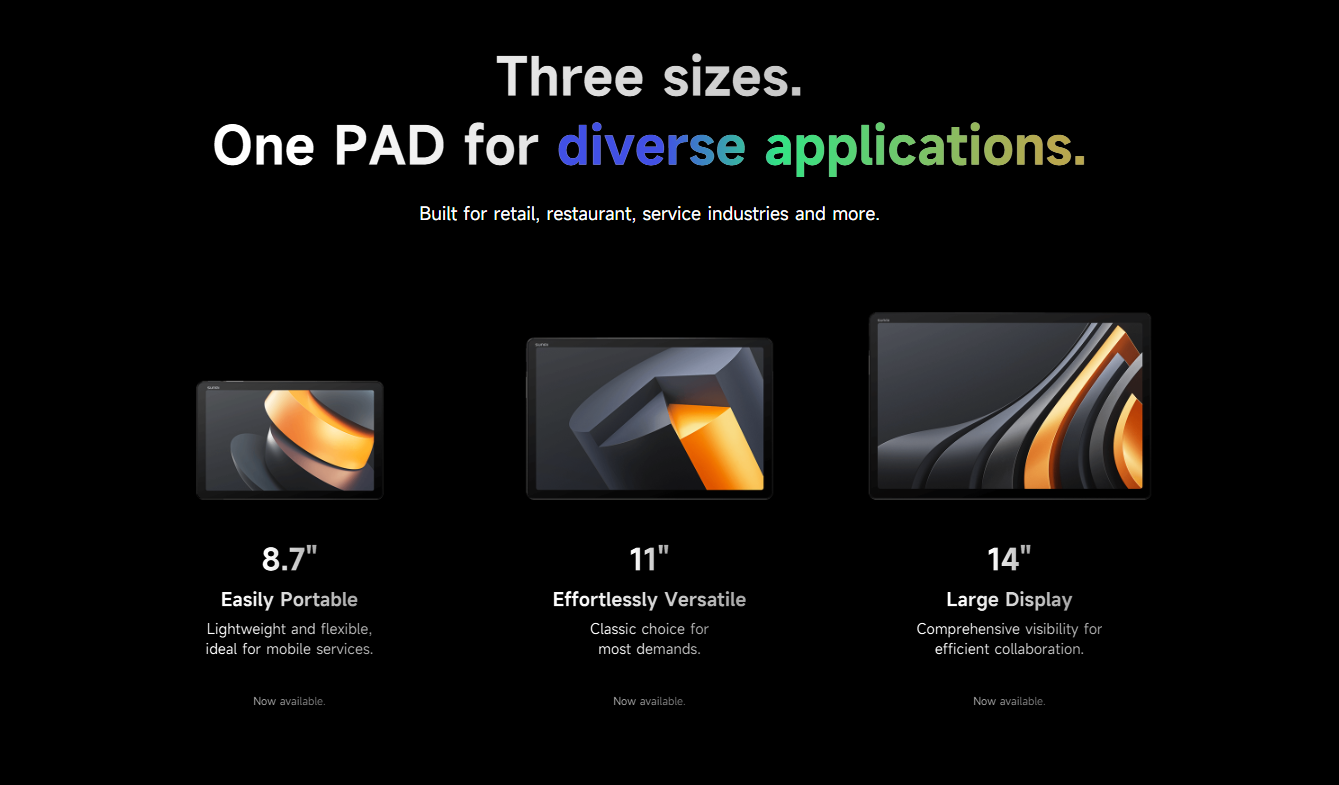
The SUNMI CPad series gives businesses a modular Android tablet that can serve as a POS terminal, customer display, self-ordering kiosk, or kitchen display system, depending on how you configure it. With three screen sizes available, the most common comparison businesses face is between the CPad 14 and the CPad 11.
Both tablets share the same processor, RAM, and software platform. The difference comes down to screen size, resolution, physical dimensions, and the types of tasks each device handles best. This comparison breaks down the specifications and explains which tablet fits which business scenarios.
Specification Comparison
Both the CPad 14 and CPad 11 run on the same Qualcomm octa-core platform with 8GB RAM and 128GB storage. The core difference is the display.
| Specification | CPad 14 | CPad 11 |
|---|---|---|
| Display size | 14 inches | 11 inches (27.94 cm) |
| Display resolution | FHD+ 2.2K | FHD 1920 x 1200 |
| Processor | Qualcomm Octa-Core 2.4GHz | Qualcomm Octa-Core 2.4GHz |
| RAM | 8 GB | 8 GB |
| Storage | 128 GB | 128 GB |
| Operating system | Android 14 (GMS-EDLA) | Android 14 (GMS-EDLA) |
| NFC | Yes (on-screen) | Yes (on-screen) |
| SoftPOS | Supported | Supported |
| Connectivity | Wi-Fi, Bluetooth 5.3, 4G, eSIM | Wi-Fi, Bluetooth 5.3, 4G, eSIM |
| Camera | 13MP rear, 5MP front | 13MP rear, 5MP front |
| Fingerprint reader | Yes | Yes |
| Battery | Built-in rechargeable | Built-in rechargeable |
| Ports | Dual USB-C, dual Pogo Pin | Dual USB-C, dual Pogo Pin |
| 2D Scanner | Optional | Optional |
| Warranty | 3 years (SUNMI Care Standard) | 3 years (SUNMI Care Standard) |
| Weight | Heavier (larger screen) | Lighter, more portable |
Source: SUNMI official product specifications. Actual specifications may vary by region and configuration.
The key takeaway: these are the same device family with the same computing power. Your choice comes down to how much screen real estate your workflow requires.
When the CPad 14 Is the Better Choice
Kitchen Display Systems (KDS)
A 14-inch screen gives kitchen staff significantly more visible order content at a glance. More ticket lines are visible simultaneously, reducing the need to scroll during peak service. For busy restaurants running 50+ tickets during a dinner rush, the extra three inches of screen space can meaningfully improve kitchen throughput.
Fixed POS Stations with Complex Menus
If your POS software displays product images, modifier grids, or detailed order summaries, the 2.2K resolution on the 14-inch screen makes everything sharper and easier to read. This matters for full-service restaurants with extensive menus or retail stores with large product catalogs.
Customer-Facing Self-Ordering Kiosks
When mounted as a self-ordering station, the larger screen provides a more comfortable browsing experience for customers. Menu items, photos, and customization options all display at a size that is easy to interact with, even for users who are not tech-savvy.
Supervisor and Management Stations
For back-office use, inventory management, and reporting, the 14-inch screen works like a compact desktop monitor. Managers can view dashboards, charts, and detailed reports without squinting or scrolling excessively.
Multi-Window POS Software
Some modern POS applications support split-screen or multi-window layouts. The 14-inch display makes these layouts practical, letting staff see an order list on one side and a product catalog on the other simultaneously.
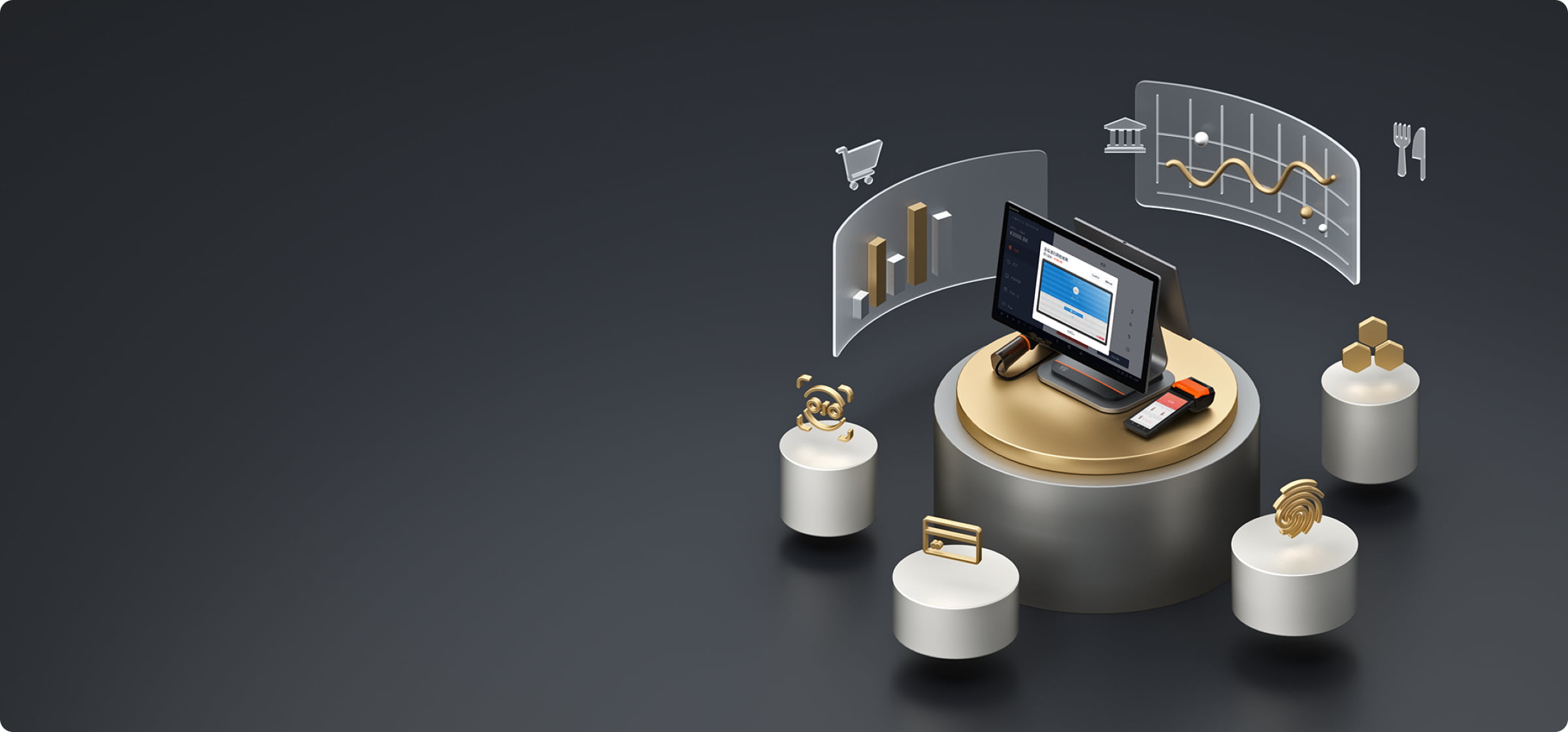
When the CPad 11 Is the Better Choice
Mobile and Tableside Service
At 11 inches, the CPad 11 is lighter and easier to carry. For servers in a restaurant who need to bring the tablet to the table for order-taking and payment, the smaller form factor is less cumbersome to hold for extended periods. Paired with a hand strap or shoulder strap, it becomes a practical mobile ordering tool.
Space-Constrained Counters
If your checkout counter is tight on space, the 11-inch tablet takes up noticeably less room than the 14-inch model. This matters in cafes, food trucks, pop-up shops, and small retail boutiques where every inch of counter space counts.
Cost-Sensitive Deployments
When you are equipping multiple stations or locations, the per-unit cost difference between the CPad 11 and CPad 14 adds up. For businesses deploying ten or more tablets across a chain, the CPad 11 can represent meaningful savings while still delivering the same processing power and software compatibility.
Customer Display at Checkout
Mounted on a stand next to the main POS, the CPad 11 works well as a secondary customer-facing display. It is large enough for customers to verify order details and confirm payment amounts without dominating the counter.
Warehousing and Logistics
For stocktaking, receiving, and warehouse management, the CPad 11’s portability and optional 2D scanner make it a practical tool for floor staff. The 11-inch screen is large enough to read product details and scan results while remaining easy to carry around a warehouse or stockroom.
Shared Strengths: What Both Tablets Do Well
Regardless of which size you choose, the CPad series offers several capabilities that set it apart from consumer tablets used for business purposes:
Quick-Lock Modular System
The four-point magnetic locking mechanism lets you snap a CPad into and out of accessories in seconds. Switching between a desktop stand, a table-side stand, a printing base, or a hand strap requires no tools and no downtime. One tablet can serve multiple roles throughout the day.
On-Screen NFC and SoftPOS
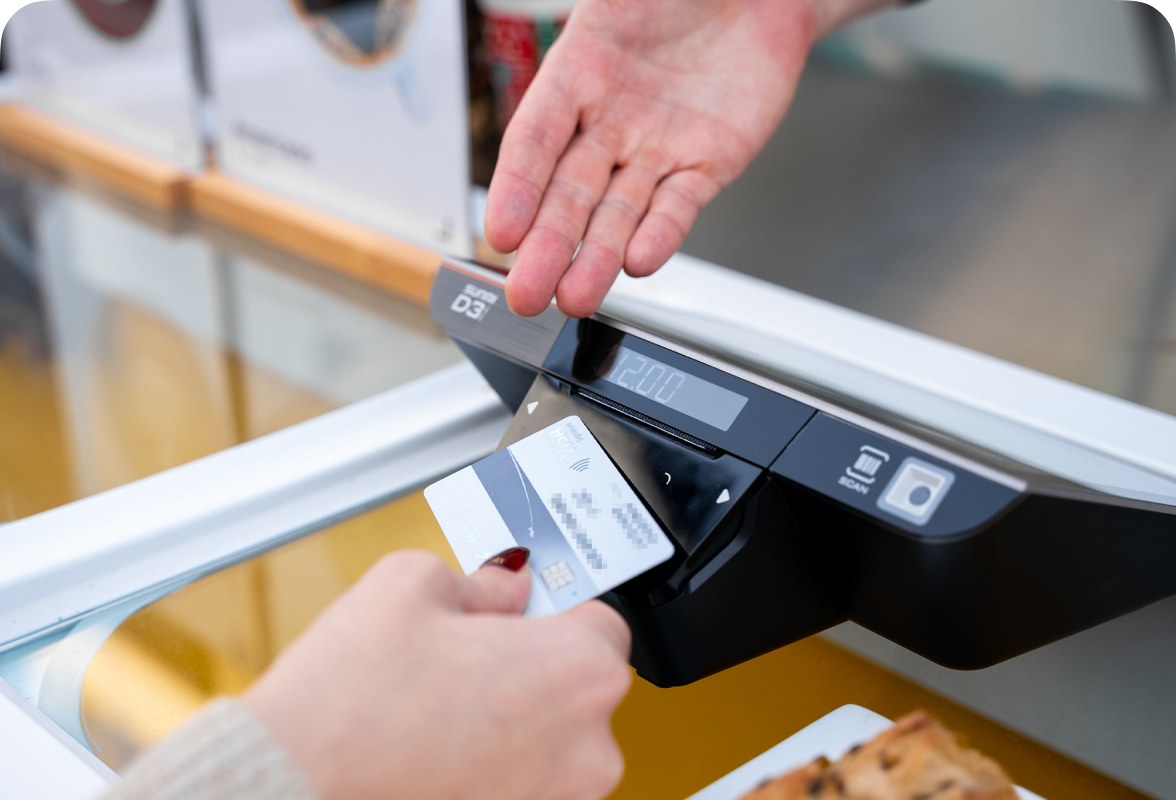
Both models feature NFC built into the screen. This means customers can tap their contactless card or phone directly on the tablet display to pay, turning the CPad into a payment acceptance device without any external hardware. Combined with a SoftPOS application from your payment processor, this eliminates the need for a separate payment terminal.
Enterprise-Grade Android (GMS-EDLA)
Both tablets run Android 14 with Google Mobile Services Enterprise Device Licensing Agreement. This means they are certified for enterprise use, support managed device profiles, and can run standard Android applications from Google Play as well as custom POS software. EDLA certification ensures long-term security updates and OS stability. For IT teams managing device fleets, SUNMI’s device management solution provides centralized remote configuration and monitoring.
Durability for Commercial Use
The CPad series is built for daily commercial use, with a chassis designed to withstand the bumps, spills, and constant handling that consumer tablets would not survive. The 3-year warranty reflects this durability standard.
Unified Accessory Ecosystem
All CPad sizes share the same Quick-Lock accessory system. This means a business that uses both CPad 14 and CPad 11 devices can use the same stands, bases, and mounts interchangeably. You do not need to buy separate accessories for each size.
Mixing Both Sizes in One Business
For many businesses, the best answer is not one or the other, but both. A common deployment pattern looks like this:
- CPad 14 at fixed positions: the main checkout counter, the kitchen display station, and self-ordering kiosks where screen size matters most.
- CPad 11 for mobile roles: tableside ordering, curbside pickup verification, inventory checks, and management walkthroughs.
Because both sizes share the same software platform and accessories, IT management stays simple. Your POS provider configures the same application on both, staff use the same interface, and your accessory inventory stays unified.
CPad 14 vs CPad 11 FAQ
Q: Can I run the same POS software on both the CPad 14 and CPad 11?
A: Yes. Both tablets run the same Android 14 GMS-EDLA operating system with identical processors, RAM, and storage. Any POS application that works on one will work on the other.
Q: Is the CPad 14 worth the extra cost for a small coffee shop?
A: For a single-terminal setup where the tablet stays on the counter, the CPad 11 is usually sufficient. The CPad 14 justifies its higher cost when you need the larger screen for menu-heavy POS interfaces, self-ordering kiosks, or dual-purpose use (POS + customer display).
Q: Can I use CPad accessories interchangeably between sizes?
A: The Quick-Lock system is designed for the same accessory family. However, some stands and cases are size-specific. Check the accessory compatibility for each specific product. Rosper can confirm which accessories work across sizes.
Q: Does the CPad 14 have a better camera than the CPad 11?
A: Both have a 13MP rear camera and 5MP front camera. The cameras are identical. The CPad 14’s larger screen makes it easier to view camera output (useful for video calls or document scanning), but the camera hardware itself is the same.
Q: Which CPad size is better for self-ordering kiosks?
A: The CPad 14 is generally better for self-ordering. The larger screen provides a more comfortable touch experience for customers who are not familiar with your menu, and it can display more items without scrolling. However, the CPad 11 works for compact kiosk installations where space is limited.
Q: Can the CPad replace my kitchen display system?
A: Yes, particularly the CPad 14. Its 14-inch screen is well-suited for KDS use, displaying multiple order tickets simultaneously. Many KDS software applications are designed for screens in this size range. Pair it with a wall or stand mount and it functions as a dedicated kitchen display.
Q: What is the warranty coverage?
A: Both CPad models include SUNMI Care Standard 3-year warranty with a replacement-only policy for third-generation products. Rosper assists with warranty claims, helping you connect with SUNMI faster for any issues that arise.
Find the Right CPad for Your Business
Choosing between the CPad 14 and CPad 11 comes down to where and how the tablet will be used. For fixed positions where screen size drives productivity, the CPad 14 delivers. For mobile use and space-constrained environments, the CPad 11 offers the same performance in a more portable form.
Rosper stocks the complete SUNMI CPad lineup at warehouses across the US and Canada. Most orders arrive in 2-7 business days. Whether you need one tablet for a single location or a mixed deployment across multiple sites, Rosper can help you configure the right combination of devices and accessories.
Requesting a quote is a good way to start. Rosper’s team can recommend the right CPad configuration for your specific business type, POS software, and workspace layout.