
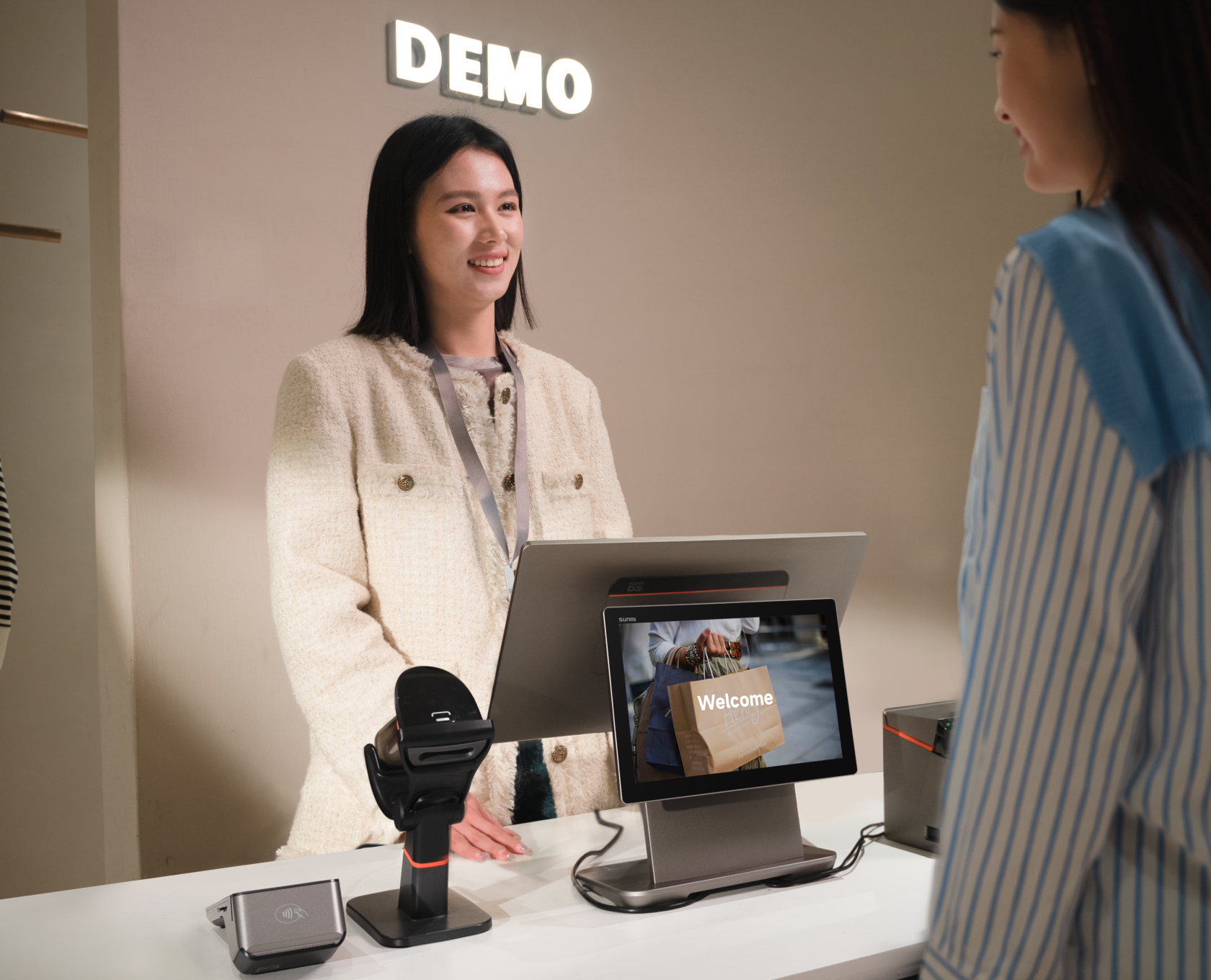
The easiest way to manage SUNMI POS devices remotely is through SUNMI’s free, built-in MDM (mobile device management) platform that comes with every SUNMI POS terminal. It lets businesses remotely manage apps, lock devices into kiosk mode, enforce security policies, and diagnose printer issues , all without paying for third-party software like Esper or Scalefusion.
Managing a fleet of POS terminals across multiple locations shouldn’t cost thousands of dollars a year. If you’re running SUNMI hardware, it doesn’t have to.
Why SUNMI MDM matters for POS fleet management
Running a restaurant, retail chain, or hospitality business means dealing with POS hardware across every location. When a printer stops working at your busiest store on a Friday night, or an employee accidentally installs an unauthorized app on a kiosk, you need to fix it fast , ideally without sending a technician.
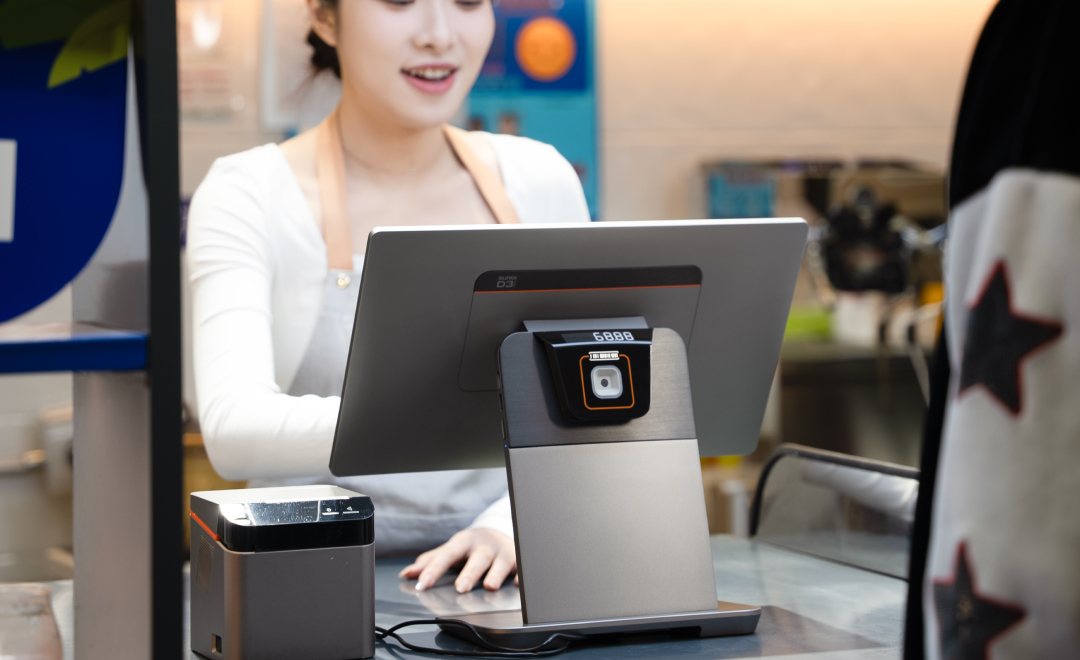
That’s where mobile device management (MDM) comes in. An MDM solution lets you:
- Push app updates to every device at once, silently and without interrupting service
- Lock devices into kiosk mode so employees only see the apps they need
- Troubleshoot remotely instead of driving to the location
- Track device health across your entire fleet from a single dashboard
- Enforce security policies like disabling USB transfers or requiring screen locks
Most businesses running SUNMI devices end up paying for third-party MDM tools like Esper, Scalefusion, or Hexnode. And those tools work , but they also charge $2 to $6 per device per month. For a chain with 100 devices, that’s $2,400 to $7,200 every year.
What many SUNMI users don’t realize is that a powerful, deeply integrated MDM solution already comes free with their hardware.
SUNMI Partners Platform: built-in MDM at no extra cost
Every SUNMI device ships with access to the SUNMI Partners Platform (also called SUNMI DMP), a cloud-based management console designed specifically for SUNMI hardware. The core MDM features , the ones most businesses actually need , are completely free.
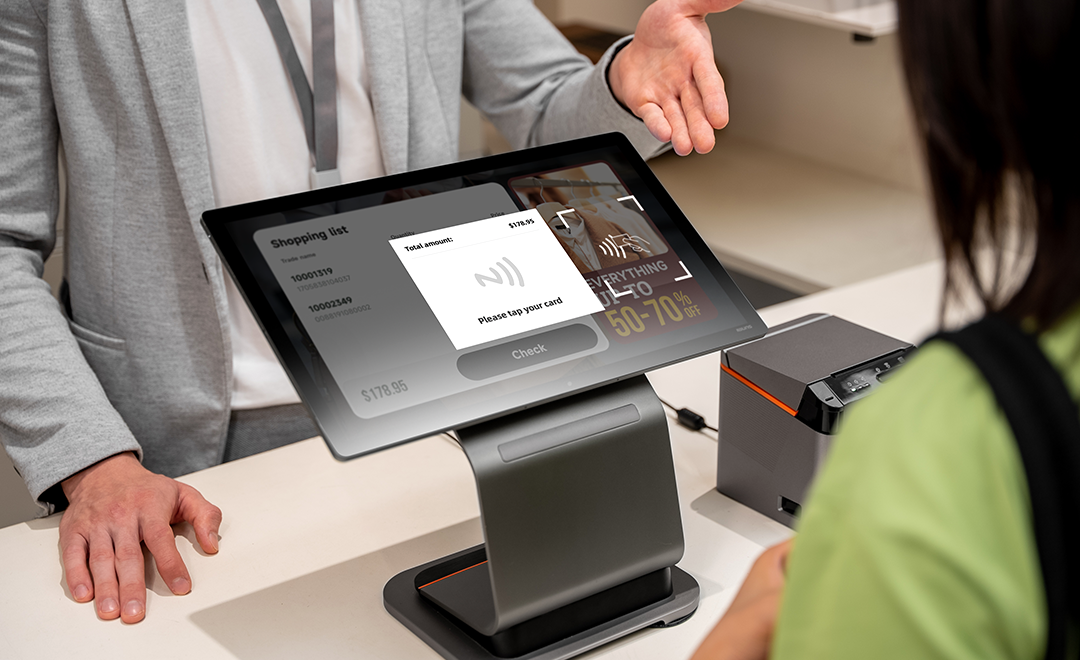
Here’s what you get at no cost:
App management
Silently install, update, or remove apps across your entire fleet. Set up a private app store for your organization. Roll out updates gradually using grayscale release to test on a few devices before deploying everywhere.
Kiosk mode
Lock any SUNMI device into single-app or multi-app kiosk mode at the system level. The app auto-starts on boot, and the status bar and navigation bar are hidden. Because this runs natively in SUNMI OS, it’s more stable than third-party kiosk solutions that can be killed by the system’s memory manager.
Device restrictions and policies
Control Wi-Fi settings, disable USB file transfers, enforce screen lock policies, and manage which apps can run. These aren’t just Android-level restrictions , SUNMI MDM has system-level (root) privileges, which means it can enforce policies that third-party tools simply cannot.
Geofencing
Set geographic boundaries for your devices. Receive alerts or automatically lock a device if it leaves a designated area. Third-party MDM providers like Esper typically restrict geofencing to their most expensive tiers ($6/device/month). On the SUNMI platform, it’s a standard feature.
Third-party device support
Even if you have a mixed fleet , some SUNMI devices and some from other brands , the SUNMI Partners Platform now supports enrolling non-SUNMI Android devices. You can manage everything from a single console.
The feature third-party MDM tools can’t match: remote printer control
Here’s where the native advantage really shows. The most common support issue for restaurants and retailers isn’t a crashed app or a slow device. It’s a printer that stops working.
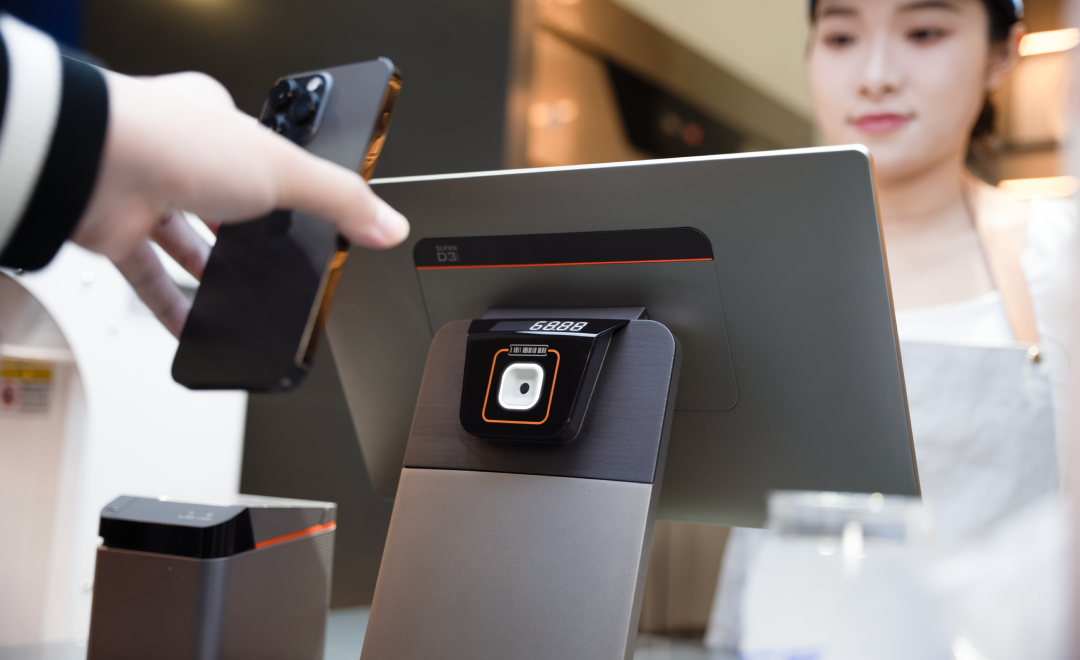
With a generic MDM like Esper, your IT team can see that the device is online, maybe push a restart, and not much else. The printer is a peripheral , Esper doesn’t have the low-level hardware access to diagnose it.
SUNMI MDM can:
- View print logs remotely to verify transaction history
- Check the printer’s real-time network status
- Modify printer configurations without a site visit
- Run diagnostics on the built-in thermal printer
According to SUNMI’s data, this capability alone resolves about 80% of printer issues without sending a technician. For a restaurant chain, that translates directly into less downtime and lower support costs.
SUNMI MDM vs paid alternatives: cost comparison
Let’s look at the real numbers for a business managing 100 SUNMI devices:
| Solution | Monthly cost per device | Annual cost (100 devices) |
|---|---|---|
| SUNMI Partners Platform (core) | $0 | $0 |
| SUNMI + Rosper remote control | Low-cost add-on | Contact Rosper for a quote |
| Esper (standard tier) | $2–4 | $2,400–$4,800 |
| Esper (architect tier) | $6 | $7,200 |
| Scalefusion | $2–4 | $2,400–$4,800 |
If you don’t need remote desktop control, you save the full third-party MDM cost , potentially thousands of dollars a year. Even with full remote control capabilities through Rosper, you’re looking at roughly one-sixth the cost of Esper.
What about SUNMI OS?
One reason the native MDM works so well is that SUNMI devices don’t run stock Android. They run SUNMI OS, a commercial-grade operating system based on Android 13 with over 200 enhancements for business use:
- Hyper Engine boosts app startup speed by 30%, keeping your POS responsive during rush hours
- PCI-compliant security protects payment data from boot to storage
- Native peripheral drivers for printers, scanners, and customer displays , no third-party plugins needed
- Commercial stability optimizations prevent the OS from killing your POS app to free up memory
When you pair SUNMI OS with the native MDM, you’re managing the full stack , operating system, applications, and hardware , through a single platform designed to work together.
When does switching to SUNMI MDM make sense?
If any of these sound familiar, it might be time to evaluate the built-in option:

- You’re paying per device for basic MDM features like app distribution and kiosk mode that SUNMI provides free
- Printer issues require on-site visits because your current MDM can’t diagnose hardware
- You’re managing a growing fleet and your MDM costs are scaling linearly with each new device
- You experience compatibility issues where your MDM conflicts with SUNMI OS or can’t access certain system-level controls
- You manage a mixed fleet and assumed you needed a third-party tool to cover non-SUNMI devices
The transition is straightforward. SUNMI devices are already provisioned with access to the Partners Platform. You enroll your devices, configure your policies, and start managing , no new hardware or complex migration required.
Getting started with SUNMI MDM through Rosper
As an authorized SUNMI distributor in the United States and Canada, Rosper provides full support for setting up and managing SUNMI devices , including MDM configuration at no additional charge.
When you purchase SUNMI hardware through Rosper, you get:
- Free MDM setup assistance , we help you configure the SUNMI Partners Platform for your fleet
- Exclusive remote control pricing through Rosper, at a fraction of what third-party providers charge for the same capability
- 8 warehouses across the US and Canada with most orders arriving in 2–7 business days
- SUNMI’s official 3-year warranty , Rosper assists with warranty claims, helping you connect with SUNMI faster
Whether you’re deploying your first 10 devices or scaling to hundreds across multiple locations, the MDM is already built into every SUNMI terminal you buy.
Already using Esper or another third-party MDM? Read our detailed comparison: SUNMI MDM vs Esper , why you’re overpaying to manage your SUNMI devices
Looking for warranty coverage details? Read our SUNMI warranty guide.
Ready to get SUNMI hardware with free MDM included? Request a quote or learn how to buy SUNMI hardware in the US.
Frequently asked questions
Is SUNMI’s built-in MDM really free?
Yes. The core features , app management, kiosk mode, device restrictions, geofencing, and fleet monitoring , are included at no cost with every SUNMI device. Remote desktop control is the only paid feature, available through Rosper at a low per-device cost; contact Rosper for a quote.
Can SUNMI MDM manage devices from other brands?
Yes. The SUNMI Partners Platform now supports enrolling third-party Android devices, so you can manage your entire fleet from one console regardless of hardware brand.
How does SUNMI MDM compare to Esper for SUNMI devices?
SUNMI’s native MDM has system-level access that Esper cannot match , including remote printer diagnostics, USB lockdown, and deeper kiosk mode integration. Esper is a capable general-purpose MDM, but on SUNMI hardware it runs as a third-party app with limited permissions.
Do I need technical expertise to set up SUNMI MDM?
The platform is designed for business operators, not just IT teams. Rosper also provides free setup assistance when you purchase SUNMI hardware through us.
What happens to my devices if I switch from Esper to SUNMI MDM?
You unenroll devices from Esper and enroll them in the SUNMI Partners Platform. Since SUNMI MDM is already built into the OS, there’s no new software to install. Rosper can guide you through the migration process.
Does SUNMI MDM work with all SUNMI models?
Yes, all current SUNMI devices , including the T3 PRO, D3 PRO, D3 MINI, V3, K2, CPad, and handheld terminals , support the native MDM platform.
Is SUNMI’s built-in MDM really free?
Yes. The core features , app management, kiosk mode, device restrictions, geofencing, and fleet monitoring , are included at no cost with every SUNMI device. Remote desktop control is the only paid feature, available through Rosper at a low per-device cost; contact Rosper for a quote.
Can SUNMI MDM manage devices from other brands?
Yes. The SUNMI Partners Platform now supports enrolling third-party Android devices, so you can manage your entire fleet from one console regardless of hardware brand.
How does SUNMI MDM compare to Esper for SUNMI devices?
SUNMI’s native MDM has system-level access that Esper cannot match , including remote printer diagnostics, USB lockdown, and deeper kiosk mode integration. Esper is a capable general-purpose MDM, but on SUNMI hardware it runs as a third-party app with limited permissions.
Do I need technical expertise to set up SUNMI MDM?
The platform is designed for business operators, not just IT teams. Rosper also provides free setup assistance when you purchase SUNMI hardware through us.
What happens to my devices if I switch from Esper to SUNMI MDM?
You unenroll devices from Esper and enroll them in the SUNMI Partners Platform. Since SUNMI MDM is already built into the OS, there’s no new software to install. Rosper can guide you through the migration process.
Does SUNMI MDM work with all SUNMI models?
Yes, all current SUNMI devices , including the T3 PRO, D3 PRO, D3 MINI, V3, K2, CPad, and handheld terminals , support the native MDM platform.
Rolling this out across more locations?
Rosper is the authorized SUNMI distributor for the United States and Canada. Stock ships from eight North American warehouses, most orders arrive in 2 to 7 business days, and current-generation main units carry SUNMI’s 3-year warranty with Rosper coordinating the claim.