
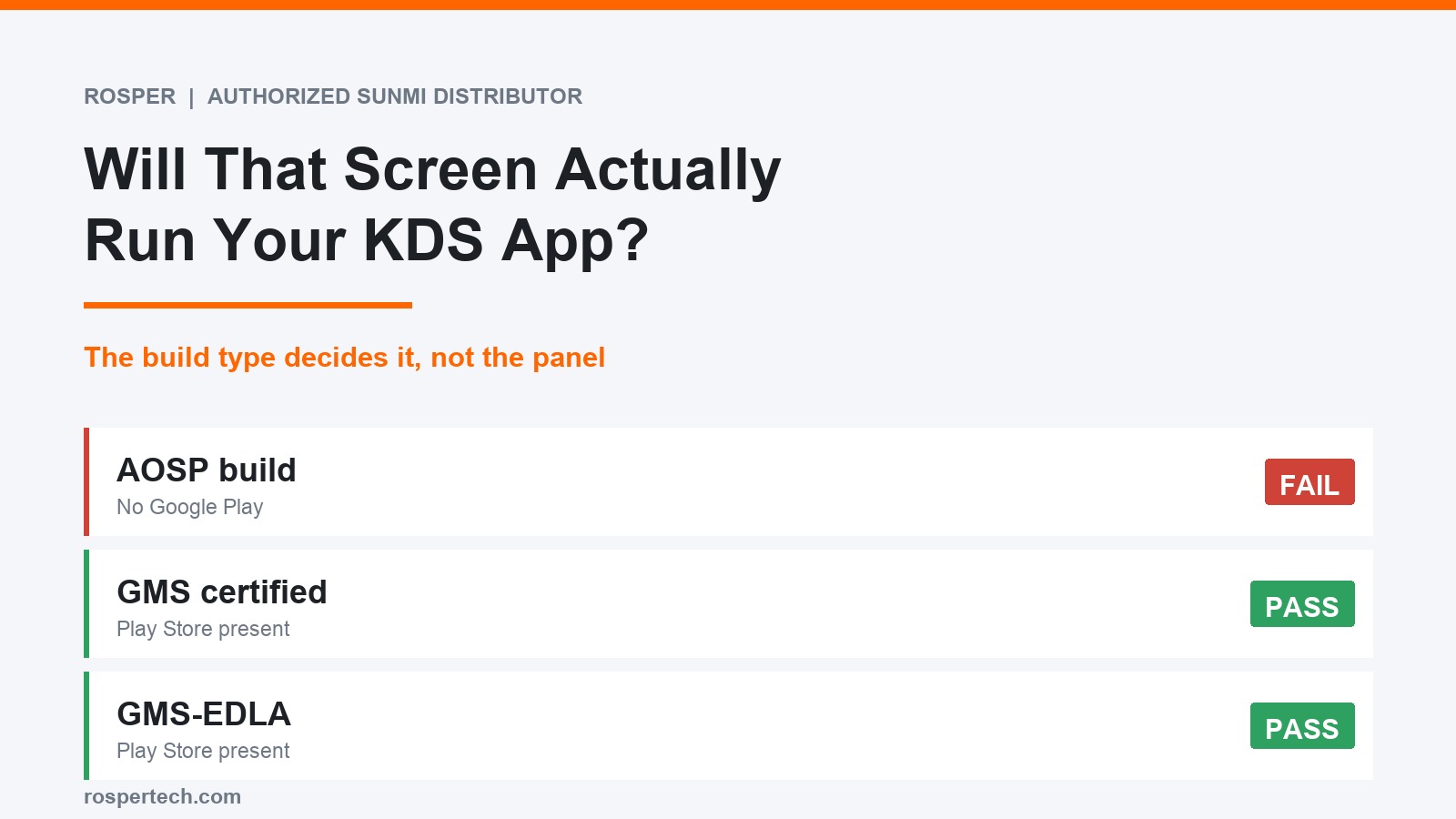
Android KDS app compatibility is settled by the software build on the screen, not by the screen itself. Two 15.6 inch kitchen displays with identical spec sheets can behave completely differently, because one of them has Google Play and the other does not. These are the six checks worth running before a purchase order.
Key takeaways
- The single biggest compatibility factor is whether Google Play is on the device, not the processor or the screen size.
- AOSP builds have no Play Store. GMS and EDLA builds do. Spec sheets often bury this in one word.
- Sideloading usually gets you past install and fails later at sign-in, push notifications or updates.
- Clearing a published minimum is not the same as being on a vendor support list. Both facts matter and they are different facts.
- Validate on one screen through a real service before ordering a fleet.
Check 1: is Google Play on the device
Most kitchen display apps are distributed through Google Play. If the screen ships as AOSP, there is no Play Store, and the cleanest sounding spec sheet in the world will not change that.
The word to look for is GMS, or EDLA for dedicated devices such as kitchen displays and kiosks. Google documents the dedicated device programme in its enterprise developer guidance. If neither word appears anywhere in the documentation, assume it is not there and ask.
| Build type | Google Play present | What it means for a KDS app |
|---|---|---|
| AOSP | No | Play-distributed apps are out unless the vendor ships an APK and owns your update path |
| GMS | Yes | Standard certified Android, apps install normally |
| GMS-EDLA | Yes | Enterprise certification for dedicated single-purpose devices, Play present |
Check 2: the OS version against the app minimum
Read the app requirement, not the marketing page. Kitchen display apps commonly ask for Android 9 or above, which sounds undemanding until you price industrial panels and find plenty still shipping on Android 8.
Version also decides how long the device keeps receiving security patches. A screen bought today on an old release is a replacement conversation in two years, which is a poor outcome for hardware that is bolted to a wall.
Check 3: memory, but only as a floor
Published minimums for kitchen display apps tend to sit around 3 GB of RAM. Treat that as a floor rather than a target. A display that also runs a management agent, a browser for the occasional dashboard and a couple of background services will use more than the app alone.
4 GB is the sensible working point for a screen that has to stay up through a full service without a restart.
Check 4: what happens when you sideload
The temptation with a non-Play device is to install the APK directly. It often works on day one, which is exactly what makes it dangerous.
- Sign-in flows that call Google services fail on a device that has none.
- Push notifications for new tickets are frequently delivered through Google messaging. No Play services, no push, and tickets arrive late or on a poll.
- Updates stop being automatic and become somebody’s job. In a kitchen, that job does not get done.
None of this shows up in a thirty minute test. All of it shows up in month four.
Check 5: management and kiosk mode
One site can be run by hand. More than one cannot. Decide early whether you need to lock the screen to a single app, push updates on your own schedule and see which units are offline from somewhere other than the kitchen.
If the answer is yes, confirm that your management platform lists the exact device model, not just the brand. Support for a product line is not support for every SKU in it.
Check 6: supported versus merely allowed
This is the check people skip, and it is the one that decides who owns the problem when something renders wrong.
A vendor saying other Android devices may work is not the same as a vendor listing your device. It means the app is not blocked, the vendor has not tested it, and your bug report sits behind reports from its own hardware.
That is a fine risk to carry on one screen in one store. It is a different proposition across twenty stores, and the way you convert it from a gamble into a decision is to validate one unit yourself.
Android KDS app compatibility in practice
Rosper is SUNMI’s authorized distributor for the US and Canada, so the honest version for the hardware we stock is this. The FLEX 3 KDS SKUs run Android 13, carry 4 GB of RAM and are recorded as GMS-EDLA, which puts Google Play on the device. That clears checks one, two and three.
The D2s KDS is a 15.6 inch Android 11 kitchen screen with Power over Ethernet, and its Google Mobile Services status should be confirmed per SKU before you count on Play. We would rather tell you to ask than let you assume.
Check six we cannot clear for you, and neither can any distributor. No one can promise vendor support they do not control. What we can do is make sure the screen you validate is the screen you can actually buy in quantity, which is the part that usually falls over.
If you are working through the wider hardware question as well, the Android KDS hardware buyers guide covers screen sizes, ingress ratings and mounting.
Get the build type confirmed before you order
Tell us which kitchen display app you intend to run and how many stations you need. We will confirm the build type, the Android version and the RAM on the exact SKU, and tell you plainly where the vendor has and has not tested it.
Most orders arrive in 2 to 7 business days from eight North American warehouses. SUNMI provides a three-year warranty on third-generation devices and Rosper assists with warranty claims from within North America. Send us the app and the station count to start.
Frequently asked questions
What is the difference between GMS, AOSP and EDLA?
AOSP is Android without Google services, so there is no Play Store. GMS means the device passed Google certification and ships with Google Mobile Services including Play. EDLA is the enterprise variant of that certification for dedicated devices such as kitchen displays and kiosks, and it also puts Play on the device. For app compatibility the practical question is simply whether Google Play is present.
Can I just sideload the KDS app onto an AOSP screen?
Sometimes it installs and sometimes it even runs. What usually breaks is everything around it: sign-in flows that call Google services, push notifications for new tickets, and the update path. An app that cannot update itself in a kitchen becomes a support problem within a year. Treat a successful sideload as an experiment, not as a deployment plan.
Does a newer Android version always help?
It helps with the minimum requirement and with security patch life, but it is not a substitute for the Play Store question. A device on Android 13 with no Google Mobile Services still cannot install a Play-only app. Check the build type first and the version second.
What does it mean when a vendor says other devices may work?
It means the app is not blocked on that hardware but the vendor has not tested it, will not guarantee how it renders, and will put your bug report behind reports from its own listed hardware. That is an acceptable risk on one screen and a poor one on twenty until you have validated it yourself.
Do we need kiosk mode or an MDM for a kitchen display?
For a single site you can get by without one. For multiple sites you will want device management to lock the screen to the app, push updates on your schedule and see which units are offline. Confirm that the management platform you plan to use supports the exact device model before ordering.
How many units should we test before a fleet order?
One, in a real kitchen, through a real rush. A lab test on a quiet counter validates almost nothing that matters. Budget one to two weeks of live service and keep the unit afterwards as your spare.
Which SUNMI screens ship with Google Play?
The FLEX 3 KDS SKUs, P11050016 at 18.5 inch, P11050010 at 22 inch and P11050019 at 15.6 inch, are recorded as GMS-EDLA units running Android 13 with 4 GB of RAM. The D2s KDS is an Android 11 screen where the Google Mobile Services status should be confirmed per SKU before you rely on Play.