
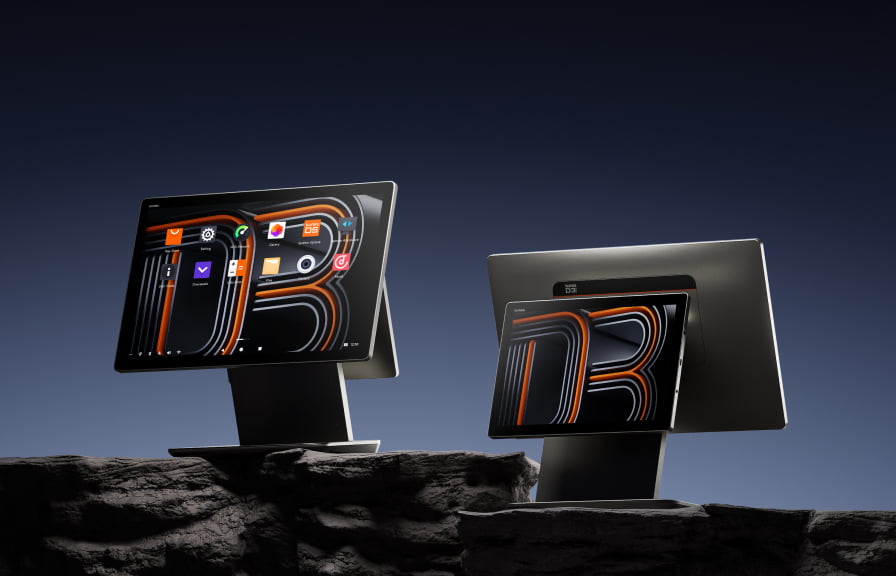
Comparing Android POS vs traditional POS terminals? The hardware market has shifted dramatically over the past five years. Traditional POS terminals with proprietary operating systems are being replaced by Android-based commercial devices that offer more flexibility at lower cost. If you’re evaluating POS hardware for your business, understanding the differences between these two approaches helps you make a better investment.
What counts as “traditional” POS hardware
Traditional POS systems typically include proprietary hardware tied to a specific software platform. Think of the fixed terminals from legacy providers: large, heavy units running Windows Embedded or custom firmware, often locked to one software vendor.
Common characteristics:
- Proprietary operating system (Windows CE, Windows Embedded, or custom firmware)
- Hardware and software bundled from the same vendor
- Limited or no app ecosystem
- Expensive to replace or upgrade
- Long procurement cycles and high upfront costs
What makes Android POS different

Android POS terminals run the same operating system as smartphones, adapted for commercial use. They support a wide ecosystem of POS applications and can be configured for different business roles.
Common characteristics:
- Android operating system (typically Android 12 to 14 for current devices)
- Hardware and software purchased separately, giving you choice
- Access to thousands of POS applications through Google Play or direct APK installation
- Consumer-grade design with commercial-grade durability
- Lower hardware costs with faster replacement cycles
Android POS vs traditional: side-by-side comparison
| Factor | Traditional POS | Android POS |
|---|---|---|
| Operating system | Proprietary / Windows | Android (open platform) |
| Software options | Locked to vendor | Thousands of apps |
| Replacement cycle | 5 to 8 years | 3 to 5 years |
| Setup time | Days to weeks | Hours to days |
| Peripheral support | Vendor-specific | USB, Bluetooth, pogo pin, NFC |
| Remote management | Limited | Full MDM (Mobile Device Management) |
| Payment integration | Built-in (vendor-locked) | SoftPOS, external terminals, or built-in NFC |
| Form factors | Fixed counter terminal | Countertop, handheld, tablet, kiosk |
| Update frequency | Quarterly or annual | Monthly or on-demand |
Where Android POS wins
1. Lower total cost of ownership
Android POS hardware costs 40 to 60 percent less than equivalent traditional terminals. But the savings go beyond hardware: you avoid vendor lock-in on software licensing, you can switch POS applications without replacing hardware, and replacement devices are readily available at competitive prices.
2. Flexibility across roles
A single Android POS platform can serve as a counter terminal, tableside ordering device, self-ordering kiosk, kitchen display, and inventory scanner. Traditional systems typically require separate, purpose-built hardware for each role.
For example, the SUNMI product line covers all these roles on one Android platform:
- CPad 11″ for counter POS
- CPad 8.7″ for tableside ordering
- V3 Mix for mobile POS with built-in printer
- D3 Pro for kitchen display
3. Faster deployment
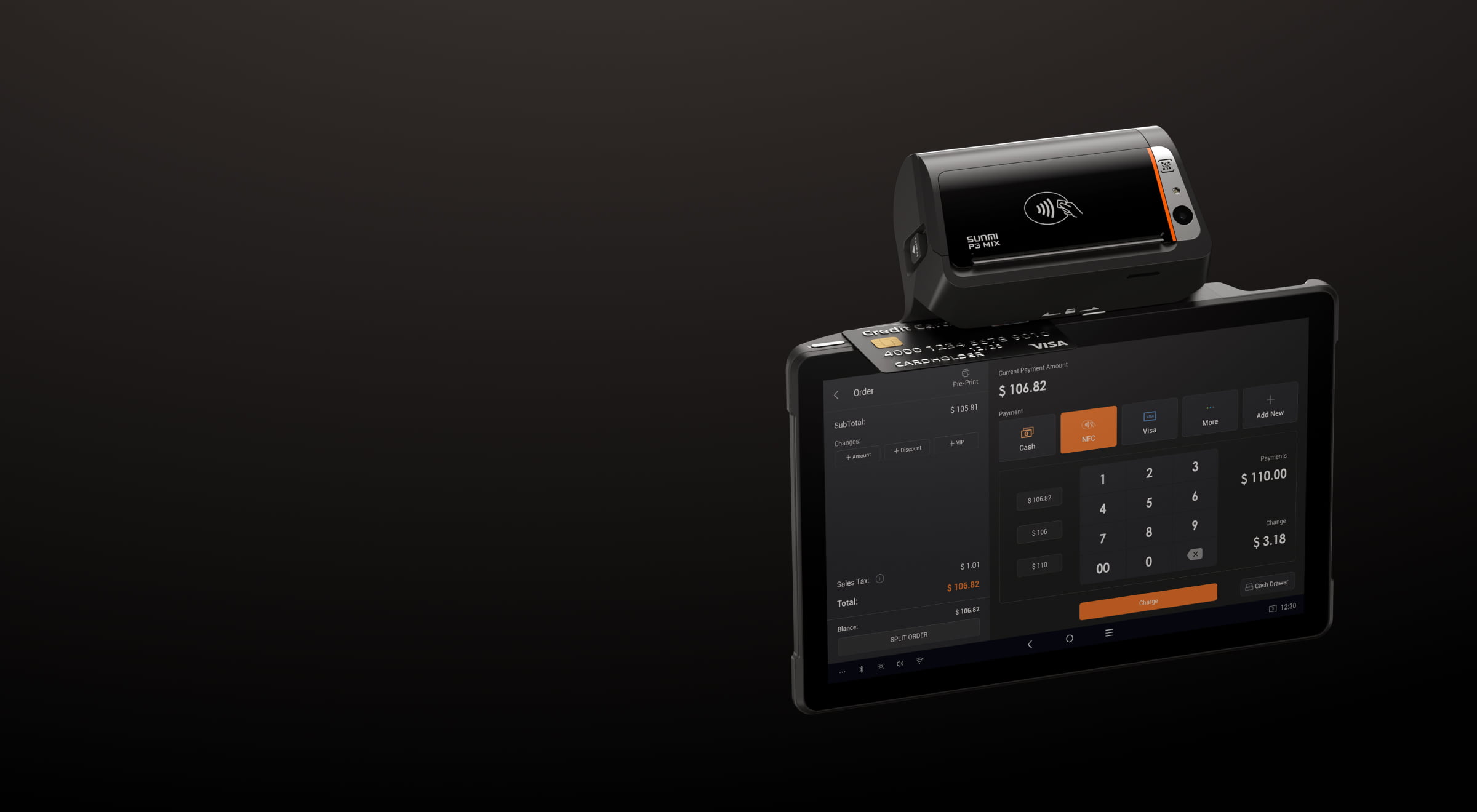
Android devices are familiar to most people. Staff training takes hours instead of days. Device setup through MDM can be largely automated: push your POS app, configure Wi-Fi, and the terminal is ready to use.
4. App ecosystem
With Android, you choose your POS software independently from your hardware. If your current software doesn’t meet your needs, you switch applications without replacing equipment. This flexibility is particularly valuable for multi-location businesses that may use different POS platforms in different markets.
5. Modern payment options
Android POS devices with NFC support SoftPOS, accepting contactless payments (Apple Pay, Google Pay, tap cards) directly on the screen. This eliminates the need for a separate payment terminal in many configurations.
Where traditional POS still has advantages
Established integrations
If your business relies on a specific traditional POS platform with deep integrations into your operations (accounting, inventory, loyalty programs), switching to Android requires migrating those integrations. For some businesses, the migration cost outweighs the hardware savings in the short term.
Regulated environments
Some industries with strict compliance requirements (certain financial services, government operations) may require certified traditional POS systems. However, Android POS devices are increasingly earning certifications for payment processing and regulated industries.
Familiarity
Staff who have used the same traditional POS system for years may resist change. The transition period requires training investment, though most teams adapt quickly given Android’s familiar interface.
Switching from traditional to Android POS: what to plan for

If you’re considering moving from traditional POS to Android, here’s a practical checklist:
- Audit your current integrations. List every system your POS connects to (payment processor, accounting, inventory, loyalty, delivery platforms). Confirm Android POS alternatives for each.
- Test your POS software on Android hardware. Most modern POS platforms support Android. Run a pilot at one location before committing to a full rollout.
- Plan your hardware configuration. Map each role in your business to the right device form factor. You may need fewer total devices than your current setup.
- Set up device management. MDM lets you manage all your Android POS devices remotely. Configure apps, push updates, and troubleshoot without visiting each location.
- Calculate your ROI. Compare total cost of ownership over 3 years: hardware, software licensing, maintenance, and staff training. Most businesses see positive ROI within the first year.
Frequently asked questions
Is Android POS hardware reliable enough for daily business use?
Yes. Commercial Android POS devices like SUNMI terminals are built for continuous daily operation with industrial-grade components. They are designed for 3 to 5 years of use in demanding environments like busy restaurants and retail stores. This is different from consumer Android tablets, which are not built for commercial workloads.
Can Android POS devices process credit card payments?
Yes. Android POS devices support multiple payment methods. Devices with built-in NFC can accept contactless payments (Apple Pay, Google Pay, tap cards) directly through SoftPOS. For chip and swipe transactions, you can connect external payment terminals via USB or Bluetooth.
Will my current POS software work on Android hardware?
Most modern POS platforms support Android. Major platforms like Toast, Square, Lightspeed, and hundreds of regional ISV solutions run natively on Android. Check with your software provider for their list of certified Android hardware.
How much can I save by switching to Android POS?
Hardware costs are typically 40 to 60 percent lower than traditional POS terminals. Combined with lower software licensing costs (no vendor lock-in) and reduced maintenance expenses, most businesses see 30 to 50 percent savings on total POS costs over a 3-year period.
Where can I buy commercial Android POS hardware in the US?
Rosper is a SUNMI authorized distributor in the United States and Canada. SUNMI is one of the largest commercial Android POS hardware manufacturers globally. Rosper stocks devices at 8 warehouses across the US and Canada, ships from 8 warehouses, with most orders arriving in 2–7 business days, and provides free MDM setup and deployment consulting.
How long does it take to switch from traditional to Android POS?
A single-location pilot can be set up in 1 to 2 days. Full multi-location rollouts typically take 2 to 4 weeks depending on the number of locations and complexity of integrations. MDM automation significantly speeds up the deployment process.
Whether you’re replacing aging traditional POS terminals or setting up a new location, Android-based commercial hardware offers more flexibility at lower cost. Rosper stocks the full SUNMI lineup of Android POS devices at US 8 warehouses across the US and Canada. The team helps businesses select the right hardware configuration, handles MDM setup, and supports deployments from single locations to multi-site rollouts. Request a quote or explore SUNMI products on the Rosper website.
Ready to switch to Android POS? See how to choose the right POS hardware or check out the SUNMI ISV integration guide for software partners.