
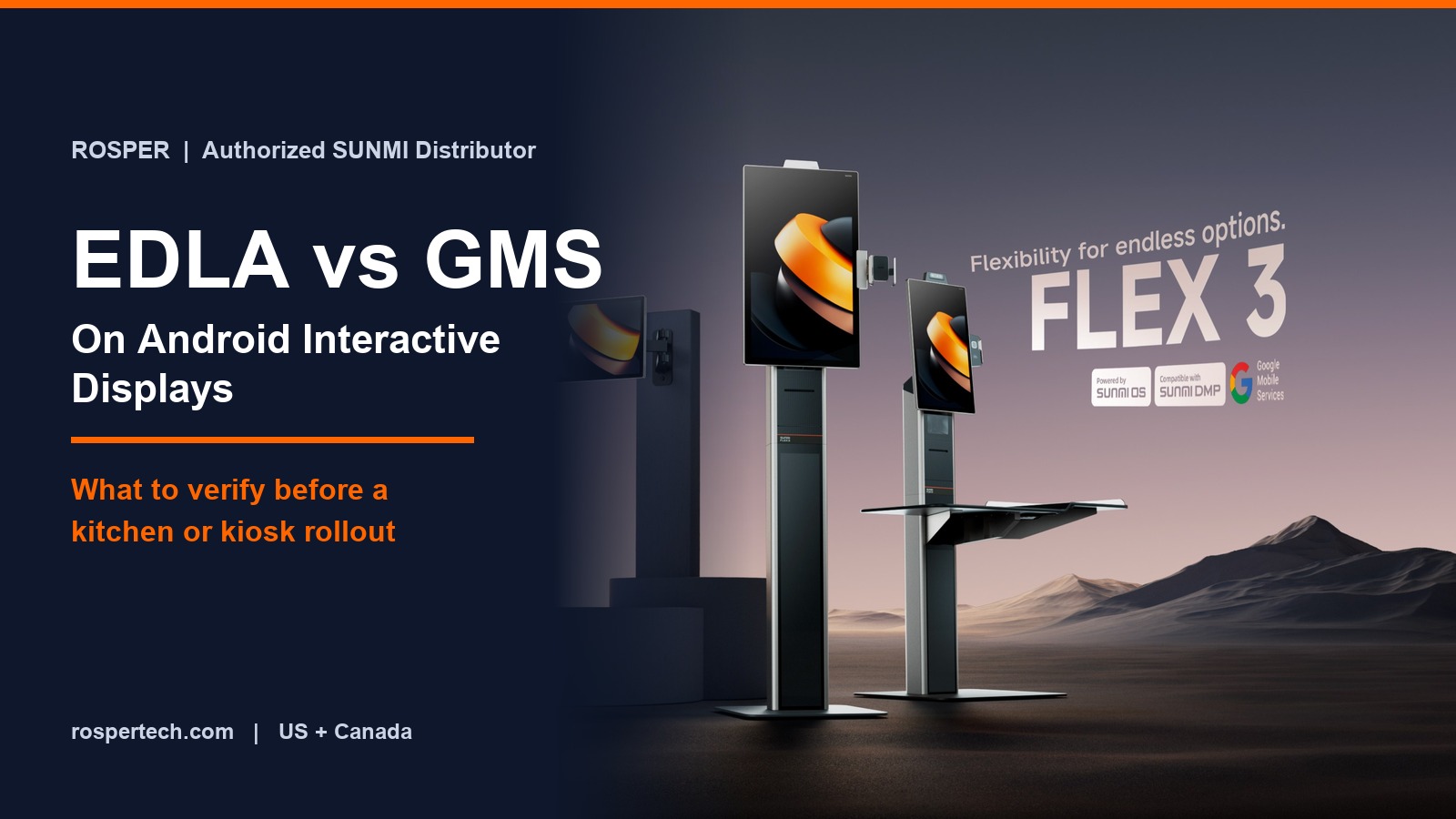
A purchase order goes out for twelve Android screens. They arrive, the deployment team tries to enroll them, and the managed application catalogue is not there. The hardware is fine. The licensing is not what anyone assumed.
This is the practical reason to understand EDLA vs GMS before you buy interactive displays for kitchens, kiosks, or digital signage, rather than after the first unit is on a wall.
This guide explains what each term covers, why Google created a separate enterprise path for large-screen and battery-free hardware, and the specific questions to put to a supplier before a multi-site order.
It is written for independent software vendors and operations leads specifying hardware in the United States and Canada, where enrollment, application distribution, and update policy usually sit with the software vendor rather than the store.
Key Takeaways
- GMS is the Google application and services bundle. It includes Google Play, and it is what makes managed application distribution work the way most teams expect.
- EDLA is the licensing route that brings GMS to enterprise hardware. Google introduced it at the end of 2022 for device classes the consumer path did not cover.
- EDLA exists because of device shape, not device quality. Large screens and hardware without a battery sit outside the original GMS categories.
- Kiosks, signage, and kitchen displays are the target class. Purpose-built hardware carrying Google services without a consumer application load.
- Certification is per device model, not per brand. One certified model in a vendor catalogue does not certify the next model in the same catalogue.
- Not every deployment needs it. If your application is side-loaded and managed by your own tooling, an AOSP build can be the cheaper and simpler answer.
What GMS Covers
Google Mobile Services is the bundle of Google applications and framework services that ships on certified Android hardware. In a commercial deployment the part that matters is Google Play and the managed distribution built on it.
Without it you still have Android. What you lose is the standard path for pushing an application to a fleet, the managed catalogue, and the Play-based integrity and update mechanisms that most enterprise mobility tooling assumes.
Devices reach GMS by passing Google’s compatibility and certification process. Historically that process was scoped to recognised consumer device categories, primarily phones and tablets.
What EDLA Is and Why It Exists
The Enterprise Devices Licensing Agreement is the route Google introduced at the end of 2022 so manufacturers could ship GMS on enterprise hardware that the original categories did not accommodate.
The gap was structural. A 27 inch wall-mounted screen with no battery is not a tablet, and it was not eligible under the consumer path no matter how capable the hardware was.
EDLA opened eligibility to device classes including interactive flat panel displays, large-format screens, purpose-built terminals, and hardware without a battery. Jason Bayton’s Android Enterprise reference is a useful independent explanation of how the two sit together.
The practical framing: EDLA is not a different or lesser version of GMS. It is the agreement under which GMS is licensed onto a class of hardware that is dedicated rather than personal. Google’s overview of the dedicated device model is published on the Android Enterprise site.
EDLA vs GMS Side by Side
| Question | GMS on phones and tablets | GMS under EDLA |
|---|---|---|
| Device class | Consumer form factors, battery powered | Dedicated hardware, large screens, no battery |
| Typical products | Handhelds, tablets, mobile terminals | Interactive displays, kiosks, signage, kitchen screens |
| Google Play access | Yes | Yes |
| Managed distribution | Yes | Yes |
| Consumer application load | Full | Trimmed to the purpose of the device |
| Who signs | Device manufacturer | Device manufacturer |
| Scope of certification | Per device model | Per device model |
The row that causes the most trouble in procurement is the last one. Certification attaches to a specific model, so a catalogue with one certified screen tells you nothing about the screen next to it.
Why It Decides Your Rollout
The licensing status of the hardware determines how your software actually reaches the fleet, and how it stays current afterwards.
- Application distribution. With Google Play present you can publish privately and push to enrolled devices. Without it you are managing packages yourself.
- Enrollment. Zero-touch and automated provisioning flows depend on the Google services layer. Losing it usually means manual staging per device.
- Update policy. Certified builds come with a defined security update path. An uncertified build leaves that entirely to the manufacturer’s discretion.
- Third party software. Many commercial applications are distributed through Play only, so a device without it narrows your software options.
- Enterprise procurement. Larger buyers increasingly ask for the certification status in writing during vendor review.
None of this is visible when a single evaluation unit sits on a desk. It surfaces at the tenth store, which is the expensive place to discover it.
Seven Things to Verify Before You Order
- Ask for the certified model number, not the product family. A family name is not an answer. Get the SKU.
- Confirm the Android version the certification covers. Certification is tied to a build, so ask which version shipped and what the upgrade path is.
- Confirm Google Play is present and enabled on the shipping image. Present in the specification and enabled in the delivered configuration are two different claims.
- Ask how devices enroll. Zero-touch, manual, or the manufacturer’s own provisioning tool, and who performs each step.
- Ask who owns the security update commitment and for how long. Put the duration in the quote rather than in a conversation.
- Check whether your own software vendors require Play distribution. If any of them do, the licensing question is already settled for you.
- Get it in writing before the purchase order. Certification status is a factual attribute and any authorized distributor can confirm it on request.
How This Maps to SUNMI Hardware
SUNMI’s interactive display line is specified with GMS-EDLA on the certified models, which is the expected marking for hardware in this class. The specification line on each SKU is the place to confirm it.
Note that certification is per model here as well. Within one display family, individual sizes and variants are separate SKUs with separate specification lines, so confirm the size you are actually buying.
For handheld and countertop hardware the question is framed differently, because those devices sit in the consumer form factors and follow the standard path. Our guide to GMS and non-GMS Android hardware covers that side of the decision.
If you are sizing displays at the same time, the FLEX 3 buyer’s guide covers how the sizes map to counter, kitchen, and self-service positions.
Three Common Misconceptions
Enterprise licensing is a security certification
It is not. It is a licensing agreement that governs how Google services reach a class of hardware. Security posture comes from the certified build, the update commitment, and your own device policy, not from the agreement itself.
Every deployment needs it
No. If you distribute a single application through your own tooling, never touch Google Play, and control the image yourself, an AOSP build is often simpler and less expensive. The requirement is driven by how you distribute software, not by how serious the deployment is.
One certified model certifies the vendor
It does not. Certification is granted per device model. This is the single most common procurement error in this area, and it is trivially avoidable by asking for the SKU-level answer.
Frequently Asked Questions
What is the difference between EDLA and GMS?
GMS is the bundle of Google applications and services, including Google Play. EDLA is the licensing agreement that allows manufacturers to ship GMS on enterprise hardware such as large-screen displays and devices without a battery. A device licensed under EDLA runs GMS.
Why do interactive displays need EDLA instead of standard GMS certification?
Because the original GMS categories were built around consumer form factors. Large screens and battery-free hardware fell outside them, so Google introduced the enterprise route at the end of 2022 to make those device classes eligible.
Does a kitchen display need Google Play?
Only if your software depends on it. Play-based distribution simplifies pushing and updating applications across a fleet, and many commercial kitchen display applications are distributed that way. A single custom application managed by your own tooling may not need it.
How do I confirm a display is certified?
Ask the distributor for the certified model number and the Android version the certification covers, and ask for it in writing before the purchase order. Product family names are not sufficient because certification is granted per model.
Does certification affect warranty or support?
Not directly. Warranty comes from the manufacturer and is independent of licensing. What certification does affect is the security update path, since certified builds carry a defined update commitment.
Get the Certification Status in Writing
This is a factual question with a factual answer, and it costs nothing to settle before the order rather than during the rollout.
Send us the models you are evaluating and how you intend to distribute your application. We will confirm the certification status per SKU, flag anything that needs a written answer from the manufacturer, and confirm availability from eight North American warehouses.
Request a quote with certification details and we will confirm the SKU-level answer before you commit.