
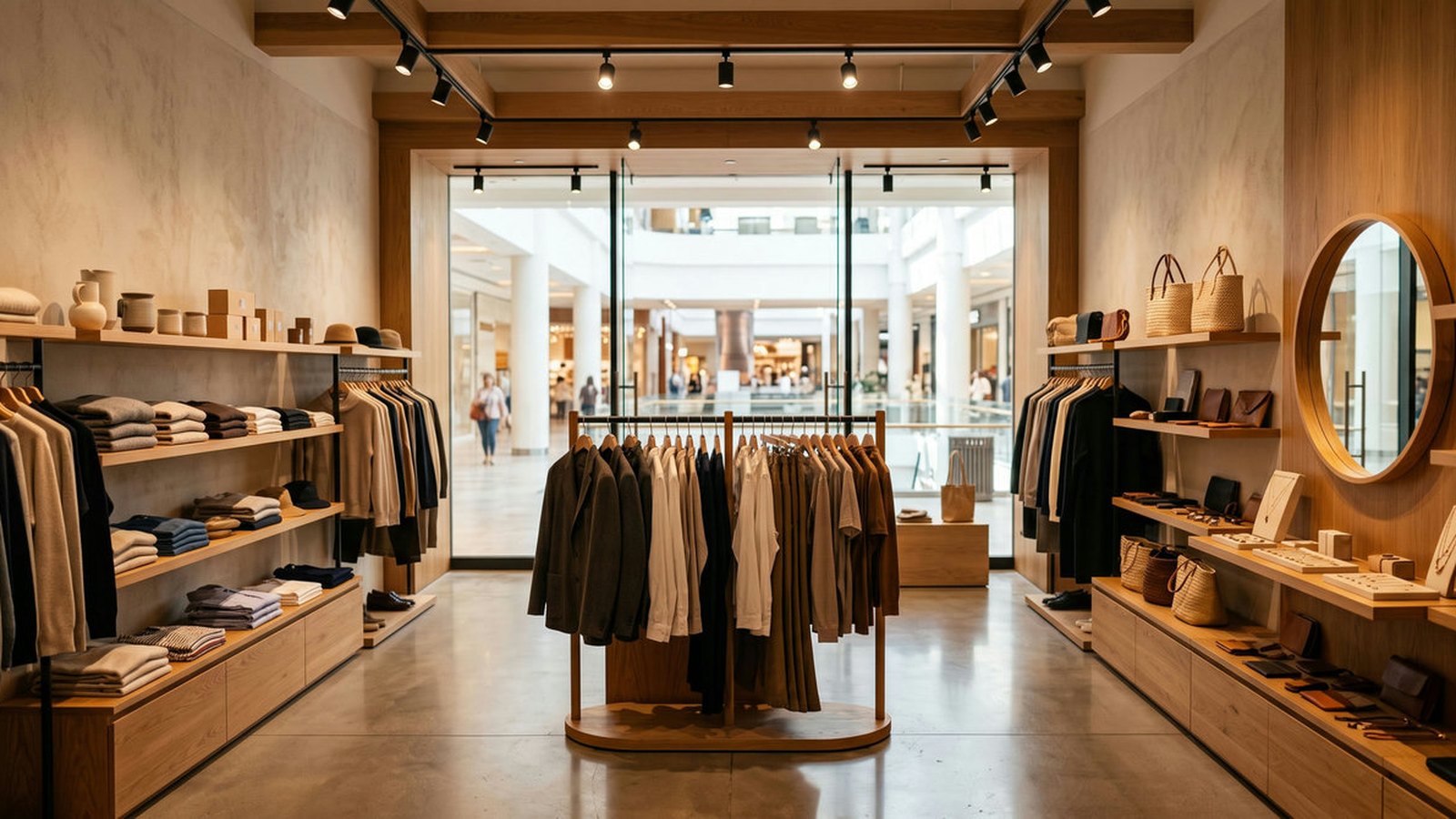
A specialty retail chain inside shopping centres is not one store repeated ten times. It is ten landlords, ten loading docks, ten sets of receiving hours, and one operations lead who has to make the same hardware work in all of them.
This guide covers how to standardize shopping centre POS hardware across a multi-location specialty retail footprint in the United States and Canada, from device choice through delivery logistics and seasonal peak planning.
Rosper is the authorized SUNMI distributor in North America, stocking across eight warehouses in the US and Canada.
Key Takeaways
- Counter space is the binding constraint. Mall unit rents are high and footprints are small, which pushes the hardware toward handhelds and compact counters.
- The landlord is a stakeholder in your rollout. Receiving hours, dock booking, and after-hours install rules differ per centre and drive more delay than supply does.
- Standardize on one configuration. Ten locations with ten variants is ten support playbooks. One configuration is one.
- Seasonal peaks are extreme in this format. Holiday traffic can multiply transaction volume, and a queue at the counter is lost revenue in a mall.
- Budget a spare pool from the start. A dead terminal in a single-counter store closes the store.
Why This Format Is Different From Street Retail
| Factor | Shopping centre store | Why it changes the hardware decision |
|---|---|---|
| Footprint | Small, often a single counter or a kiosk unit | Rules out large countertop stacks. Favours handhelds and compact terminals |
| Staffing | One or two people on shift | The device has to be usable while moving, not tied to a fixed station |
| Receiving | Dock booking, fixed hours, sometimes overnight only | Delivery scheduling matters as much as delivery speed |
| Traffic pattern | Extreme seasonal and weekend peaks | Queue handling and battery life decide the peak-day experience |
| Fit-out rules | Landlord design and signage standards | Mounting and cable routing may need approval before install |
| Store count growth | New units open as leases become available | Procurement is repeat and incremental rather than one big order |
The last row is the one that changes procurement strategy. A chain that opens a unit whenever a good lease appears is buying in small repeat batches, which makes configuration stability more valuable than a one-time volume discount.
The Shopping Centre POS Hardware Pattern That Fits
Most specialty retail units in this format land on a handheld as the primary device, with a compact counter position only where the category needs one.
| Position | Device pattern | Why |
|---|---|---|
| Primary selling device | Android handheld with built-in receipt printing | Staff can sell anywhere in a small unit and hand over a printed receipt |
| Product lookup and stock | Handheld or compact tablet with a 2D scanner | Barcode lookup at the rack rather than a walk back to a counter |
| Counter position, if needed | Compact tablet on a desktop base | Customer-facing when required, out of the way when not |
| Peak-day overflow | A second handheld from the spare pool | Turns a queue into a second till without a counter build |
On the tablet side, the size question resolves quickly. Our CPad configuration guide compares all thirteen SKUs across the three screen sizes, and the accessories that turn a handheld tablet into a counter position are separate part numbers worth specifying up front.
| SKU | Accessory | Use in this format |
|---|---|---|
| C14004120 | Desktop Base | Parks the tablet at a counter between customers |
| C20000108 | Multi-function Rotating Base | Turns the screen toward the customer for signature or confirmation |
| C20000092 | Hand Strap | Makes all-day carrying sustainable on the floor |
| C14004123 | Table-Side Stand, low profile | Frees counter surface. Fits 8.7 and 11 only |
Planning POS Hardware for Multi-Location Specialty Retail?
Share your store count, checkout workflow, scanning or printing needs, station count, and rollout date, your destination, and target date. Rosper will confirm a specialty-retail POS hardware configuration, current warehouse availability, and a quote with a realistic lead time. For a multi-site deployment, include the site count and rollout schedule so we can plan staging and kitting.
Planning the Rollout Around the Landlords
- Collect receiving hours per centre before quoting. They vary widely and some accept freight only in a narrow window or overnight.
- Confirm who signs for freight. In some centres it is the store, in others a central dock that then moves goods internally.
- Check fit-out approval requirements. Anything mounted or visible from the mall concourse may need landlord sign-off.
- Sequence against opening dates. A unit that opens in March does not need hardware sitting in a stockroom in January.
- Pilot two or three units first. Ten trading days on real hardware in a real unit surfaces the workflow issues a bench test never will.
- Order the spare pool with the first wave. Sourcing a replacement during a holiday peak is the most expensive time to do it.
Pre-staging is worth more in this format than in most. If devices arrive with the application loaded, enrolled in device management, and labelled per store, a unit manager with no IT support can open a box and start trading.
Planning for the Seasonal Peak
- Battery, not processing power, is the peak-day constraint. A handheld used continuously through a holiday Saturday needs either a swap battery or a charging cradle behind the counter.
- Network congestion is real in a mall. Hundreds of shoppers on the centre Wi-Fi degrade a shared band, which is an argument for a cellular-capable device in high-traffic units.
- Queue length is the metric. A second device in the hands of a staff member clears a line faster than any counter redesign.
- Decide the offline behaviour before December. Know what your application does when the network drops mid-transaction.
Warranty and Support in North America
Current generation SUNMI hardware carries a 3 year manufacturer warranty, with wear parts covered for 1 year. The warranty is provided by SUNMI. Rosper assists with warranty claims, helping you connect with SUNMI faster.
Full terms are on the Rosper warranty page.
Rosper is SUNMI’s authorized distributor for the United States and Canada. Our team helps buyers match SUNMI devices, compatible accessories and deployment services to the workflow, confirm exact configurations and current warehouse availability, and coordinate shipping, staging, kitting and warranty support for pilots or multi-location rollouts. Contact our sales team for configuration guidance or to check current stock.
Frequently Asked Questions
What POS hardware works best in a small shopping centre unit?
An Android handheld with built-in receipt printing is the usual primary device, because it works in a small footprint and lets one or two staff sell anywhere in the unit. A compact tablet on a desktop base is added only where the category needs a fixed counter position.
How should a multi-location retail chain standardize hardware?
Pick one configuration and hold it across locations. Ten units with ten variants means ten support playbooks, ten spare part lists, and ten training versions. The saving from a slightly cheaper variant rarely covers that overhead.
What usually delays a shopping centre rollout?
Site access rather than supply. Receiving hours, dock booking, freight sign-off, and landlord fit-out approval vary by centre and are the most common source of slipped install dates.
How many spare devices should a chain hold?
Enough that a failure in a single-counter store does not close the store. A small central pool is usually more efficient than a spare per location, provided it can reach any site quickly.
Can hardware be configured before it reaches each store?
Yes. Pre-staging covers application load, device management enrollment, lockdown policy, and network configuration before shipment, and kitting labels each store’s hardware separately. In this format that matters, because unit staff usually have no IT support on site.
Get the Configuration Confirmed
Send the store list, the opening dates, and the receiving hours you already know. We will confirm the configuration and sequence delivery against your calendar.
Request a multi-location retail quote and we will come back within one business day with availability across eight North American warehouses. There is no minimum order, so a single evaluation unit is a valid request.
Specification source: SUNMI official documentation and the Rosper SKU index, current as of 2026. Confirm the exact configuration on your quote before placing a purchase order.