SUNMI D3 PRO vs D3 MINI: which desktop POS is right for your business
Published by
Micah Morgan
on
Choosing between SUNMI D3 PRO vs D3 MINI is one of the most common questions from POS buyers. SUNMI’s D3 series includes two desktop POS terminals designed for different business needs: the D3 PRO and the D3 MINI. Both run Android, both are built for commercial environments, and both offer the open platform flexibility that makes SUNMI hardware popular with ISVs and merchants across North America.
But they serve different use cases. This comparison breaks down the key differences in screen size, performance, connectivity, and ideal deployment scenarios to help you choose the right model for your business.
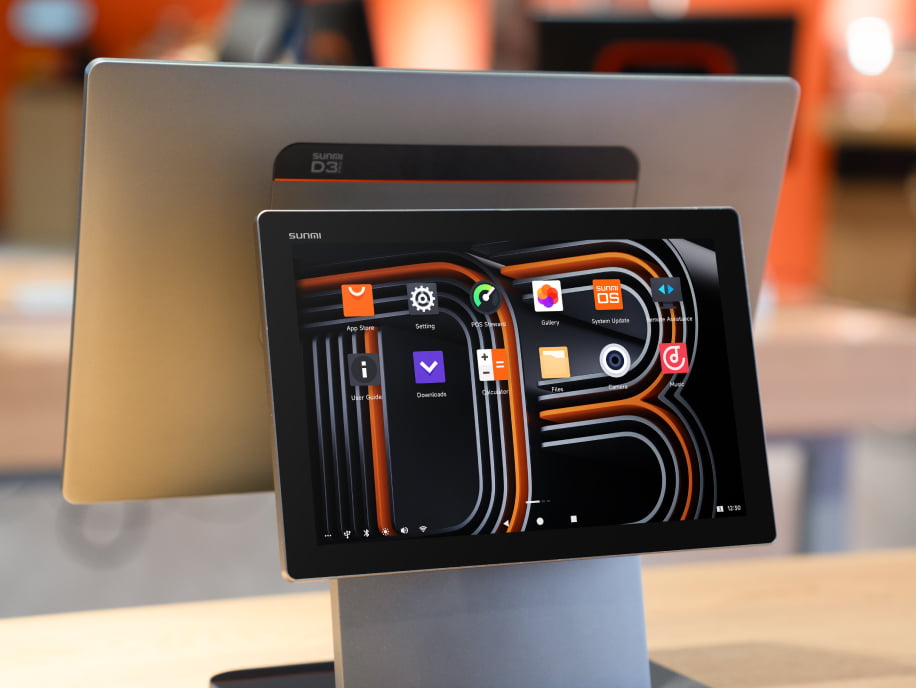
The D3 PRO is SUNMI’s flagship desktop POS terminal. It features a 15.6-inch main display with an optional customer-facing secondary screen, making it ideal for full-service restaurants, retail counters, and any environment where both the operator and customer need to see transaction details.
Key specifications include a powerful processor for handling complex POS applications, multiple USB ports for connecting peripherals like barcode scanners and receipt printers, and built-in Wi-Fi and Ethernet connectivity. The D3 PRO supports dual-screen configurations out of the box, which is increasingly important for restaurants that want customers to verify orders and see loyalty point balances.
D3 MINI overview
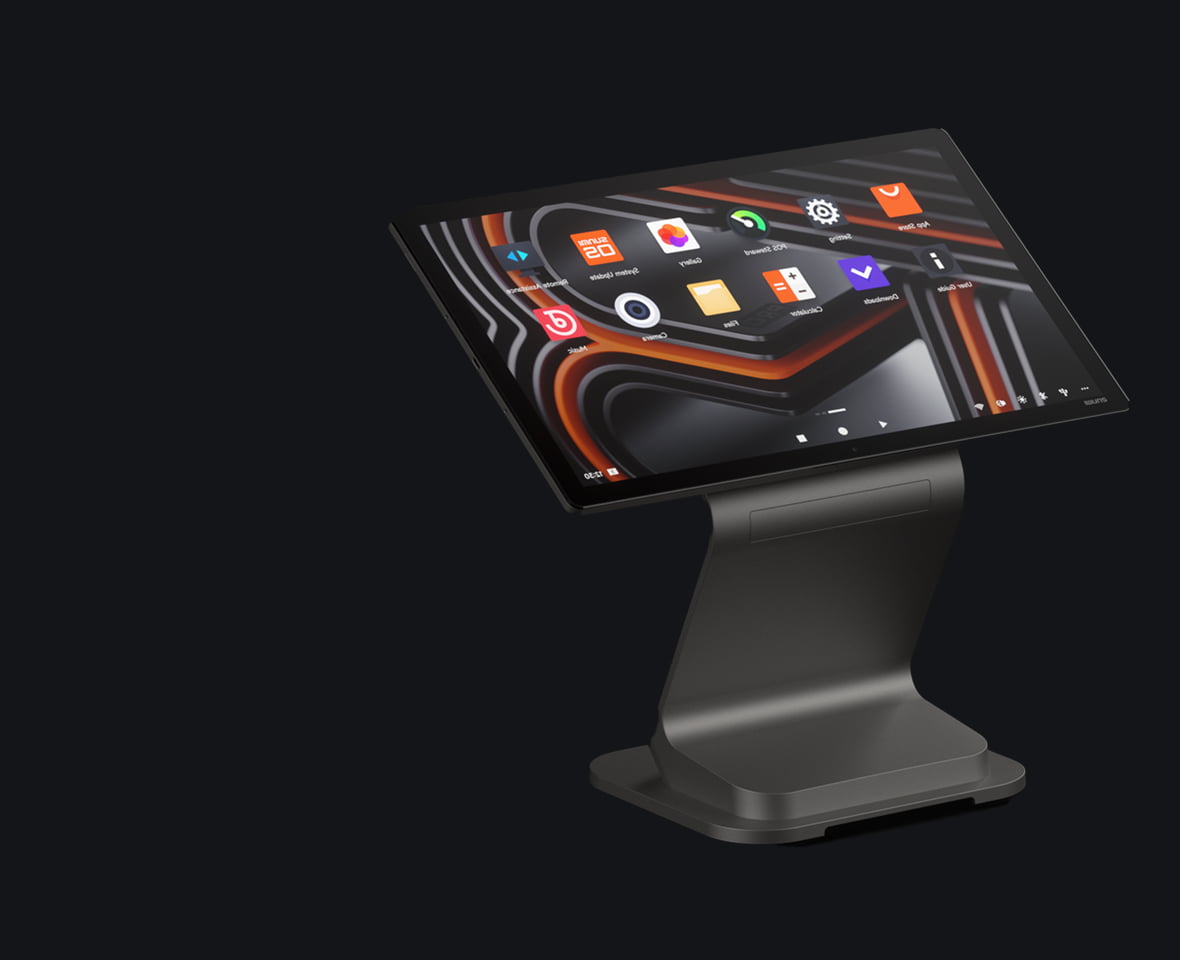
The D3 MINI is a compact desktop terminal designed for space-constrained environments. With a smaller footprint and a 10.1-inch display, it fits comfortably on narrow counters, food truck service windows, and kiosk-style setups where a full-size terminal would be too large.
Despite its compact size, the D3 MINI runs the same Android OS and supports the same POS applications as the D3 PRO. It includes USB connectivity, Wi-Fi, and the core features businesses need for daily transactions.
SUNMI D3 PRO vs D3 MINI: side-by-side comparison
Feature
D3 PRO
D3 MINI
Main display
15.6 inches
10.1 inches
Customer display
Optional secondary screen
Not available
Processor
Higher performance
Standard performance
Counter space needed
Medium to large
Small
Best for
Full-service POS, dual-screen setups
Compact counters, secondary stations
USB ports
Multiple
Multiple
Connectivity
Wi-Fi + Ethernet
Wi-Fi + Ethernet
Android OS
Yes
Yes
Warranty
3-year SUNMI Care
3-year SUNMI Care
When to choose the D3 PRO
The D3 PRO is the right choice when you need a primary POS workstation with a large, easy-to-read display. Specific scenarios where the D3 PRO excels:
Full-service restaurants. Servers and cashiers spend hours working on the POS. A larger screen reduces input errors and speeds up order entry, especially with complex menus. The optional customer-facing display lets guests verify their orders in real time.
Retail checkout counters. Retailers processing dozens of SKUs per transaction benefit from the D3 PRO’s screen real estate. Product images, inventory status, and customer information all display clearly without constant scrolling.
Multi-peripheral setups. If your workflow requires a barcode scanner, receipt printer, cash drawer, and customer display all connected to one station, the D3 PRO’s connectivity options handle it cleanly.
When to choose the D3 MINI
The D3 MINI fits situations where space is limited or you need a cost-effective secondary terminal:
Small counters and food trucks. When every inch of counter space matters, the D3 MINI’s compact footprint keeps your workspace functional. Coffee shops, juice bars, and food trucks commonly deploy the MINI for this reason.
Secondary order stations. Busy restaurants sometimes add a second POS station during peak hours. The D3 MINI serves as a cost-effective secondary terminal that runs the same software as your primary D3 PRO stations.
Check-in and service desks. Hotels, salons, and service businesses that need a simple check-in or appointment management terminal find the D3 MINI’s size and price point ideal.
Mixing D3 PRO and D3 MINI in one deployment
Many businesses deploy both models. A typical restaurant setup might use D3 PRO terminals at the main cashier stations with customer-facing displays, while placing D3 MINI units at the bar or takeout counter. Since both run the same Android OS and POS software, staff training is consistent and device management is simplified.
This mixed approach optimizes your hardware spend: full-featured D3 PRO stations where operators and customers both interact with the terminal, and compact D3 MINI stations where a smaller footprint and lower cost make more sense.
Getting started
Rosper stocks both the D3 PRO and D3 MINI in 8 warehouses across the US and Canada, with most orders arriving in 2–7 business days. Both models include SUNMI’s official 3-year warranty, and Rosper assists with any warranty or technical support needs. If you are deciding between the two models or considering a mixed deployment, requesting a quote with your specific requirements will help you get the right configuration and pricing.
Frequently asked questions
Can the D3 PRO and D3 MINI run the same POS software?
Yes. Both models run Android and support the same POS applications. Software installed on a D3 PRO will work on a D3 MINI and vice versa, making it easy to mix both models in a single deployment.
Does the D3 MINI support a customer-facing display?
The D3 MINI does not have a built-in secondary display option. If you need a customer-facing screen for order verification or advertising, the D3 PRO with its optional dual-screen configuration is the better choice.
Which model is better for a small coffee shop?
For most coffee shops, the D3 MINI is ideal. Its compact footprint fits narrow counters, and the lower cost makes it budget-friendly for small businesses. However, if you want customers to see their order on a secondary screen, consider the D3 PRO.
What peripherals work with both D3 models?
Both models support USB-connected peripherals including receipt printers, barcode scanners, and cash drawers. SUNMI also offers matching accessories like the SUNMI cash drawer designed to pair with D3 series terminals.
How do I manage multiple D3 devices across locations?
SUNMI’s MDM (Mobile Device Management) platform lets you remotely manage, update, and monitor all your D3 devices from a single dashboard. This is especially useful for multi-location businesses deploying a mix of D3 PRO and D3 MINI units.
What warranty comes with D3 series terminals?
Both the D3 PRO and D3 MINI include SUNMI Care Standard, a 3-year warranty covering manufacturing defects and hardware failures. Authorized distributors assist with warranty claims to ensure quick resolution.