
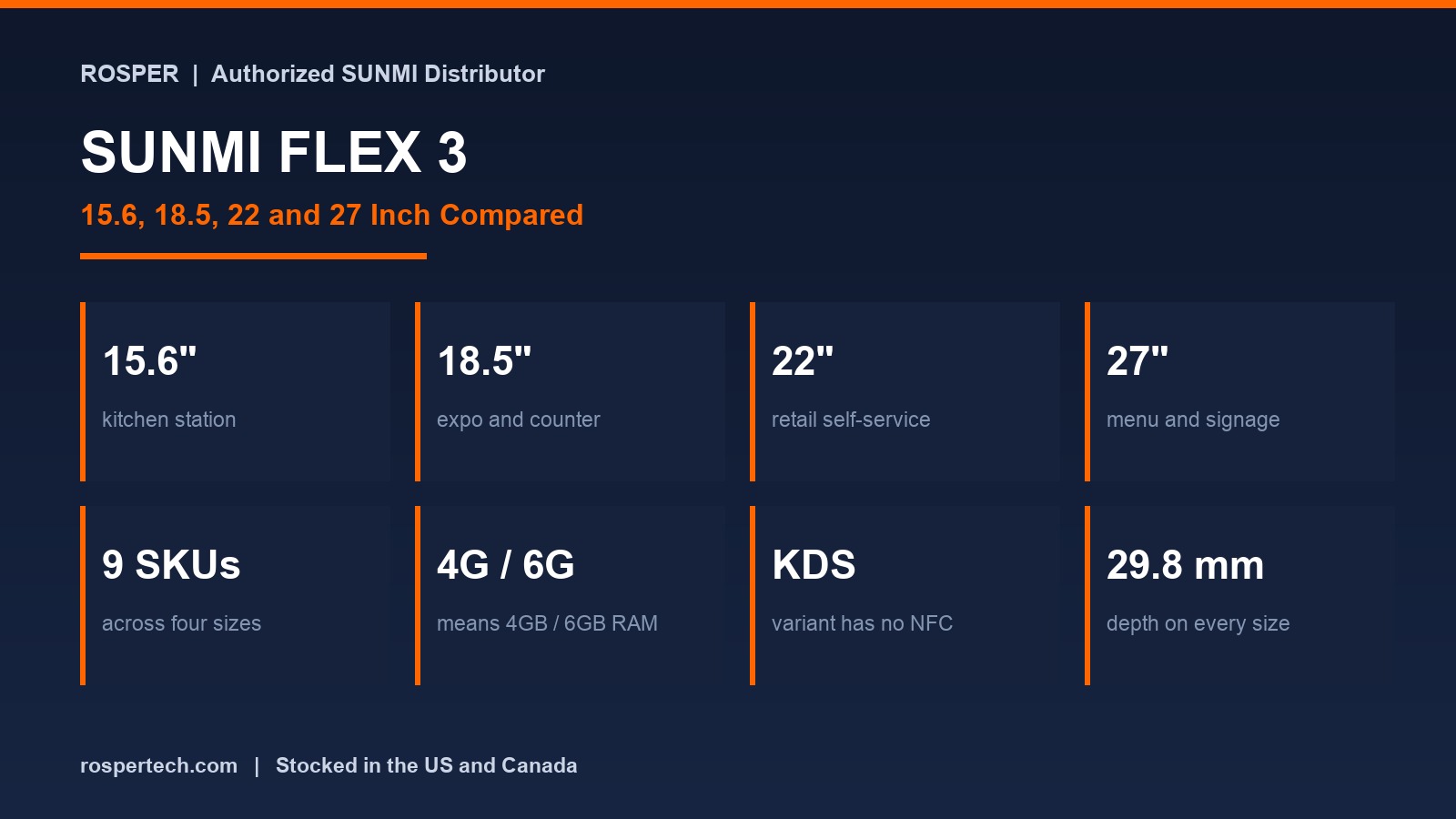
The FLEX 3 range looks simple until the quote arrives. Four screen sizes, a KDS variant that is not available in every size, and a 4G and 6G label that does not mean what most buyers assume.
This guide compares the SUNMI FLEX 3 sizes against real viewing distances, explains the configuration labels, and maps the mounting options, so the part number falls out of the deployment rather than the other way around.
Rosper is the authorized SUNMI distributor in North America. All nine host SKUs below are part of the range we stock in the United States and Canada.
Key Takeaways
- 4G and 6G mean 4 GB and 6 GB of memory. Not cellular. This is the single most common misread on this product line.
- Four sizes. 15.6, 18.5, 22 and 27 inch. The 15.6 inch is the newest and is built around kitchen display use.
- The KDS variant is defined by not having NFC. Everything else matches the standard unit at the same size.
- Core count changes with size. The 15.6 inch is hexa-core. 18.5 inch and above are octa-core.
- The 6 GB tier adds more than memory. It also brings Wi-Fi 6E and longer range Bluetooth.
- The mount is a real line item. A retail floor stand ships in four cartons and includes a printer and scanner.
All Nine SKUs
| SKU | Model | Size | Processor | Memory | Wi-Fi | Bluetooth | NFC | Note |
|---|---|---|---|---|---|---|---|---|
| P11050019 | FLEX 3 15.6 KDS | 15.6 in | Hexa-core 2.4 GHz | 4 GB + 64 GB | Wi-Fi | – | No | Kitchen display variant, no NFC |
| P11050020 | FLEX 3 15.6 | 15.6 in | Hexa-core 2.4 GHz | 4 GB + 64 GB | Wi-Fi | – | Yes | Same device as the KDS variant plus NFC |
| P11050016 | FLEX 3 18.5 KDS | 18.5 in | Octa-core 2.4 GHz | 4 GB + 64 GB | Wi-Fi 5 | BT 5.0 | No | Kitchen display variant |
| P11050015 | FLEX 3 18.5 4G | 18.5 in | Octa-core 2.4 GHz | 4 GB + 64 GB | Wi-Fi 5 | BT 5.0 | Optional | Entry configuration |
| P11050012 | FLEX 3 18.5 6G | 18.5 in | Octa-core 2.7 GHz | 6 GB + 128 GB | Wi-Fi 6E | BT 5.2 + Long Range | Optional | Premium configuration |
| P11050005 | FLEX 3 22 4G | 21.5 in | Octa-core 2.4 GHz | 4 GB + 64 GB | Wi-Fi 5 | BT 5.0 | Optional | Retail proportion |
| P11050001 | FLEX 3 22 6G | 21.5 in | Octa-core 2.7 GHz | 6 GB + 128 GB | Wi-Fi 6E | BT 5.2 + Long Range | Optional | Premium configuration |
| P11050009 | FLEX 3 27 4G | 27 in | Octa-core 2.4 GHz | 4 GB + 64 GB | Wi-Fi 5 | BT 5.0 | Optional | Large format |
| P11050006 | FLEX 3 27 6G | 27 in | Octa-core 2.7 GHz | 6 GB + 128 GB | Wi-Fi 6E | BT 5.2 + Long Range | Optional | Premium configuration |
Picking the Size by Viewing Distance
Screen size on an interactive display is a viewing distance problem, not a taste question. Pick against how far the reader stands and how much has to be legible at once.
| Size | Typical distance | Best fit | Watch out for |
|---|---|---|---|
| 15.6 in | Within arm’s reach | Single kitchen station, tight pass windows | Too small for an expeditor reading many tickets |
| 18.5 in | One to two metres | Expo station, compact counter, small self-order point | The workhorse size, rarely the wrong answer |
| 22 in | Two to three metres | Retail self-service, counter-facing display | Needs counter depth or a stand footprint |
| 27 in | Three metres and beyond | Menu boards, food service self-order, signage | Mounting and power planning become real work |
A useful rule for kitchens: one screen per station at the smaller sizes usually beats one large shared screen, because each cook sees only the tickets they own.
What 4G and 6G Actually Change
| Attribute | 4G configuration | 6G configuration |
|---|---|---|
| Memory | 4 GB RAM + 64 GB storage | 6 GB RAM + 128 GB storage |
| Processor speed | Up to 2.4 GHz | Up to 2.7 GHz |
| Wi-Fi | Wi-Fi 5, 2.4 and 5 GHz | Wi-Fi 6E, 2.4, 5 and 6 GHz |
| Bluetooth | BT 5.0 | BT 5.2 with long range |
| Storage expansion | Up to 1 TB | Up to 2 TB |
Screen, chassis, and power connector are identical between the two, so this is purely a performance and connectivity decision. For order display work the 4G tier is generally sufficient. The 6 GHz Wi-Fi band on the 6G tier is worth having in a venue where the other bands are congested.
KDS Variant Versus Standard
At 15.6 and 18.5 inch there is a dedicated KDS part number. The difference is NFC.
- KDS variant. No NFC. Correct for a back of house station, where nothing taps a card against the screen.
- Standard variant. NFC available. Required if the screen is customer facing and has to read a contactless card or a membership tag.
Ordering the KDS variant and later discovering that a station needs card reading costs a replacement cycle, so decide this per position rather than per site.
Physical Dimensions
| Size | Dimensions | Weight |
|---|---|---|
| 18.5 in | 443 x 264 x 29.8 mm | 2.7 kg |
| 22 in | 511 x 303 x 29.8 mm | Not published |
| 27 in | 646 x 384 x 29.8 mm | Not published |
All sizes share a 29.8 mm depth, so the mounting depth question does not change with screen size. Width and height do, which matters under a hood or in a pass window.
Mounts and Modules
| SKU | Accessory | Note |
|---|---|---|
| C14004109 | Retail Floor Stand | Includes printer, scanner, and table board. Ships in 4 cartons |
| C14004105 | Restaurant Floor Stand | Includes printer. Ships in 3 cartons |
| C14004108 | Lite Floor Stand | Display only. Ships in 2 cartons |
| C14004107 | Restaurant Desktop Stand | Includes printer |
| C14004104 | Retail Desktop Stand | Includes printer and scanner |
| C14004106 | Lite Desktop Stand | Display only |
| C14004138 | Lite Desktop Stand, L-shape | Compact counter placement |
| C14004156 | Mount Arm Stand | Articulating arm, common kitchen mount |
| C14004102 | VESA Wall Mount | Fixed wall or column |
| C14004115 | KDS Articulating Arm Stand | Kitchen specific arm |
| C12004010 | POE Modular | Power over Ethernet, one cable to the mount |
| C20000079 | 3-in-1 NFC, MSR and Scanner Modular | Adds card and scanning paths |
| C10020006 | 2D Barcode Scanner | Standalone scan head |
| C20000077 | Indicator Light | Status signalling |
Two planning points. Carton count matters for freight and for receiving, and a retail floor stand arriving as four cartons is not a one person install. And the POE module is worth specifying in a kitchen retrofit, because running one cable to a mount is cheaper and safer than adding an outlet above a hot line.
What Is Not Published
Being straight about the gaps is more useful than filling them with assumptions. The following are not confirmed in the documentation we hold.
- Port configuration, meaning USB, LAN, and video connector count and type
- Weight and packaging dimensions for the 15.6 inch
- Operating temperature and humidity range
- Per-item accessory fitment against the 15.6 inch size
If any of these decide your install, ask for the datasheet before ordering rather than after. We will request it from SUNMI and send the written answer.
Warranty and Support in North America
Current generation SUNMI hardware carries a 3 year manufacturer warranty, with wear parts covered for 1 year. The warranty is provided by SUNMI. Rosper assists with warranty claims, helping you connect with SUNMI faster.
Full terms are published on the Rosper warranty page.
Frequently Asked Questions
What sizes does the SUNMI FLEX 3 come in?
Four: 15.6, 18.5, 22 and 27 inch, across nine host SKUs. The 15.6 inch is the newest size and is built around kitchen display use.
What do 4G and 6G mean on a FLEX 3 model name?
They refer to 4 GB or 6 GB of RAM, not cellular connectivity. The 6 GB configuration also brings a faster processor, Wi-Fi 6E, and longer range Bluetooth.
What is the difference between a FLEX 3 KDS and a standard unit?
NFC. The KDS variant does not include it, which is correct for a back of house station. The standard variant is the one to specify when the screen faces a customer and has to read a card or a tag.
Is the 15.6 inch FLEX 3 as fast as the larger sizes?
Not identically. The 15.6 inch uses a hexa-core processor while 18.5 inch and above use octa-core silicon. For order display work the difference is rarely visible, and it matters if you plan to run additional applications on the same unit.
Which FLEX 3 mount should I choose?
An articulating arm for a kitchen station, a VESA wall mount for a fixed position, a desktop stand for a counter, and a floor stand for a free-standing self-service point. Confirm fitment for the exact screen size before committing across a fleet.
Get the Right Configuration Confirmed
Send the position, the viewing distance, and whether any screen needs card reading. We will confirm the size, the configuration tier, and the mount.
Request a FLEX 3 quote and we will confirm availability across eight North American warehouses within one business day. There is no minimum order, so a single evaluation unit is a valid request.
Specification source: SUNMI official documentation and the Rosper SKU index, current as of 2026. Confirm the exact configuration on your quote before placing a purchase order.