
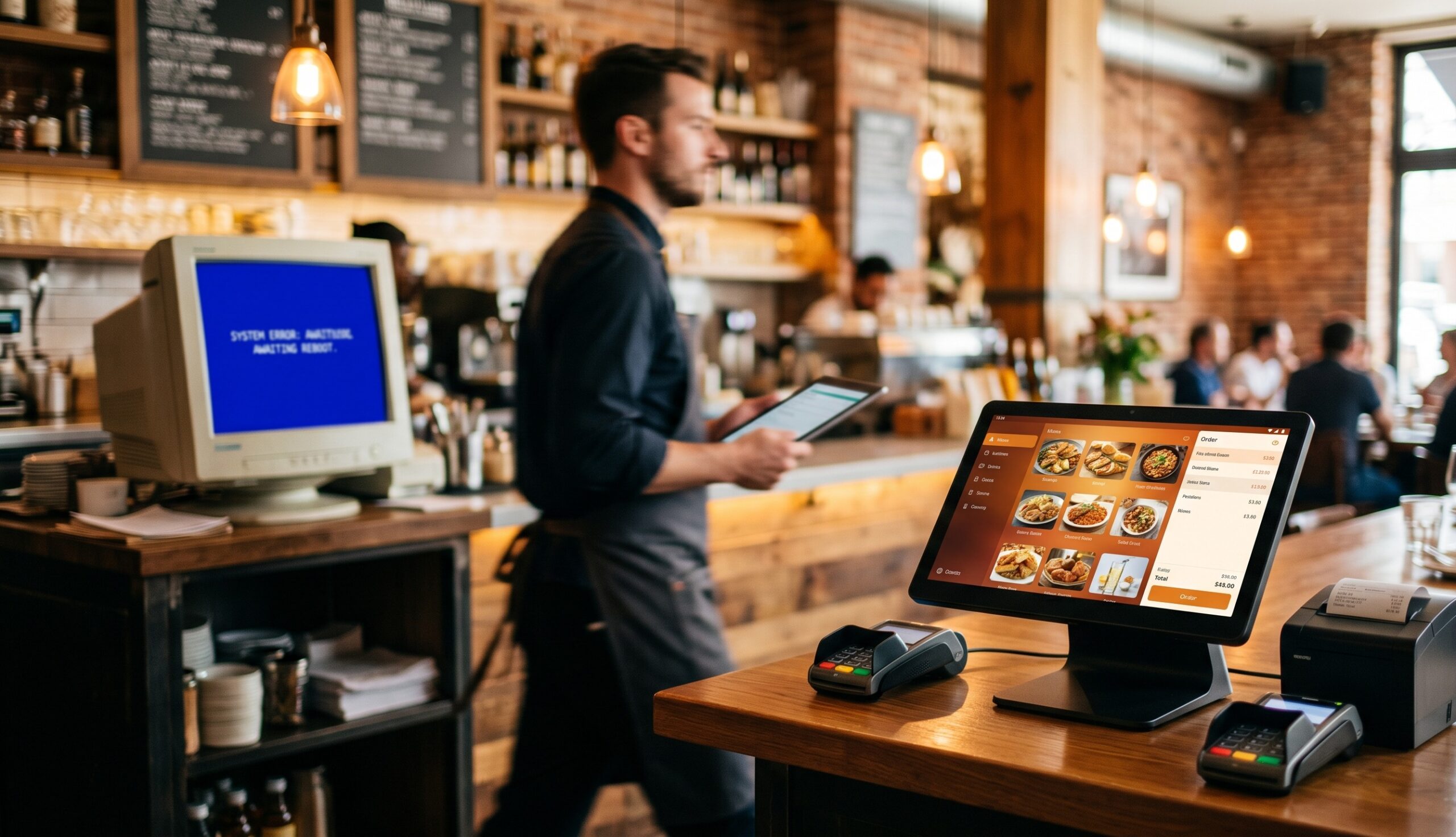
If your storefront still runs Windows POS hardware, you have probably noticed something: the boxes that used to feel reliable now feel temperamental. Boot times creep up. The card reader drops connection. A receipt printer freezes mid-order and a manager spends fifteen minutes on the phone with the POS vendor while a line forms at the counter.
This is not bad luck. It is Windows POS hardware reaching the tail end of a lifecycle, and 2027 is the cliff most retailers and restaurant operators are now sliding toward. Microsoft ended free Windows 10 support on October 14, 2025, the one-year Extended Security Updates (ESU) program runs out on October 13, 2026, and the average piece of Windows POS hardware already in the field is about five to seven years old. That math points to a forced replacement window starting in 2026 and accelerating through 2027.
This article gives you a practical, observable checklist. If you can tick three or more of the five signs below, your Windows POS hardware is not going to make it through 2027 without a planned migration — and “planned” is much cheaper than “emergency.”
Key takeaways
- Windows 10 reached end of support on October 14, 2025. Security updates after October 13, 2026 require paid ESU per device or a full OS upgrade.
- The five hardware warning signs are: rising downtime per terminal, peripheral drift, OS-eligibility failure, escalating support cost per ticket, and ISV/payment processor pressure.
- Three or more signs in a single store generally means the fleet should be replaced inside a 12-month window, not patched.
- Android POS hardware from manufacturers like SUNMI is the most common replacement target for US and Canadian operators because it eliminates the OS-licensing cliff and ships purpose-built for retail and restaurants.
- Rosper is the authorized SUNMI distributor in North America and ships from 8 warehouses with 2–7 day delivery and a SUNMI manufacturer warranty.
Why 2027 is the real deadline, not 2025
Microsoft’s official position is that Windows 10 “support ended on October 14, 2025.” In their own words, PCs running Windows 10 will continue to function, “however they will no longer receive software and feature updates, security updates and fixes, or technical support.”
For consumer laptops that warning is annoying. For a POS terminal sitting on a card-present network, it is a compliance and liability problem. Payment processors and PCI-DSS auditors do not look kindly on production payment endpoints running an OS that has not received a security patch in months.
Microsoft offers an Extended Security Updates program that buys an extra year of patches per device through October 13, 2026. After that date there is no further consumer-priced ESU. Enterprise ESU is available for two additional years but at sharply rising prices designed to push migration, not subsidize it.
So the practical timeline most US and Canadian operators are now planning to:
- 2025 Q4 through 2026 Q3: Run on ESU while planning the next-generation fleet.
- 2026 Q4: Order new hardware and pilot one or two stores.
- 2027 Q1–Q2: Roll out the fleet store by store.
- 2027 Q3: Decommission the last Windows endpoint.
If a piece of Windows POS hardware shows any of the signs below, it almost certainly will not survive that timeline gracefully. Here is the checklist.
Sign 1: Downtime per terminal is creeping up quarter over quarter
The single best leading indicator of a failing fleet is internal helpdesk data. If your POS vendor or in-house IT lead can pull a simple “tickets per terminal per quarter” chart and the line is going up, the fleet is aging out, even if no single device has visibly failed yet.
What typically rises first:
- Cold-boot failures after a power blip
- USB enumeration issues — the cash drawer or scanner does not register on reboot
- Software update failures that require an in-person reimaging visit
- “Touchscreen unresponsive” complaints that go away after a reboot but come back
These are not random. They reflect aging capacitors on the motherboard, mechanical wear on touchscreens, and a Windows 10 patch stack that has now stopped getting fixes for the silicon underneath.
What to measure: pick any sample of 20 terminals and pull the trailing four quarters of tickets. If the most recent quarter is more than 1.5× the quarter from a year ago, the fleet is past its serviceable peak.
Sign 2: Peripheral drift — printers, scanners, and card readers no longer “just work”
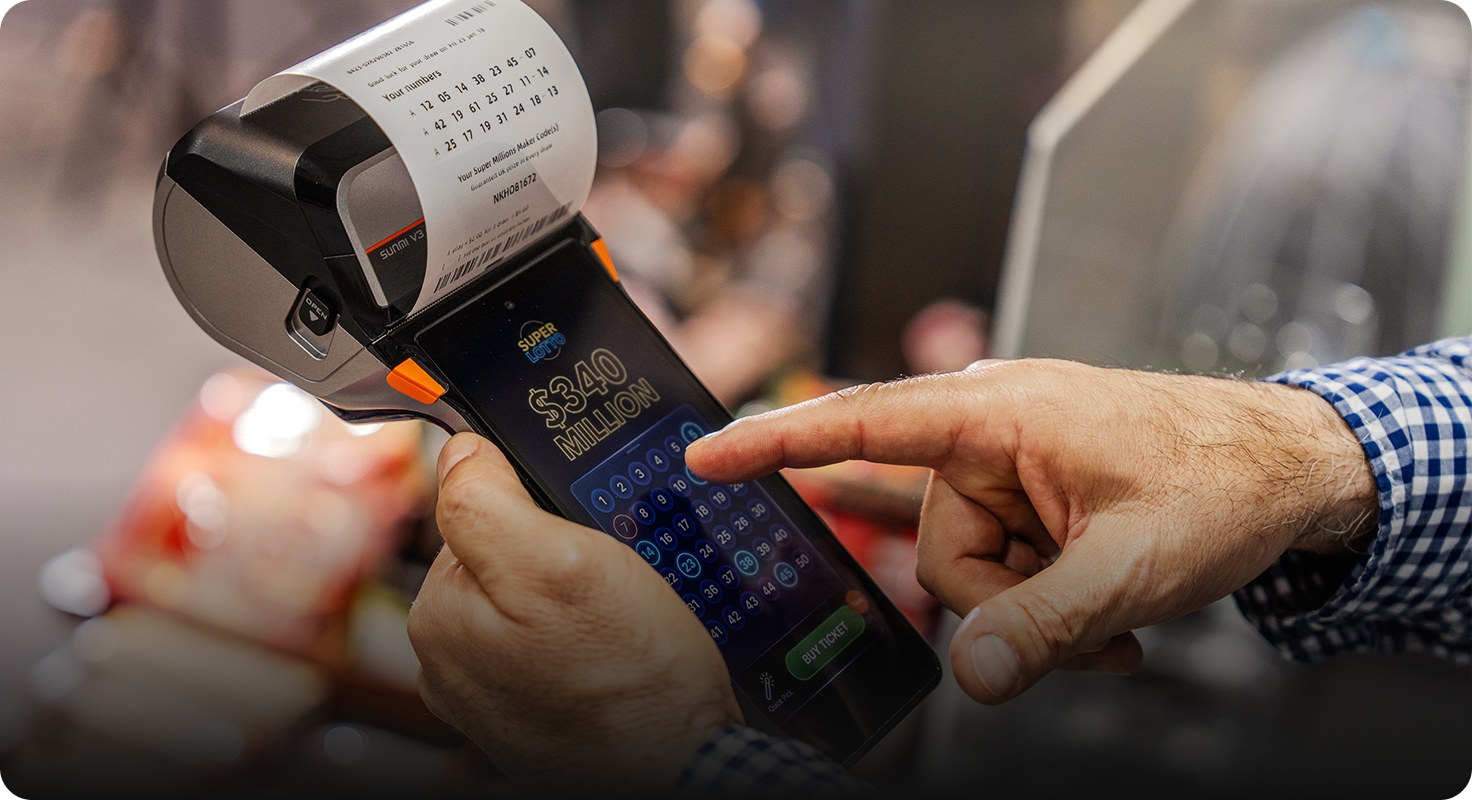
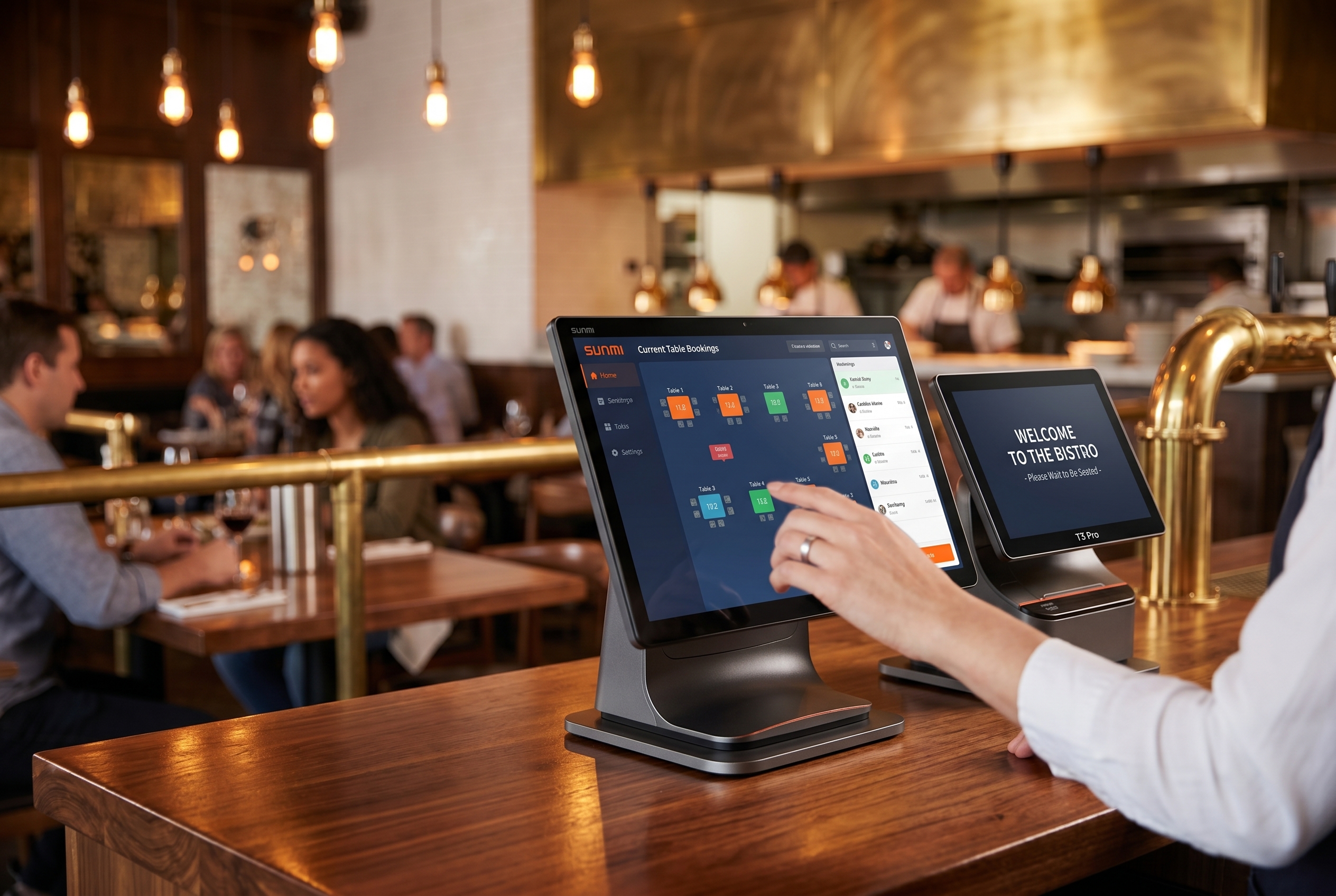
A Windows POS station is rarely a single box. It is a desktop unit plus a receipt printer, a barcode scanner, a card reader, sometimes a cash drawer, sometimes a customer display, sometimes a kitchen display routed over the LAN. Each peripheral talks to Windows through a driver that the OEM has to keep updated.
Three things are happening at once across the industry:
- Receipt printer OEMs (Epson, Star, Bixolon) are publishing fewer Windows-specific updates and shifting development to Android and iOS SDKs.
- EMV card-reader certifications keep evolving (PCI PTS 6.x is now the baseline for new payment hardware), and old card readers paired with old Windows drivers tend to fail to recertify.
- Barcode scanner vendors are routing their newer 2D imagers through Android-friendly USB-HID profiles that interact unpredictably with legacy Windows POS apps.
The symptom you see on the floor is “the printer worked yesterday and now it does not.” The root cause is that the driver maintenance economy around Windows POS peripherals is being slowly defunded.
If your team has to keep a folder of “magic driver” files on a USB stick to bring up a new store, the fleet is on borrowed time.
Sign 3: A growing share of terminals are not eligible for Windows 11
When Microsoft published the Windows 11 system requirements in 2021, the bar moved meaningfully — TPM 2.0, a supported 8th-gen Intel or AMD Ryzen 2000-series CPU or newer, Secure Boot. Industrial POS hardware built before about 2019 frequently fails one or more of those checks.
You can run the official Microsoft PC Health Check on a sample of your fleet, but operators we work with find a faster heuristic: check the BIOS date and the chipset generation. If the BIOS is dated 2019 or earlier, the device almost certainly cannot upgrade to Windows 11 and will need full hardware replacement.
Two complications:
- Replacement Windows-11-eligible POS hardware is more expensive than the equivalent Android POS for retail and quick-service use cases.
- A like-for-like Windows upgrade preserves the old software lock-in. You re-buy into the same vendor relationship and the same per-seat license model that made the original fleet expensive.
This is the moment most operators stop and ask whether they should keep buying Windows POS at all, or use the forced refresh to switch to an Android stack that runs the same software via cloud-based POS apps.
Sign 4: Per-ticket support cost is now larger than the depreciated value of the hardware
Run a quick check. Take your trailing twelve months of POS vendor support invoices, divide by the number of touchy terminals, and compare against the depreciated book value of those terminals. When the support cost per terminal exceeds the residual hardware value, you are paying to keep dying assets alive.
We have seen this number cross over inside multi-location restaurant operators in particular, where:
- Vendor monthly support contracts run in the low three figures per terminal per month
- Replacement parts for legacy Windows POS (motherboards, touch panels) are now sourced from third-party brokers at marked-up prices
- Each on-site dispatch averages several hundred dollars in labor and travel
- A typical Windows POS originally purchased for a few thousand dollars has depreciated to to well under a fifth of its original cost
Once you are spending more annually in support than the residual value of the hardware to keep the depreciated hardware value in residual value running, the math is clear. The same operator can buy a brand-new Android POS terminal, ship it from a Rosper warehouse in 2–7 days, plug it into the same cloud POS software, and reset the depreciation clock.
Sign 5: Your ISV or payment processor is dropping Windows-only support
This is the sign that often catches operators by surprise because it does not come from inside their building. It comes from the software vendor.
Several patterns we are seeing in 2026:
- ISVs that historically had a Windows-only desktop POS app are publishing Android versions and quietly setting the Windows version to “maintenance mode” — meaning bug fixes only, no new features.
- QuickBooks POS reached end of life and customers report being pushed toward iOS- or Android-based replacements rather than Windows successors.
- Major payment processors are certifying their newest SoftPOS and tap-to-pay flows on Android first, and shipping the Windows variants 6–12 months behind, if at all.
- New EMV kernels and contactless updates increasingly land on Android-based PCI PTS 6.x payment terminals like the SUNMI P3 family ahead of the Windows ecosystem.
If your software roadmap meetings now end with “the new feature is on the Android build, we are working on the Windows port,” your operating system is no longer the strategic platform — it is the maintenance platform. That is the strongest signal you will get that the underlying Windows POS hardware should be on a planned-out, not reactive, replacement path.
What to do once you have ticked three or more boxes
Once three of the five signs are clearly present in your fleet, the cheapest path forward is to stop investing in the legacy Windows estate and migrate. The migration itself is much less painful than it sounds, because most modern POS software is now cloud-delivered and runs the same way on Android hardware as it does on Windows hardware.
A typical replacement stack for US and Canadian operators looks like:
- Desktop POS station: SUNMI T3 series or D3 series Android terminal, depending on counter footprint
- Mobile POS or tableside ordering: SUNMI CPad commercial tablet
- Payment terminal: SUNMI P3 family for PCI PTS 6.x card-present transactions
- Self-order kiosk: SUNMI K2 Mini or FLEX 3 for quick-service and retail self-checkout
- Mobile device management: free MDM included with every SUNMI device sold through Rosper
Rosper is the authorized SUNMI distributor in the United States and Canada. We ship from 8 warehouses with 2–7 day delivery, every device carries SUNMI’s manufacturer warranty, and we include free MDM so you can manage the new fleet remotely from day one — without rebuilding the Windows-style Active Directory / Group Policy stack you may be glad to leave behind.
If you are not sure where to start, the next read in this series is Stuck on Windows 10 POS After EOL? Your 3 Options and the Real Math on Each, which walks through the cost of ESU, the cost of like-for-like Windows 11 hardware, and the cost of an Android migration.
Frequently Asked Questions
Why is Windows POS hardware failing by 2027?
Microsoft is ending support for Windows 10 IoT in October 2025 and ATM/POS variants are losing security patches by 2026-2027. Without updates, legacy Windows POS terminals become PCI-DSS non-compliant and vulnerable to ransomware, forcing replacement.
What are the 5 signs my Windows POS will fail soon?
Watch for thermal shutdowns under load, slow boot times beyond 3 minutes, USB peripheral disconnects, EMV kernel certification expiration warnings, and Windows Update errors. Two or more of these signs mean replacement within 12 months.
Can I keep my existing POS software on new Android hardware?
Yes. The SUNMI SUPER Solution lets you run unmodified Windows POS software on Android terminals as a transition bridge. Your staff training, peripheral integrations, and backend remain unchanged while you upgrade hardware first.
What is the typical lifespan of an Android POS terminal?
Modern Android POS terminals from SUNMI typically last 5-7 years in active retail/restaurant use, versus 3-4 years for Windows POS due to mechanical fans, HDDs, and Windows software bloat over time.
How much does it cost to replace failing Windows POS hardware?
Hardware-only replacement with SUNMI Android POS terminals is priced below traditional Windows POS hardware, which typically runs $1200-2000 per unit. Request a quote through an authorized US distributor for the entry T2 Lite and other models. Full migration including peripherals averages 40-60 percent less than like-for-like Windows replacement.
Will Windows POS still work after October 2025?
The hardware will still power on but Microsoft stops issuing security patches for Windows 10 IoT LTSC in October 2025, which means PCI-DSS auditors will flag the device as non-compliant for handling payment card data.
Where can I buy Android POS hardware in the US and Canada?
Rosper is the authorized SUNMI distributor for the US and Canada, with 8 warehouses across North America shipping in 2-7 business days. All terminals come with the official SUNMI 3-year warranty.