
Category: About SUNMI Products
-
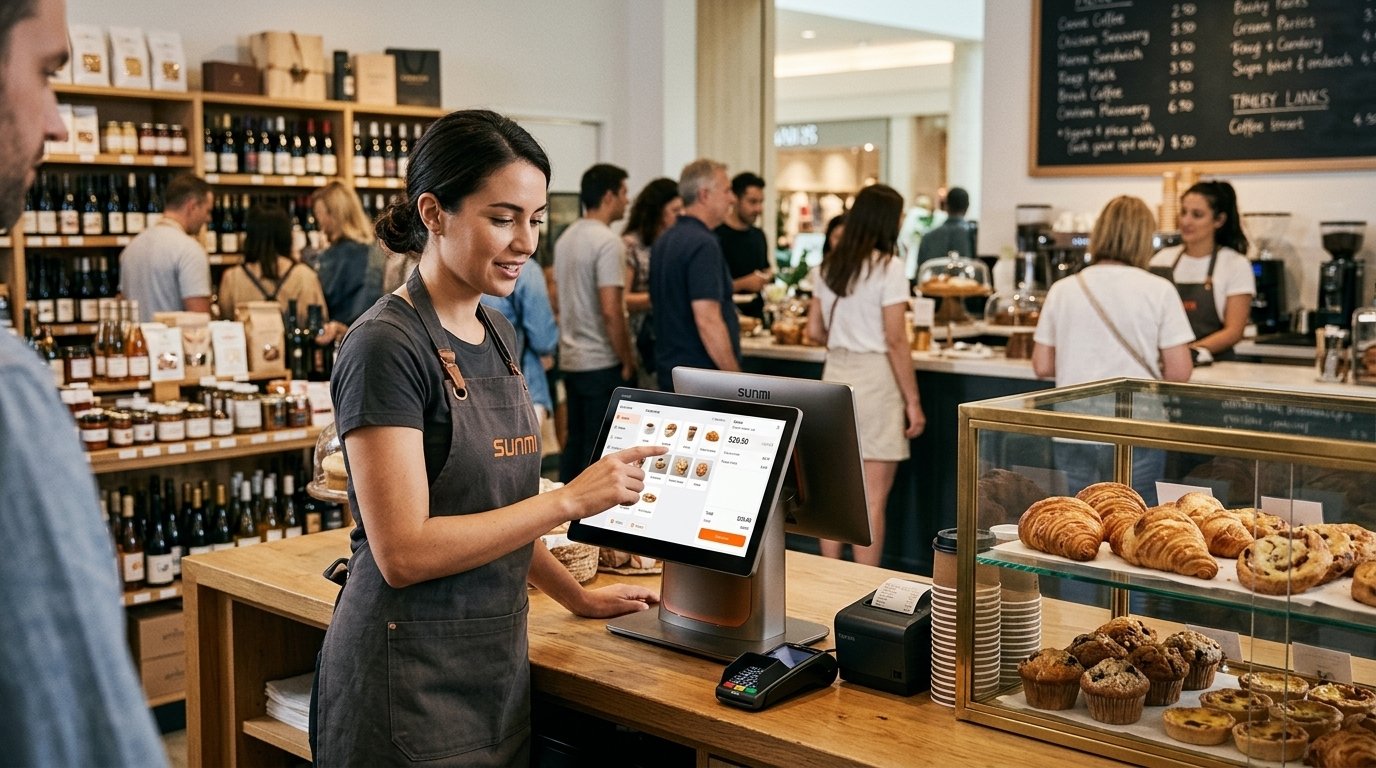
CPad Pay + D3 Pro Display Bundle 2026: Complete Counter POS Setup for Food & Retail
CPad Pay D3 Pro Display bundle (SKU P07180008 and P07180026): one-box counter setup with 11-inch cashier tablet and 15.6-inch guest display for QSR.
-

SUNMI CPad 14 (P10020050): Customer-Facing Display Guide
SUNMI CPad 14 P10020050 specs: 14-inch FHD, 8 GB + 128 GB, Global Band 4G plus eSIM, under-screen NFC, GMS-EDLA. Flagship customer-facing tablet.
-
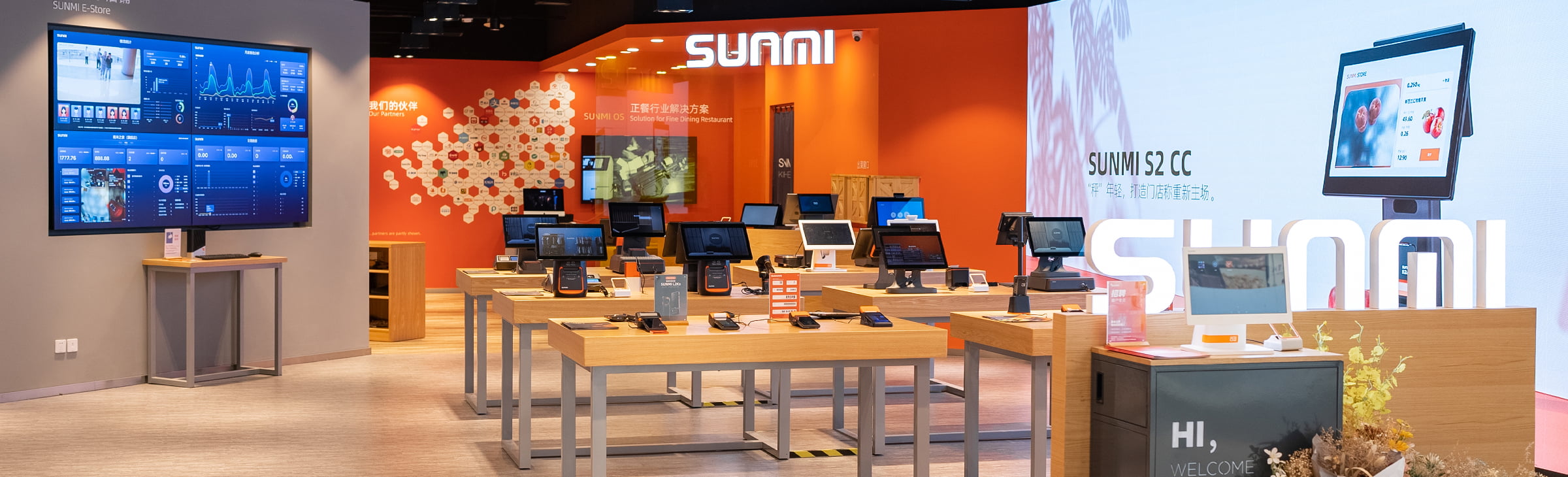
SUNMI Android POS SDK: A Developer Integration Guide for ISVs in 2026
Integrate the SUNMI Android POS SDK across printer, scanner, EMV payment, MDM, and the four semi-integrated payment modes with a 4 to 6 week ISV timeline and US/Canadian dev hardware fulfillment from Rosper.
-
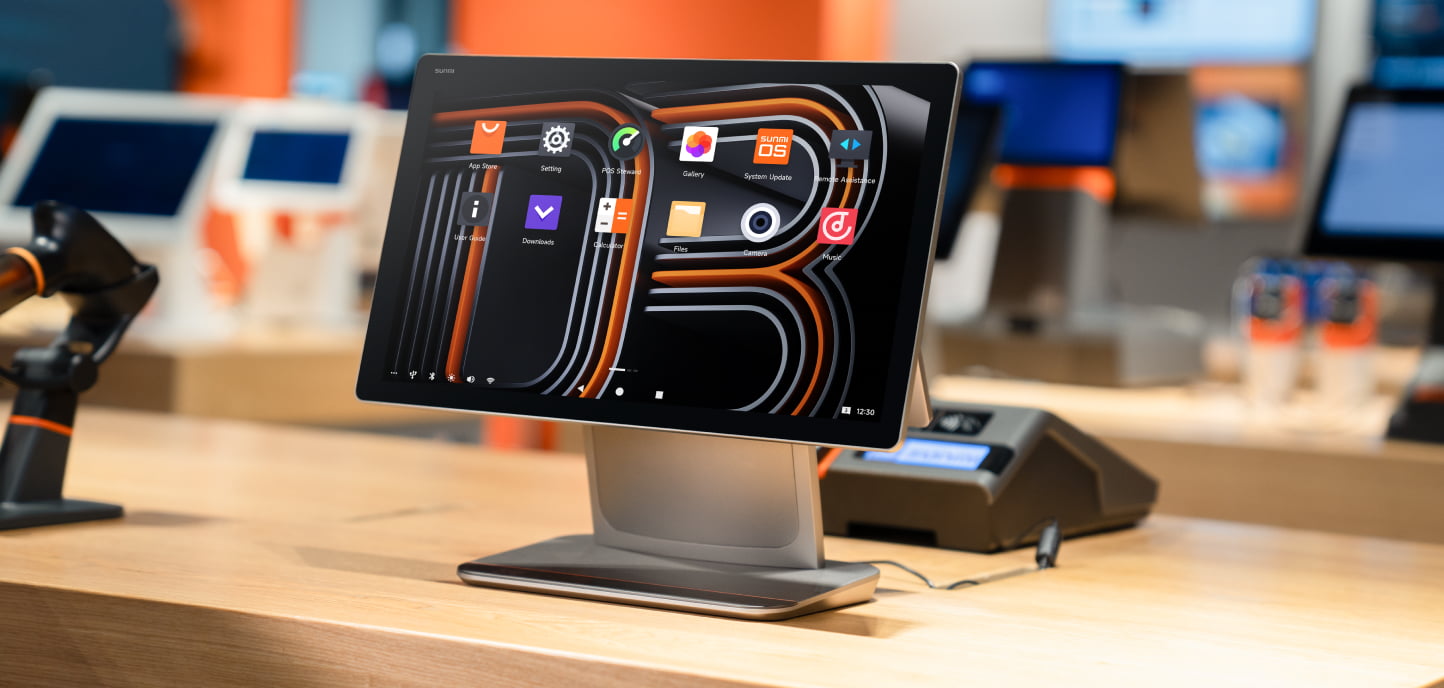
White-label POS Hardware: A 2026 Guide for Payment Brands, ISVs, and ISOs
White-label POS hardware on SUNMI Android covers four customization levels from packaging through custom system image, with MDM pre-config at zero MOQ for ISV and ISO partners through Rosper.
-
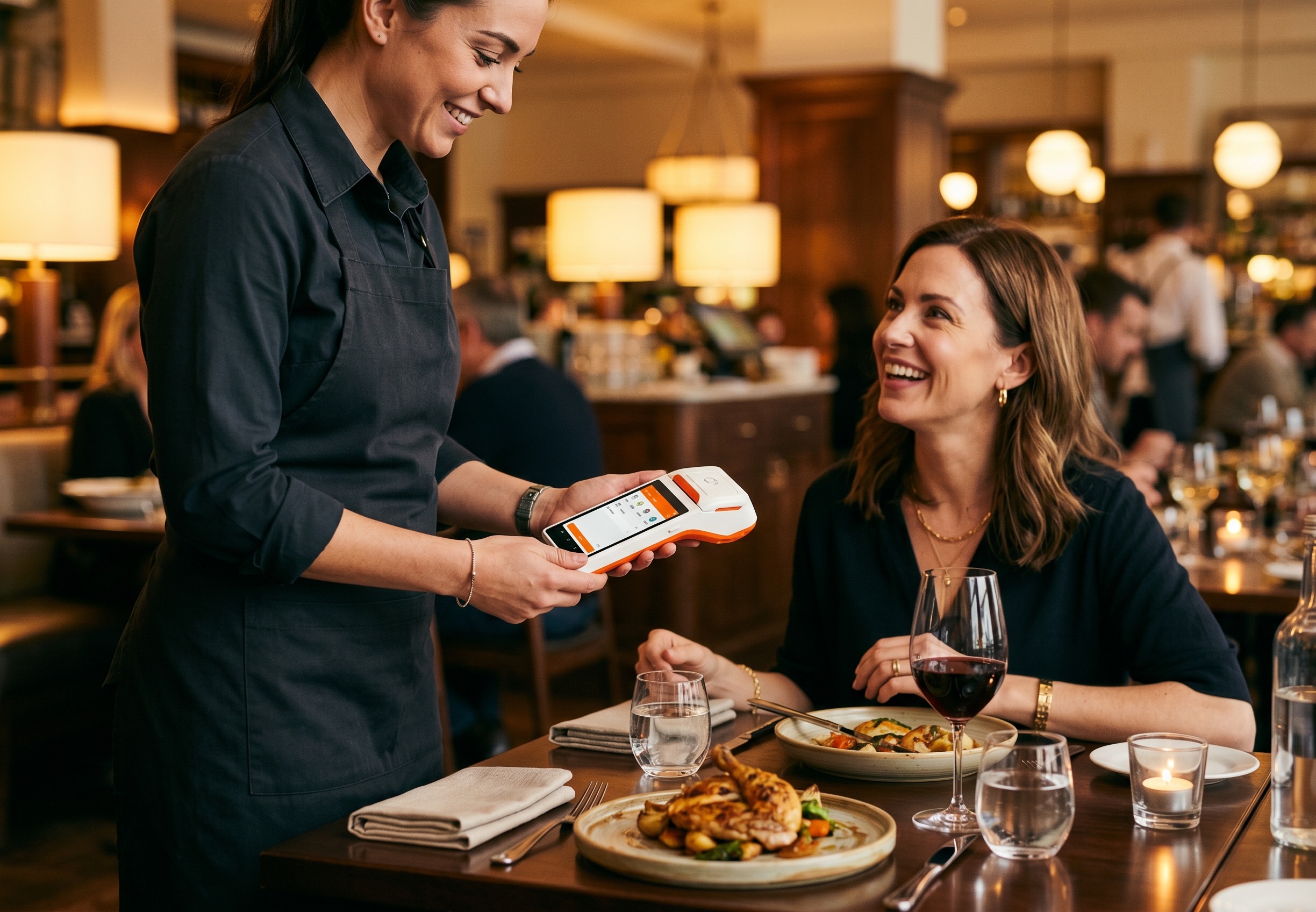
Restaurant POS Hardware: 9 Essential SUNMI Stations for FSR
Restaurant POS hardware for full-service restaurants: 9 SUNMI stations covering counter, bar, tableside, KDS, kitchen printer, host stand, and handheld payments, with seating-capacity sizing rules from Rosper deployments.
-
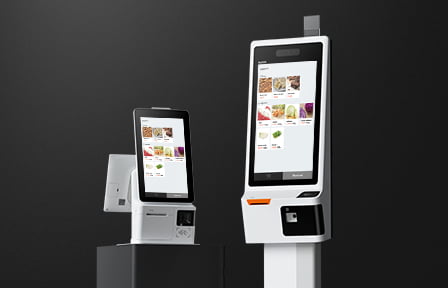
SUNMI Kiosk Mode Setup: Complete 2026 Guide for US Operators
Set up SUNMI kiosk mode in 6 steps for self-service kiosks, QSR order points, and single-app retail terminals. Complete 2026 guide covering Partner Portal MDM configuration, exit procedure, and Remote Assistance compatibility for US and Canadian operators.
-
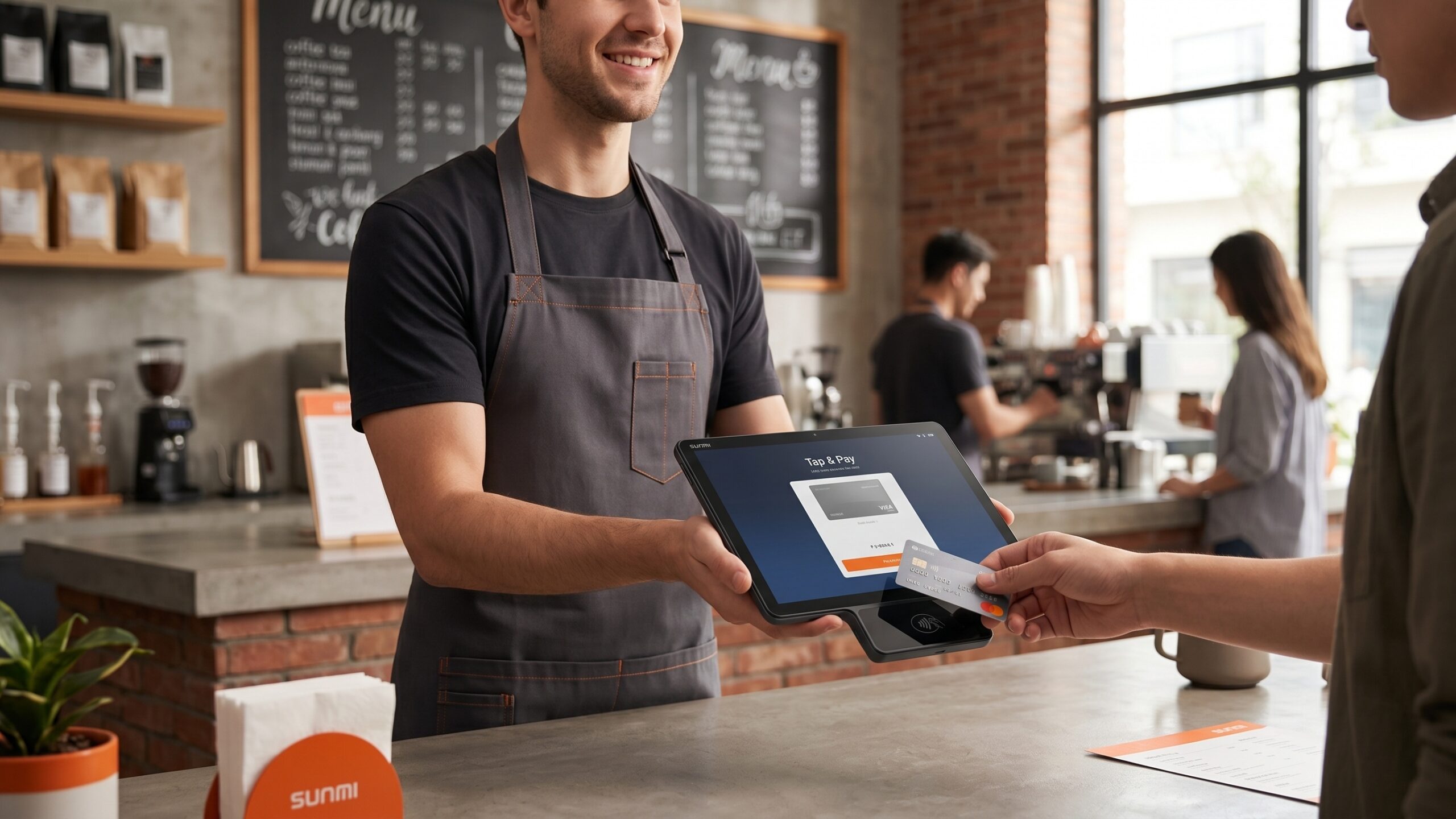
SUNMI CPad Pay: 5 Easy Ways to Upgrade Checkout
SUNMI CPad Pay is an Android payment tablet with built-in EMV, NFC, and magstripe reader. Purpose-built for customer-facing retail, QSR, and ISV deployments in the US and Canada.
-
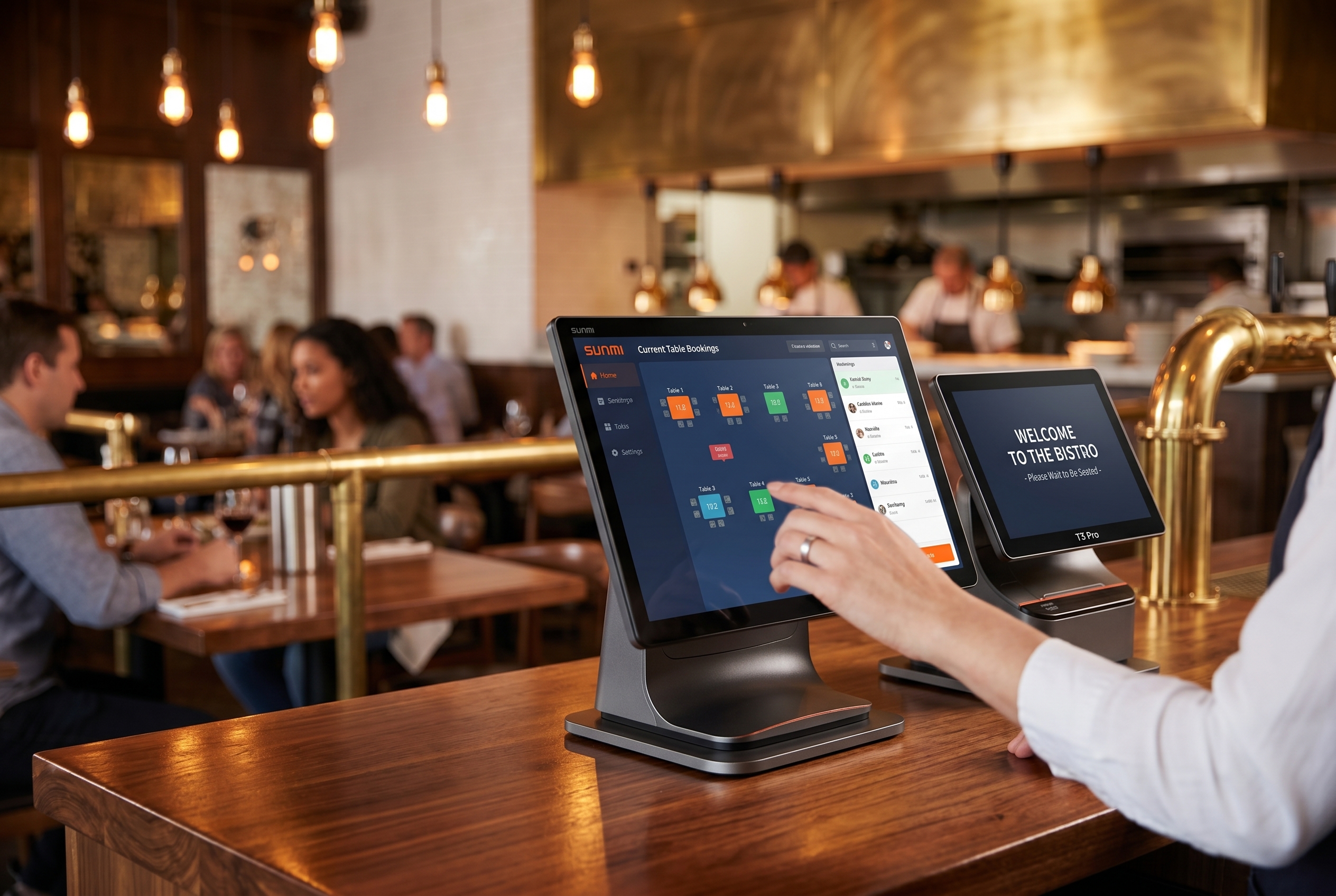
SUNMI T3 PRO Desktop POS: Easy Workstation Setup
SUNMI T3 PRO is a commercial Android desktop POS for full-service restaurants, retail counters, and multi-location operators. Compare T3 PRO specs, use cases, and alternatives.
-

SUNMI Remote Assistance: How to Troubleshoot SUNMI Devices Remotely (2026)
When a SUNMI POS terminal goes down at a busy restaurant on a Friday night, you don’t have the luxury of waiting for a technician to drive across town. SUNMI’s built-in Remote Assistance feature lets authorized support teams access and troubleshoot devices directly from a web browser, no physical presence…
-

SUNMI POS Locked? How to Reset PIN/Password (2026 Guide)
Updated April 2026 | For North American SUNMI POS users Need to reset SUNMI PIN password on your locked device? This guide shows you how. Your SUNMI POS terminal is locked, and you can’t remember the PIN or password. If you need to reset your SUNMI PIN password, this guide…